
Free
$0Free plan available.
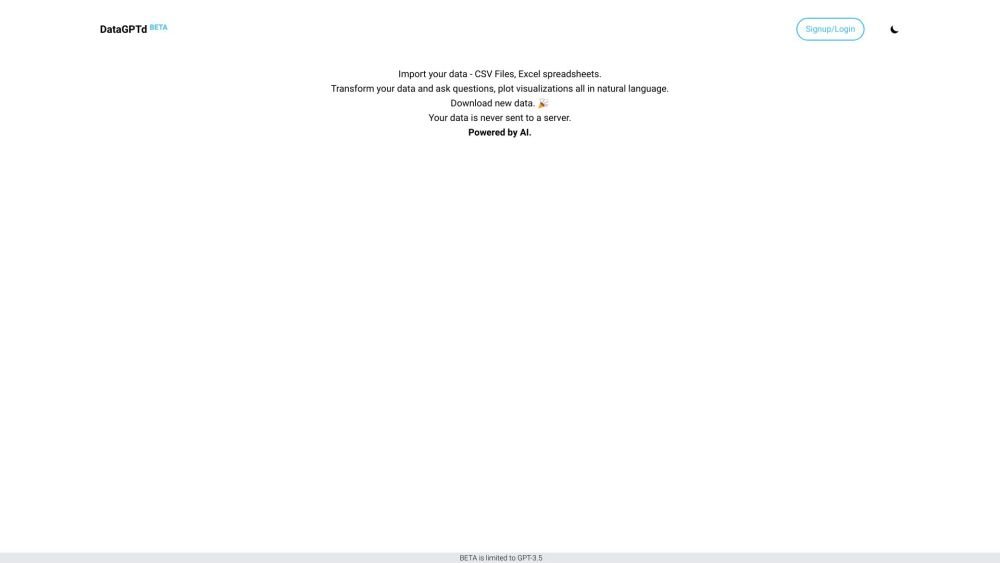
DataGPTd is a browser tool designed for querying and modifying tabular data using natural language text. It converts text commands into executable code, which is then run in a sandboxed environment via WebAssembly. The tool leverages language models to automate and streamline manual data tasks, allowing users to chat with, visualize, and edit their data. A key feature is that data is processed locally and not uploaded, ensuring user privacy. After completing tasks, users can download their updated files.
To use DataGPTd, load your CSV files or Excel spreadsheets directly into the application. Once the data is loaded, interact with it by asking questions in plain text, eliminating the need for complex syntax. You can also generate charts and graphs by describing your requirements, such as "Make a bar chart for...". The tool supports data editing, deriving insights through machine learning, and sharing session results.
You can import CSV files and Excel spreadsheets directly into the application for analysis.
No, your data is not uploaded to the cloud; it remains on your device and is processed locally.
No, DataGPTd simplifies data analysis by allowing you to ask questions in plain language, removing the need for complex syntax.
Free plan available.
Use these comparison pages to understand the trade-offs between the models most relevant to DataGPTd.
Compare GPT 5.4 and GPT 5.4 Pro across pricing, context window, capabilities, benchmarks, and API access to choose the better fit for long-context workloads versus long-context workloads.
Compare GPT 5.5 and GPT 5.4 across pricing, context window, capabilities, benchmarks, and API access to choose the better fit for long-context workloads versus long-context workloads.
Compare GPT 5.5 and Claude 4.6 Opus across pricing, context window, capabilities, benchmarks, and API access to choose the better fit for long-context workloads versus long-context workloads.
Compare GPT 5.5 and Claude 4.6 Sonnet across pricing, context window, capabilities, benchmarks, and API access to choose the better fit for long-context workloads versus long-context workloads.

Similar AI tool in the AI Assistant category.
Similar AI tool in the AI Assistant category.
Similar AI tool in the AI Marketing category.
Similar AI tool in the AI Assistant category.
Similar AI tool in the AI Assistant category.
Similar AI tool in the AI Assistant category.
Similar AI tool in the AI Chatbot category.
Similar AI tool in the AI Chatbot category.
Similar AI tool in the AI Marketing category.
Similar AI tool in the AI Marketing category.
Similar AI tool in the AI Marketing category.
Similar AI tool in the AI Assistant category.