
Free
$0Free plan available.
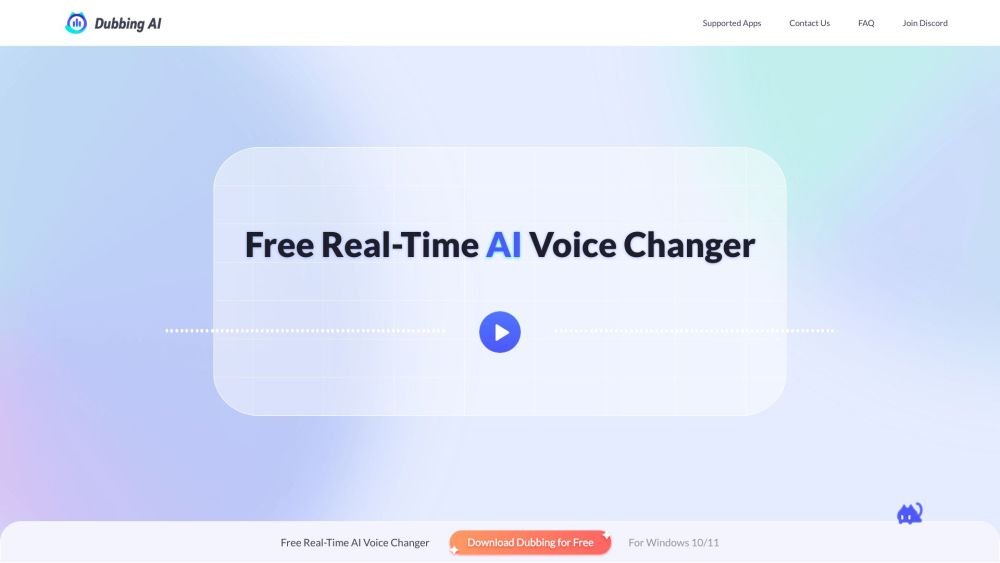
Dubbing AI is a real-time AI voice changer for gamers and streamers that allows users to change their voice to any character while retaining emotions, intonations, and delivery. It offers AI-powered voice modulation, a soundboard with meme sound clips, and compatibility with various apps like Discord, Zoom, and OBS. Dubbing AI also provides tools like a vocal remover, instrumental remover, voice recorder, and audio converter.
1. Download and install Dubbing AI, then configure it by selecting your microphone as the input device. 2. Open the Voicebox menu to select your preferred voice filters. 3. Enable the "Voice Changer" toggle. 4. Use the "Hear Myself" toggle to preview your voice. 5. Set your application's input device to "Microphone (Dubbing Virtual Device)."
Yes. We provide a rotating selection of at least 10 free voices daily. You also have the option to subscribe to unlock the full library of voice characters. Simply download and install the software to begin.
The platform includes 5 voices in the Daily MysteryBoxes and 15 additional voices that rotate weekly. All voices are available for free trial. For updates on new voices and activities, you can join our official Discord channel, follow our Twitter account, or subscribe to our YouTube channel.
For the best experience, please use headphones to prevent audio feedback or echoes caused by speakers. To change your voice: 1. Open Dubbing AI, select your voice avatar, and enable the VOICE CHANGER toggle. 2. In your target application's audio settings, select "Dubbing Virtual Device" as your input device.
Dubbing AI currently supports over 40 languages and local dialects, including English, German, Portuguese, Arabic, Hindi, Tamil, Chinese, Japanese, Korean, French, Italian, Spanish, Russian, Dutch, Danish, Finnish, Norwegian, Romanian, Turkish, Indonesian, and Scottish. It also captures emotional vocal expressions such as screaming, sighing, singing, mumbling, and whispering.
You can use the voice changer in most applications and games, including Discord, Twitch, WhatsApp, Overwatch, PUBG, Apex Legends, Among Us, and many others.
Free plan available.
Use these comparison pages to understand the trade-offs between the models most relevant to Dubbing AI.
Compare Gemini 1.0 Pro Deprecated and Gemini 2.0 Flash across pricing, context window, capabilities, benchmarks, and API access to choose the better fit for long-context workloads versus long-context workloads.
Compare Gemini 2.0 Flash Lite and Gemini 2.0 Flash across pricing, context window, capabilities, benchmarks, and API access to choose the better fit for long-context workloads versus long-context workloads.
Compare Gemini 1.0 Pro Deprecated and Gemini 1.5 Flash Deprecated across pricing, context window, capabilities, benchmarks, and API access to choose the better fit for long-context workloads versus general-purpose AI workloads.
Compare Gemini 1.0 Pro Deprecated and Gemini 1.5 Flash Vision Deprecated across pricing, context window, capabilities, benchmarks, and API access to choose the better fit for long-context workloads versus general-purpose AI workloads.

Similar AI tool in the AI Image Generator category.
Similar AI tool in the AI Image Generator category.
Similar AI tool in the AI Video Generator category.
Similar AI tool in the AI Marketing category.
Similar AI tool in the AI Chatbot category.
Similar AI tool in the AI Image Generator category.
Similar AI tool in the AI Chatbot category.
Similar AI tool in the AI Video Generator category.
Similar AI tool in the AI Image Generator category.
Similar AI tool in the AI Video Generator category.
Similar AI tool in the AI Image Generator category.
Similar AI tool in the AI Writing Assistants category.