
Free
$0Free plan available.
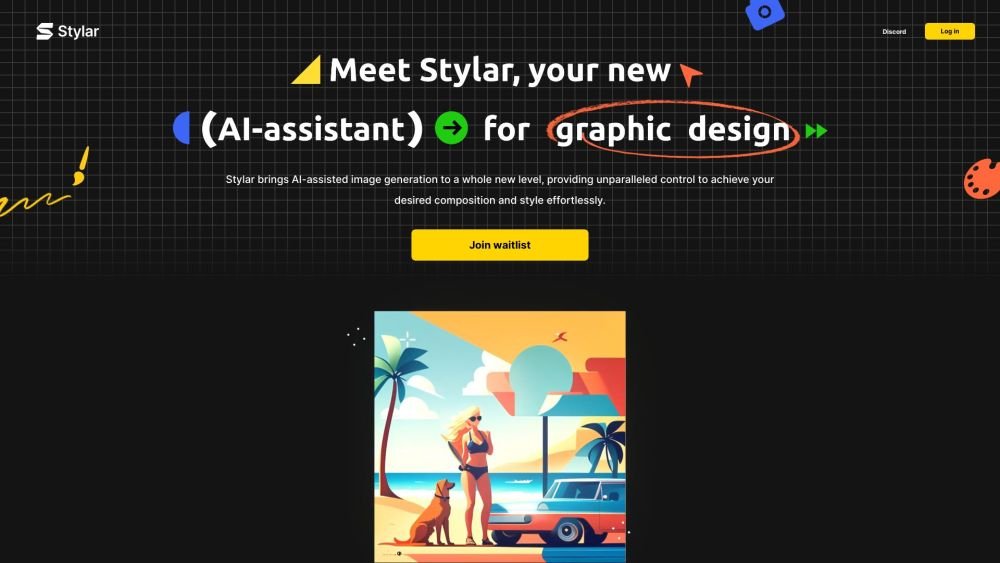
Dzine (formerly Stylar.ai) is an AI-powered image and design tool that provides users with precise control over image composition and style. It features predefined styles for easy customization without the need for complex prompting, along with layering, positioning, and sketching tools for detailed adjustments. Designed for all skill levels, the platform also includes auto-selection, one-click enhancement, and high-resolution export capabilities.
Users can sign up for free access, receiving 100 credits upon registration and 30 additional credits daily. The platform supports both text-to-image and image-to-image generation, allowing users to select styles, enter prompts, adjust structure match and style intensity, and utilize features like generative fill for further editing.
Yes, Dzine (formerly Stylar AI) features an intuitive interface that requires no coding knowledge or high-end hardware. You can choose between text-to-image or image-to-image workflows and select from various styles. If you need help with prompting, the built-in GPT assistant can craft prompts for you, and the canvas system allows for direct, easy adjustments.
Dzine (formerly Stylar AI) simplifies the creative process. Select 'image-to-image' or 'text-to-image,' choose a style from the library, and enter your prompt. Adjust 'structure match' and 'style intensity' for precise control before clicking 'Generate.' You can then place images on the canvas and use tools like 'Generative Fill' to refine your design before exporting the final result.
Dzine (formerly Stylar AI) provides 100 free credits upon registration, with 30 additional credits refreshed daily. For users requiring higher volume, a premium subscription is available, which offers extra credits and priority processing to improve workflow efficiency.
Dzine (formerly Stylar AI) stands out as a user-friendly, controllable AI image editor and graphic design assistant. It offers a versatile range of styles, integrated GPT technology for prompt assistance, and advanced features like image-to-image and generative fill for precise visual control. With its intuitive layer system, it allows both beginners and professionals to focus on creativity rather than technical complexity.
Dzine (formerly Stylar AI) allows for one-click background removal. To replace the background, simply remove the original and place an imported or generated background layer beneath your main subject.
You can join the Dzine (formerly Stylar AI) community on platforms like Discord, Instagram, Reddit, and YouTube to share your work, exchange tips, and find inspiration. The community hosts creative contests and provides a space to collaborate, allowing users to contribute to the platform's development while connecting with other creators globally.
Free plan available.
Use these comparison pages to understand the trade-offs between the models most relevant to Dzine AI.
Compare GPT 5.4 and GPT 5.4 Pro across pricing, context window, capabilities, benchmarks, and API access to choose the better fit for long-context workloads versus long-context workloads.
Compare GPT 5.5 and GPT 5.4 across pricing, context window, capabilities, benchmarks, and API access to choose the better fit for long-context workloads versus long-context workloads.
Compare GPT 5.5 and Claude 4.6 Opus across pricing, context window, capabilities, benchmarks, and API access to choose the better fit for long-context workloads versus long-context workloads.
Compare GPT 5.5 and Claude 4.6 Sonnet across pricing, context window, capabilities, benchmarks, and API access to choose the better fit for long-context workloads versus long-context workloads.

Similar AI tool in the AI Image Generator category.
Similar AI tool in the AI Chatbot category.
Similar AI tool in the AI Image Generator category.
Similar AI tool in the AI Image Generator category.
Similar AI tool in the AI Assistant category.
Similar AI tool in the AI Image Generator category.
Similar AI tool in the AI Art Generator category.
Similar AI tool in the AI Image Generator category.
Similar AI tool in the AI Chatbot category.
Similar AI tool in the AI Assistant category.
Similar AI tool in the AI Image Generator category.
Similar AI tool in the AI Image Generator category.