
Free
$0Free plan available.
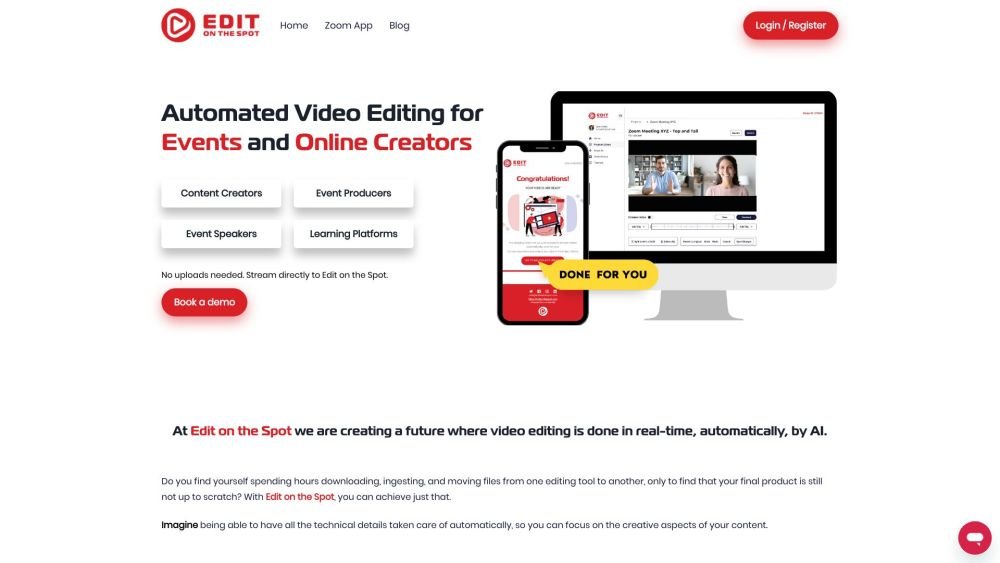
Edit on the Spot automates video editing for content creators and event technology companies. It captures live feeds during recording and uses AI to perform real-time editing, automatically converting live streams, video conferences, and studio recordings into clips, segments, and highlight videos.
Connect Edit on the Spot to your web conferencing or live streaming platform—such as Zoom, MS Teams, Restream, OBS, or StreamYard—or upload and stream directly from your capture card. The AI will then automatically edit your video in real-time.
Edit on the Spot integrates with Zoom, MS Teams, Restream, OBS, and StreamYard.
The free trimming feature automatically removes dead air from the start and end of your recording while appending your intro and outro.
Edit on the Spot provides custom file sharing integration directly to your learning management system (LMS).
You can incorporate custom branding, including intros, outros, logos, overlays, brand colors, and fonts.
Free plan available.
Use these comparison pages to understand the trade-offs between the models most relevant to Edit on the Spot.
Compare Gemini 1.0 Pro Deprecated and Gemini 2.0 Flash across pricing, context window, capabilities, benchmarks, and API access to choose the better fit for long-context workloads versus long-context workloads.
Compare Gemini 1.0 Pro Deprecated and Gemini 2.5 Flash across pricing, context window, capabilities, benchmarks, and API access to choose the better fit for long-context workloads versus long-context workloads.
Compare Gemini 2.0 Flash Lite and Gemini 2.0 Flash across pricing, context window, capabilities, benchmarks, and API access to choose the better fit for long-context workloads versus long-context workloads.
Compare Gemini 2.5 Flash and Gemini 2.0 Flash across pricing, context window, capabilities, benchmarks, and API access to choose the better fit for long-context workloads versus long-context workloads.

Similar AI tool in the AI Transcription category.
Similar AI tool in the AI Copilot category.
Similar AI tool in the AI Summarizer category.
Similar AI tool in the AI Assistant category.
Similar AI tool in the AI Assistant category.
Similar AI tool in the AI Chatbot category.
Similar AI tool in the AI Image Generator category.
Similar AI tool in the AI Assistant category.
Similar AI tool in the AI Image Generator category.
Similar AI tool in the AI Chatbot category.
Similar AI tool in the AI Image Generator category.
Similar AI tool in the AI Productivity Tools category.