
Free
$0Free plan available.
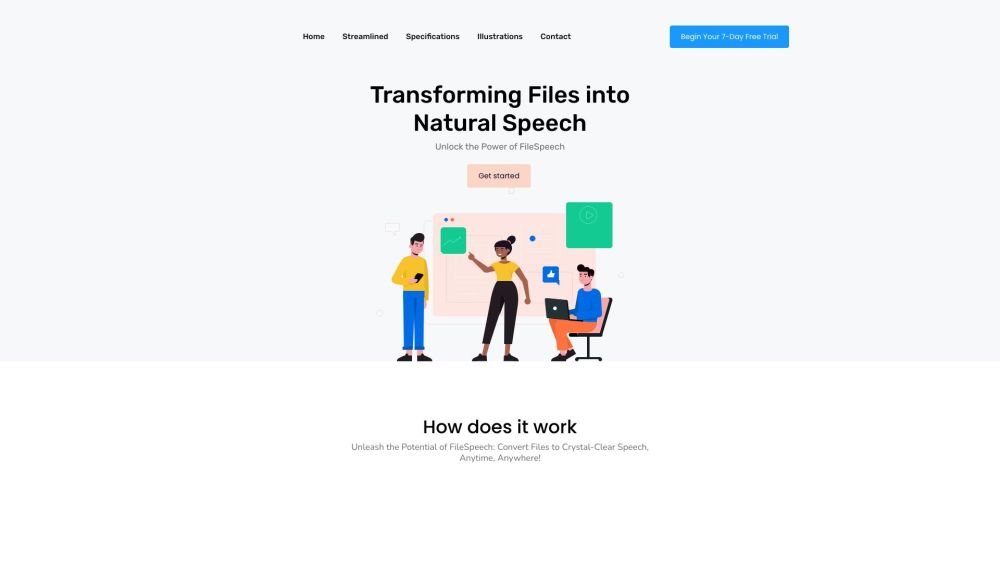
FileSpeech is a platform designed to convert files into natural speech. It supports multiple languages and offers a selection of neural voices. Users can upload files in various formats, including PDFs, EPUBs, and web links, or scan documents using their device's camera. The platform also provides offline features, allowing users to convert and export audio files for listening anywhere.
To use FileSpeech, upload a file—such as a PDF, EPUB, or website link—or scan a document. Select your preferred language and voice, then convert the file to speech. Finally, download the audio file or listen to it directly within the app.
FileSpeech supports PDFs, EPUBs, and web links, and allows you to scan physical documents using your device's camera.
Yes, FileSpeech includes offline capabilities, allowing users to access the app without an internet connection once files have been converted.
FileSpeech supports over 10 languages.
Free plan available.
Use these comparison pages to understand the trade-offs between the models most relevant to FileSpeech.
Compare Gemini 1.0 Pro Deprecated and Gemini 2.0 Flash across pricing, context window, capabilities, benchmarks, and API access to choose the better fit for long-context workloads versus long-context workloads.
Compare Gemini 1.0 Pro Deprecated and Gemini 2.5 Flash across pricing, context window, capabilities, benchmarks, and API access to choose the better fit for long-context workloads versus long-context workloads.
Compare Gemini 2.0 Flash Lite and Gemini 2.0 Flash across pricing, context window, capabilities, benchmarks, and API access to choose the better fit for long-context workloads versus long-context workloads.
Compare Gemini 2.5 Flash and Gemini 2.0 Flash across pricing, context window, capabilities, benchmarks, and API access to choose the better fit for long-context workloads versus long-context workloads.

Similar AI tool in the AI Video Generator category.
Similar AI tool in the AI Assistant category.
Similar AI tool in the AI Marketing category.
Similar AI tool in the AI Chatbot category.
Similar AI tool in the AI Writing Assistants category.
Similar AI tool in the AI Image Generator category.
Similar AI tool in the AI Chatbot category.
Similar AI tool in the AI Video Generator category.
Similar AI tool in the AI Image Generator category.
Similar AI tool in the AI Video Generator category.
Similar AI tool in the AI Writing Assistants category.
Similar AI tool in the AI Writing Assistants category.