
Free
$0Free plan available.
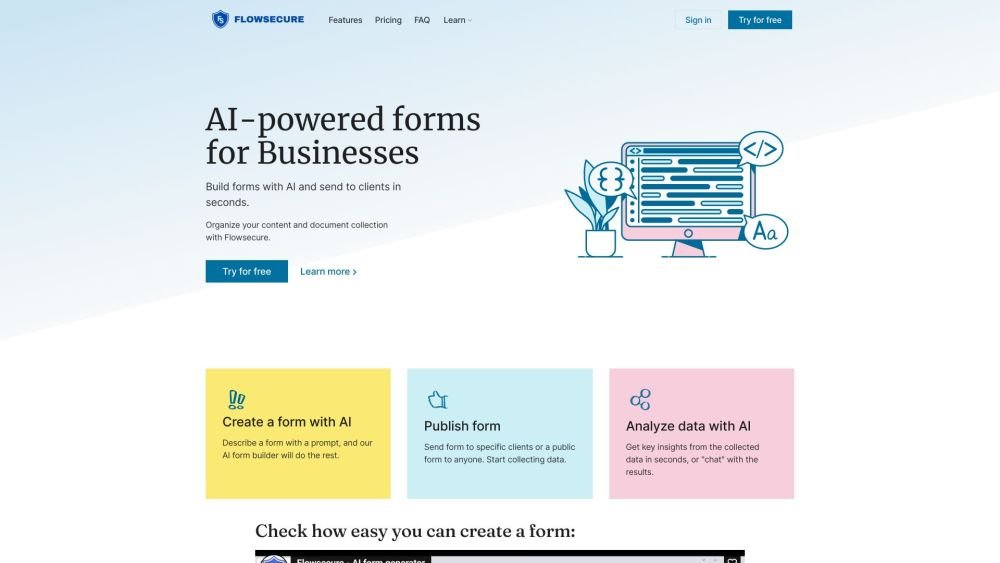
Flowsecure is an AI-powered survey tool for businesses that enables companies to collect content and data from their clients in a secure and efficient environment. It automates data collection, KYC, and onboarding processes, allowing users to create forms, set up automatic data requests, and analyze data with AI. Flowsecure integrates with Pliance.io for AML automation and offers secure file sharing with password protection.
Create forms using the AI form builder, publish them, and configure automatic data requests. Share sensitive information securely and convert collected data into checklists for internal process management. Integrate with Pliance.io to automate KYC and AML procedures.
No, a credit card is not required to test the free plan. Payment information is only necessary when upgrading to a Personal or Business Plan.
For Personal or Business Plans, you may pay using a credit card or PayPal.
To add members, first register an admin user on the Business Plan. Other team members should then register their own accounts. Once registered, the admin can add them to the organization via the 'Team Members' section. After members are in the organization, they can be assigned to specific workspaces by navigating to the workspace settings and selecting 'Add member'.
Upgrades take effect immediately. To downgrade, you must cancel your current plan, which will take effect at the start of the next billing cycle.
Yes, you can change your payment method by contacting our support team at info@flowsecure.io.
Free plan available.
Use these comparison pages to understand the trade-offs between the models most relevant to Flowsecure.
Compare Gemini 1.0 Pro Deprecated and Gemini 2.0 Flash across pricing, context window, capabilities, benchmarks, and API access to choose the better fit for long-context workloads versus long-context workloads.
Compare Gemini 1.0 Pro Deprecated and Gemini 2.5 Flash across pricing, context window, capabilities, benchmarks, and API access to choose the better fit for long-context workloads versus long-context workloads.
Compare Gemini 2.0 Flash Lite and Gemini 2.0 Flash across pricing, context window, capabilities, benchmarks, and API access to choose the better fit for long-context workloads versus long-context workloads.
Compare Gemini 2.5 Flash and Gemini 2.0 Flash across pricing, context window, capabilities, benchmarks, and API access to choose the better fit for long-context workloads versus long-context workloads.

Similar AI tool in the AI Chatbot category.
Similar AI tool in the AI Assistant category.
Similar AI tool in the AI Marketing category.
Similar AI tool in the AI Assistant category.
Similar AI tool in the AI API category.
Similar AI tool in the AI Writing Assistants category.
Similar AI tool in the No-Code&Low-Code category.
Similar AI tool in the AI Chatbot category.
Similar AI tool in the AI Image Generator category.
Similar AI tool in the AI Chatbot category.
Similar AI tool in the AI Chatbot category.
Similar AI tool in the AI Productivity Tools category.