
Free
$0Free plan available.
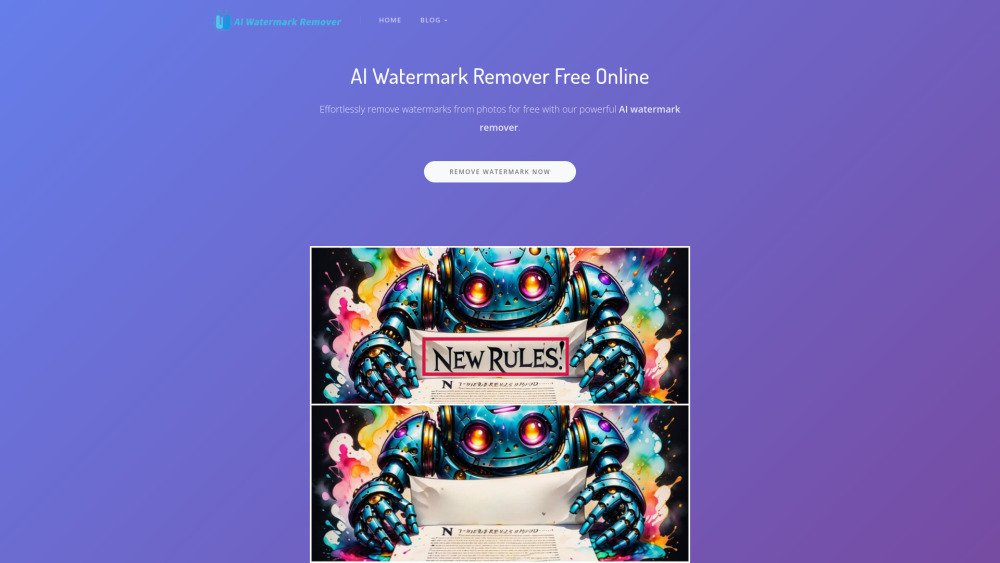
AI Watermark Remover is a powerful AI tool designed to easily and quickly remove watermarks from images and videos without requiring Photoshop skills. It is particularly useful for creators and professionals who frequently process images and videos. The tool offers both automatic and manual editing options to ensure precise removal of watermarks, and it supports batch processing and various video platforms.
To use the AI Watermark Remover, upload your photo or video, then either allow the AI to automatically detect and remove the watermark or use the brush tool to manually highlight the specific areas you wish to erase. Once the processing is complete, you can download your watermark-free file.
AI Watermark Remover is a tool that utilizes artificial intelligence to quickly and accurately remove watermarks from photos and videos. It enables users to erase unwanted watermarks with a few clicks, restoring the original content without needing advanced editing skills. It is designed for creating clean, high-quality media for various platforms.
To use the tool, upload your photo or video and use the brush tool to highlight the areas you want to remove. You will need to manually mark the watermark or object you wish to erase. Once highlighted, the AI will process the selection to provide you with clean, watermark-free content.
Smart Mode and video watermark removal are expected to be available within the next one to two weeks.
After the watermark has been removed, you can save your file by clicking the download button or by long-pressing the image.
Free plan available.
Use these comparison pages to understand the trade-offs between the models most relevant to AI Watermark Remover.
Compare Gemini 1.0 Pro Deprecated and Gemini 2.0 Flash across pricing, context window, capabilities, benchmarks, and API access to choose the better fit for long-context workloads versus long-context workloads.
Compare Gemini 1.0 Pro Deprecated and Gemini 2.5 Flash across pricing, context window, capabilities, benchmarks, and API access to choose the better fit for long-context workloads versus long-context workloads.
Compare Gemini 2.0 Flash Lite and Gemini 2.0 Flash across pricing, context window, capabilities, benchmarks, and API access to choose the better fit for long-context workloads versus long-context workloads.
Compare Gemini 2.5 Flash and Gemini 2.0 Flash across pricing, context window, capabilities, benchmarks, and API access to choose the better fit for long-context workloads versus long-context workloads.
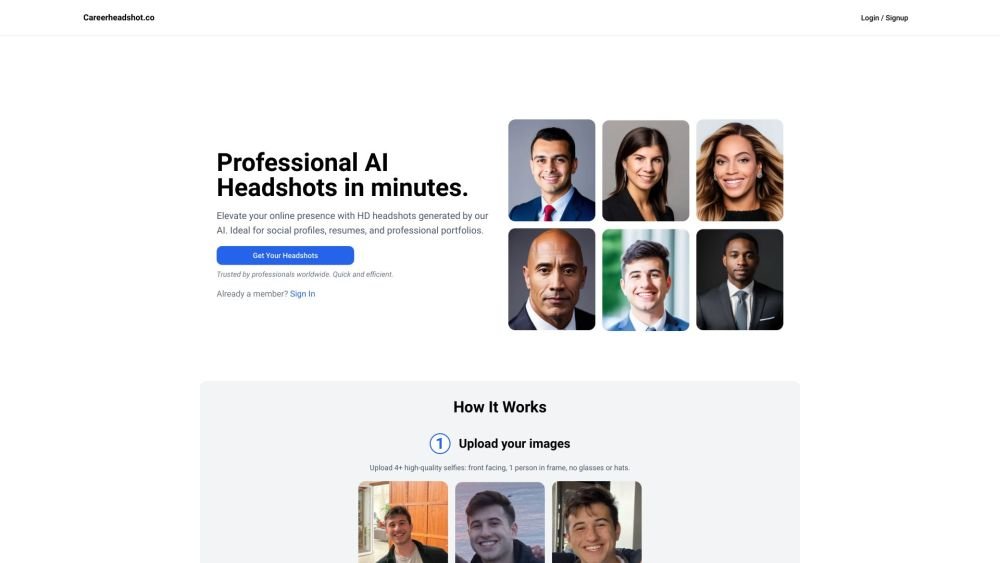
Careerheadshot.co is an AI-powered headshot generator that produces professional-quality portraits in minutes. By uploading your selfies, the platform generates a variety of headshots suitable for professional portfolios, resumes, and social media profiles. It provides tailored plans designed to help you update your LinkedIn presence, improve job application outcomes, and refresh company website imagery.

vidBoard.ai is an AI-powered platform designed to help users create studio-quality videos in minutes. By converting documents, links, or text into engaging content, the platform utilizes AI avatars, voiceovers, and multimedia assets. With built-in features like AI script generation, captioning, and voice cloning, it enables video creation for users without prior editing experience.
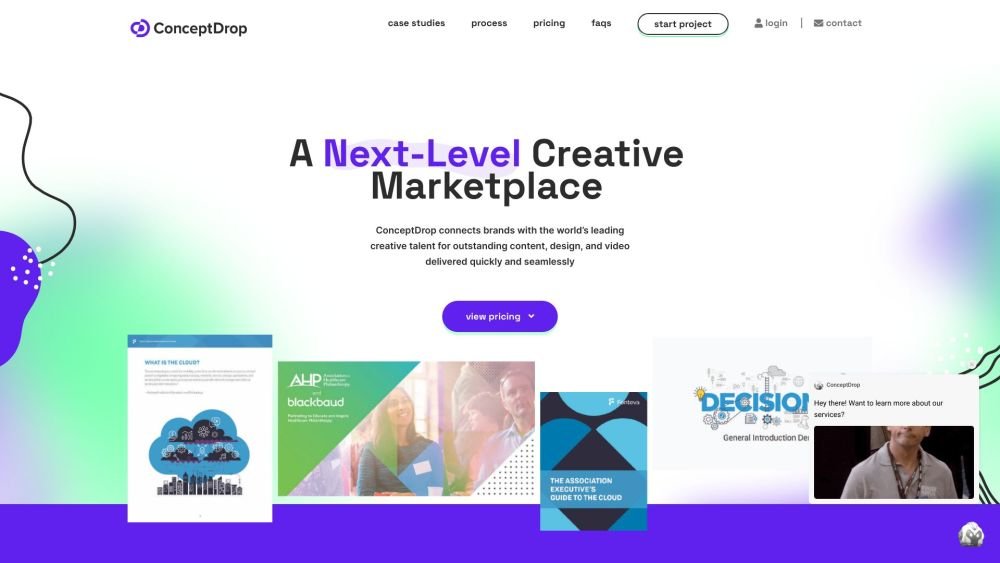
Source (formerly ConceptDrop) is an all-in-one freelancing platform that connects businesses with vetted creative, digital, and consulting professionals. It simplifies the process of sourcing, managing, and paying freelancers by providing a single contract and dedicated account managers to ensure project consistency and client satisfaction.
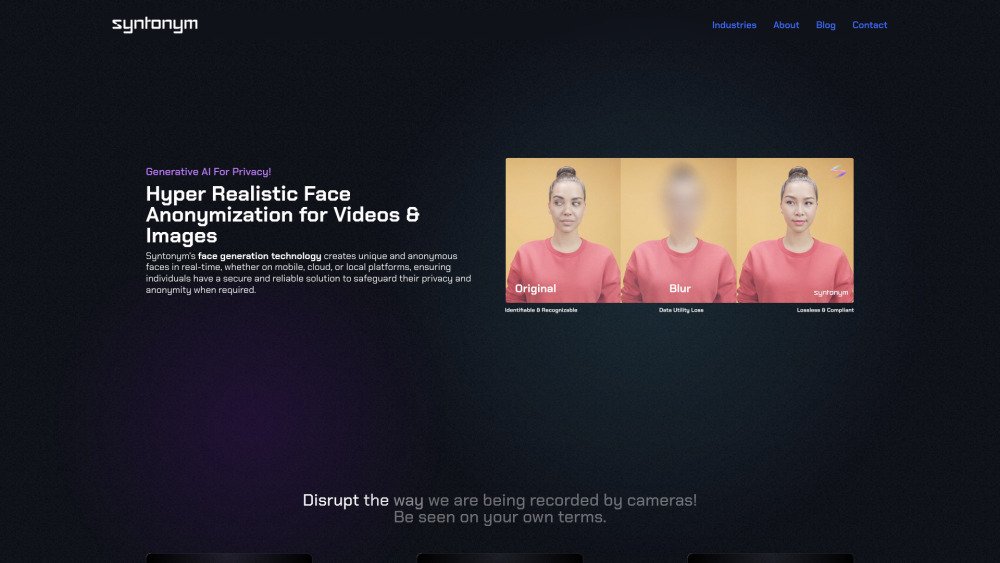
Syntonym utilizes generative AI to create unique, anonymous faces in real-time across mobile, cloud, and local platforms, providing a secure solution for privacy and anonymity. By offering hyper-realistic face anonymization for images and videos, it allows individuals to manage their visual identity. Syntonym functions as a privacy layer for video platforms, enabling secure communication and open exchange. It ensures regulatory compliance by removing biometric data, facilitating real-time, lossless anonymization, and allowing for the processing of recordings for analytics and training in a GDPR-compliant manner.
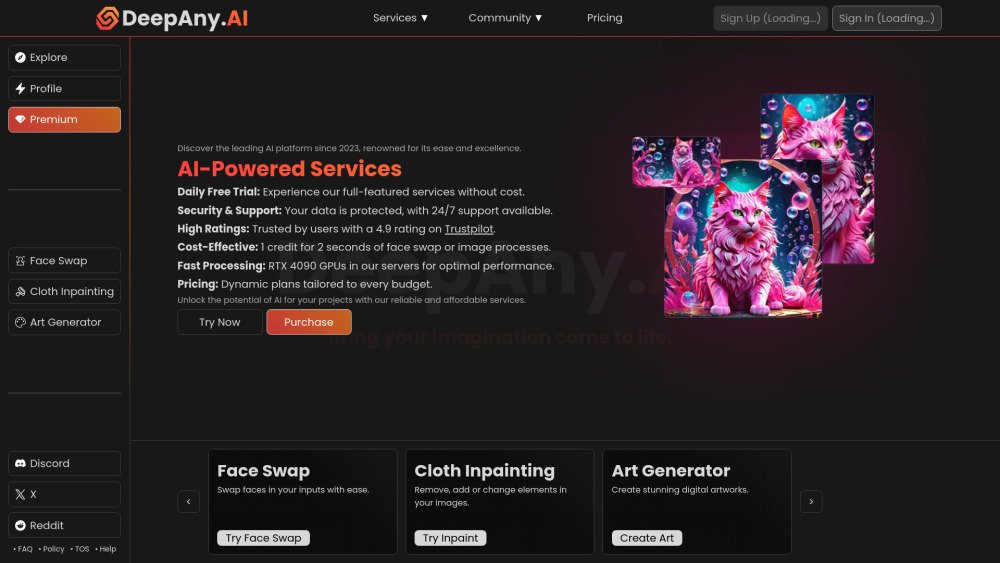
DeepAny.AI is a platform offering advanced AI solutions, including face swapping, video generation, cloth inpainting, and art generation. It provides various pricing plans to suit different requirements, ensuring access to AI tools at competitive rates. The platform is designed for ease of use and includes 24/7 customer support.
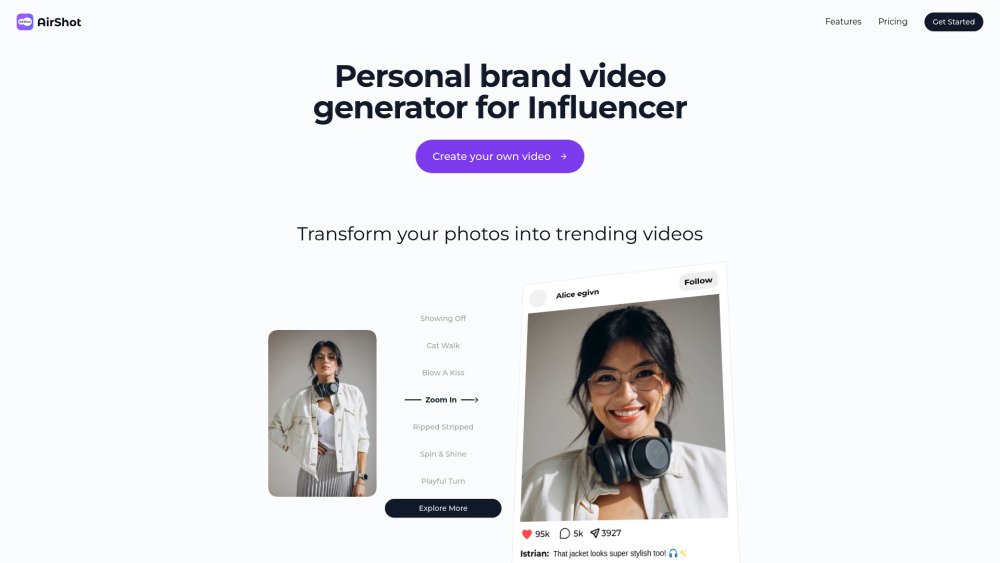
AirShot is an AI video generator built for influencers to produce viral-ready content. It converts photos and avatars into trending videos in seconds, eliminating the need for traditional camera equipment. The platform provides a variety of templates, including sensual and diverse themes, and utilizes advanced AI to create realistic, vertical-format videos optimized for social media platforms like TikTok and Instagram.
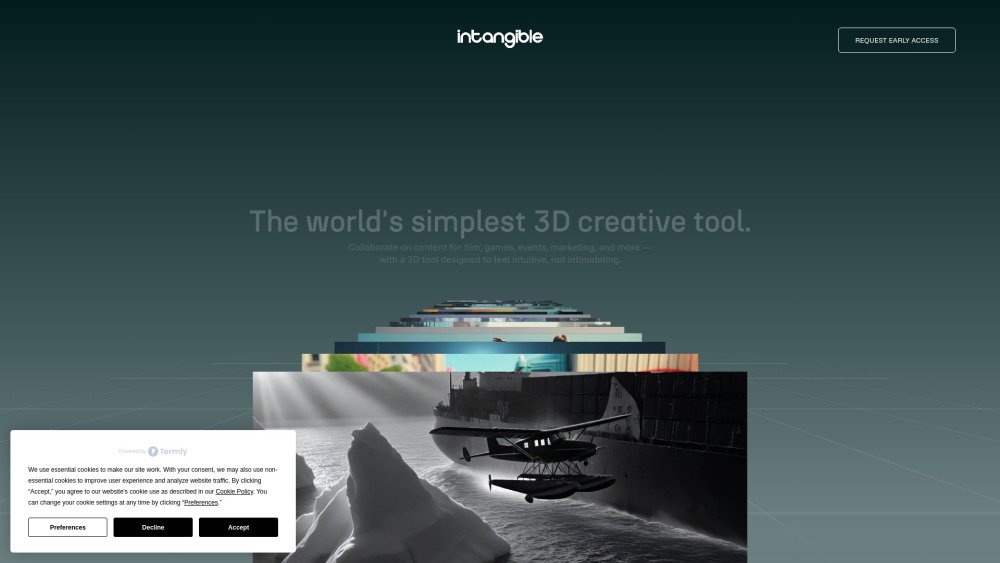
Intangible.ai enables teams to generate 3D content efficiently. Build cinematic scenes, marketing visuals, and game environments directly in your browser using AI. Collaborate, animate, and export your projects without the need for coding. This visual canvas is designed for creatives to bring cinematic, event, and interactive 3D concepts to life.
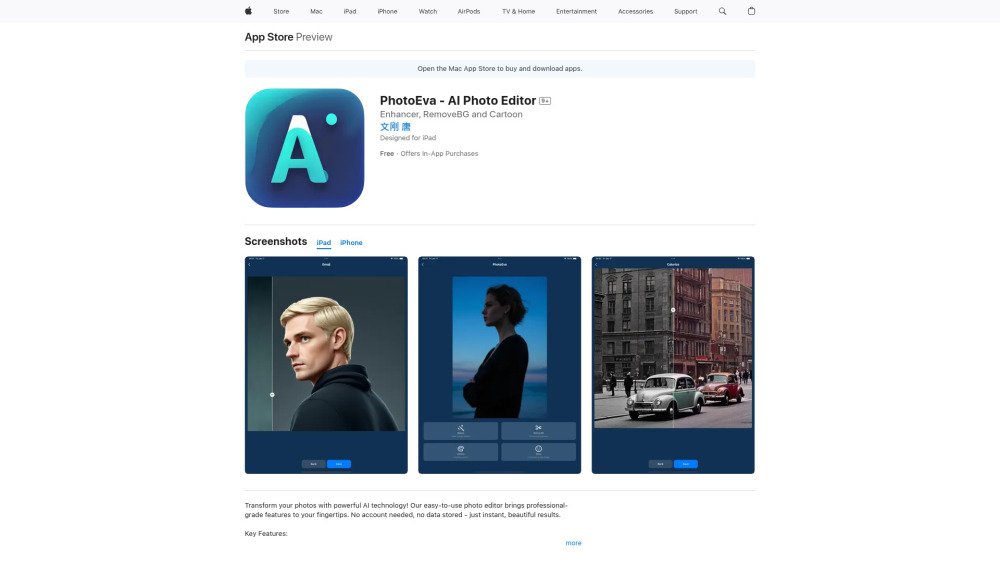
PhotoEva is an AI-powered photo editor available on the App Store, offering tools such as AI photo restoration, smart background removal, colorization, and face-to-emoji conversion. Designed for users of all skill levels, the app prioritizes ease of use, instant processing, and user privacy by requiring no account and storing no personal data.
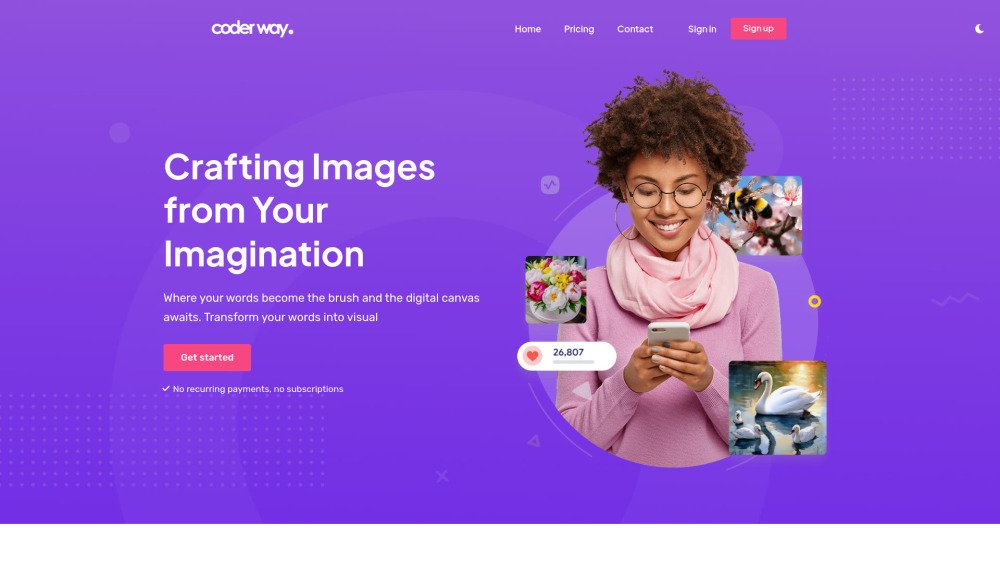
Coderway AI image generator is a platform that converts text prompts into visual images. It features two distinct models, Basic-2023 (v1.5) and Turbo-2024 (v2.0), to provide varied styles and levels of detail. Users can create an account, configure image parameters, enter detailed prompts, apply specific visual styles, and download their results for creative or social media use. The platform focuses on ease of use and rapid generation without requiring recurring payments or subscriptions.

Luminar Brush is a professional illumination tool that enables precise control over lighting effects in images. Created by Illyasviel, the developer of ControlNet, this AI-powered editor uses a two-stage framework to normalize lighting and apply interactive, user-defined lighting effects. It is designed for photographers, artists, and visual creators seeking a streamlined method to manipulate image lighting.

AskPriestAI is a virtual Christian guide offering 24/7 spiritual advice and guidance. The platform supports full conversations, image uploads, and upcoming voice messaging features, providing personalized responses to faith-based questions rooted in scripture.
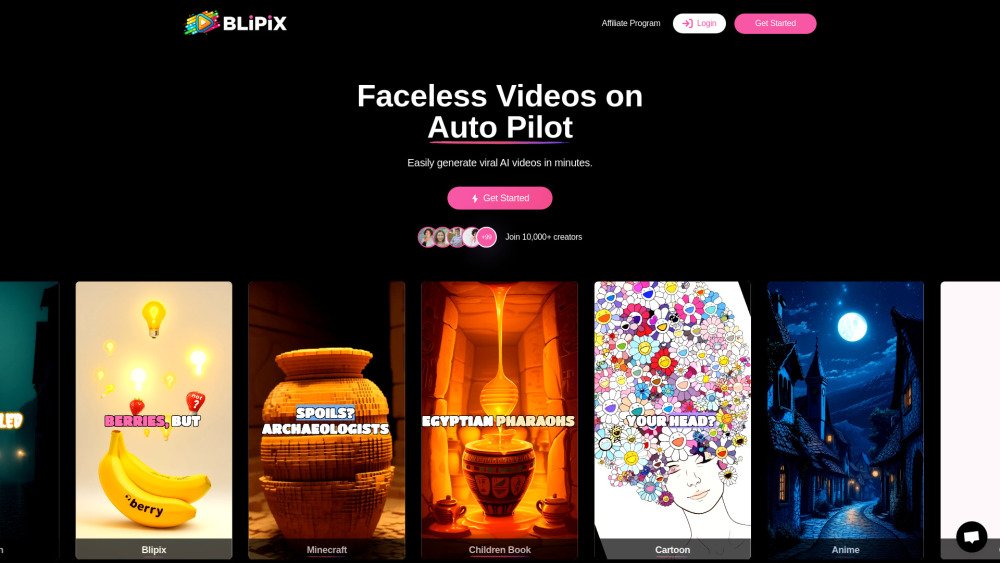
Blipix is an AI-powered faceless video generator designed for YouTube and TikTok. It enables users to create, edit, and publish high-quality short-form videos in seconds, while offering automation tools to post content on autopilot and generate passive income.