
Free
$0Free plan available.
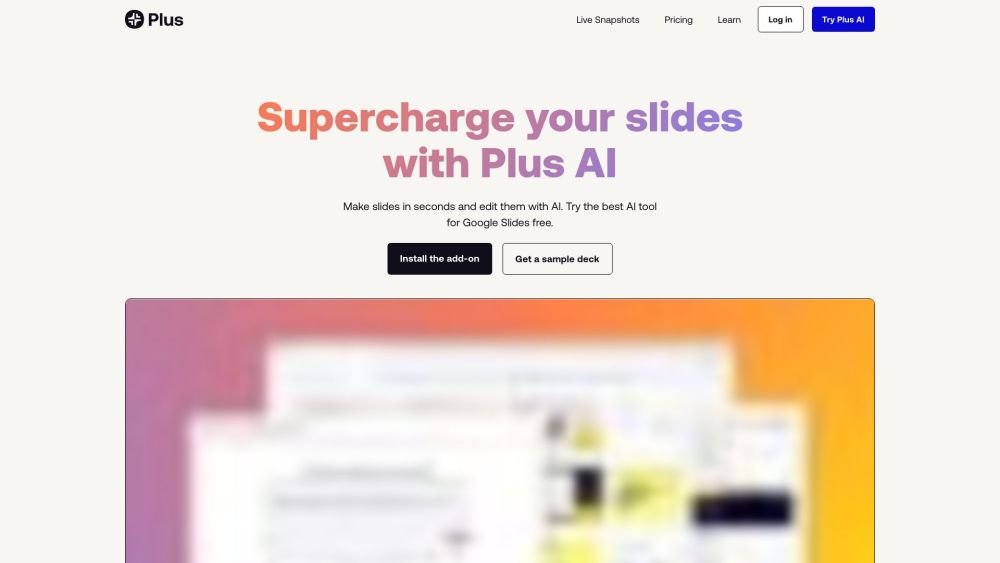
Plus AI is an AI presentation maker that helps users create PowerPoint and Google Slides presentations quickly. It offers features like text-to-presentation, document-to-presentation, AI in any language, slide editing with AI, custom branding, AI image generation, and an AI chart maker. It integrates directly with Google Slides and PowerPoint, allowing users to create and edit presentations without needing another app. Plus AI aims to streamline the presentation creation process, making it easier for consultants, sales teams, marketing teams, startups, course creators, and schools/universities to develop compelling slides.
To use Plus AI, sign up for a free trial and install the extension for Google Slides or PowerPoint. You can then generate presentations by starting from a prompt, uploading a file (PDF, Word, PowerPoint, or text), or using any language. Once generated, you can use AI to edit slides, insert new content, rewrite text, reformat layouts, and export your presentation to various formats.
Plus AI is a native add-on for PowerPoint and Google Slides. To get started, sign up for a free trial and install the extension for your preferred presentation software.
Yes, you can try Plus AI with a 7-day free trial. Following the trial, we offer various paid plans to suit your specific needs.
Yes, Plus AI allows you to upload PDFs, Word documents, text files, and other formats to automatically convert them into PowerPoint or Google Slides presentations.
Yes, Plus AI can generate individual slides or full presentations. Use the 'Insert' tab to create a single slide from a prompt or by providing a longer text source, such as an article or blog post.
Yes, you can use the 'Remix' feature in Plus AI to reformat or convert your existing slides into new layouts and designs.
Plus AI is a top choice for users who need to create professional slide decks. It allows you to build and edit presentations directly within PowerPoint and Google Slides, eliminating the need to learn new software or worry about file compatibility.
Yes, Plus AI integrates directly into PowerPoint, and you can test it with a 7-day free trial.
Yes, Plus AI integrates directly into Google Slides, and you can test it with a 7-day free trial.
We adhere to enterprise-grade security standards and maintain SOC 2 Type II compliance. Detailed information regarding our security policies is available on our security page.
After installing Plus AI, you can select a paid plan to start a 7-day free trial. A credit card is required to begin. You will have full access to paid features, including unlimited AI-generated presentations, during this period. Unless you cancel before the 7 days conclude, the card on file will be charged automatically.
Please visit our Help Center for instructions on how to manage or cancel your paid subscription.
Free plan available.
Use these comparison pages to understand the trade-offs between the models most relevant to Plus AI.
Compare Gemini 1.0 Pro Deprecated and Gemini 1.5 Flash Vision Deprecated across pricing, context window, capabilities, benchmarks, and API access to choose the better fit for long-context workloads versus general-purpose AI workloads.
Compare Gemini 1.5 Pro Vision Deprecated and Gemini 1.0 Pro Deprecated across pricing, context window, capabilities, benchmarks, and API access to choose the better fit for general-purpose AI workloads versus long-context workloads.
Compare Gemini 1.0 Pro Vision Deprecated and Gemini 1.5 Flash Vision Deprecated across pricing, context window, capabilities, benchmarks, and API access to choose the better fit for general-purpose AI workloads versus general-purpose AI workloads.
Compare Gemini 1.5 Pro Vision Deprecated and Gemini 1.0 Pro Vision Deprecated across pricing, context window, capabilities, benchmarks, and API access to choose the better fit for general-purpose AI workloads versus general-purpose AI workloads.

Similar AI tool in the AI Assistant category.
Similar AI tool in the AI Productivity Tools category.
Similar AI tool in the AI Chatbot category.
Similar AI tool in the AI Writing Assistants category.
Similar AI tool in the AI Assistant category.
Similar AI tool in the AI Image Generator category.
Similar AI tool in the AI Assistant category.
Similar AI tool in the AI Assistant category.
Similar AI tool in the AI Image Generator category.
Similar AI tool in the AI Productivity Tools category.
Similar AI tool in the AI Image Generator category.
Similar AI tool in the AI Assistant category.