
Free
$0Free plan available.
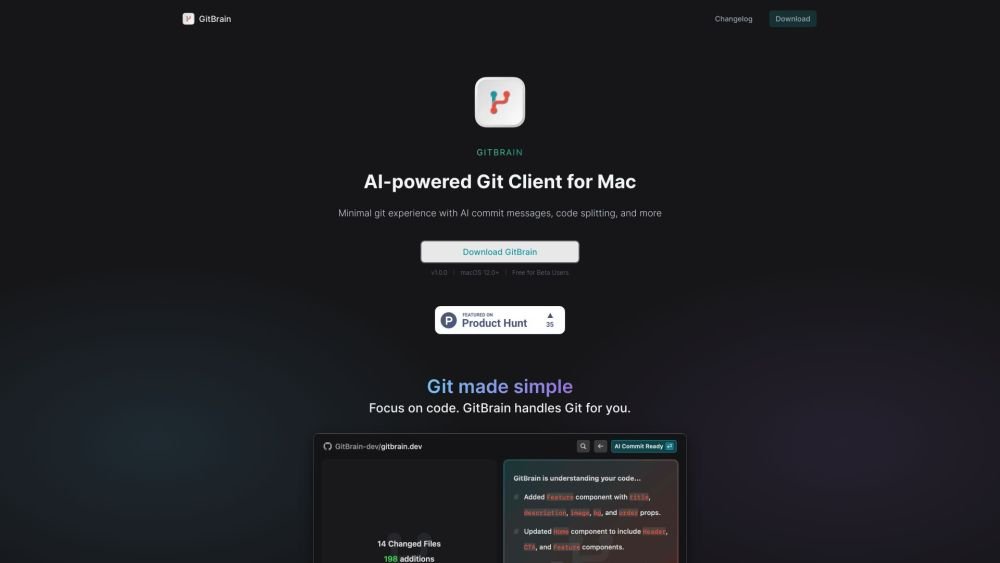
GitBrain is an AI-powered Git client for macOS designed to simplify Git workflows and maximize coding productivity. It intelligently understands code changes and provides suggestions for Git operations, reducing time spent on Git and allowing developers to focus on coding. Key features include intelligent code splitting, self-code review, and customizable commit message generation.
Download and install GitBrain on your Mac. The application automatically detects your projects from your preferred IDEs. Utilize the AI-powered tools to split code changes, generate commit messages, and review your code before finalizing commits.
GitBrain is an AI-powered Git client for macOS that streamlines Git workflows and improves coding productivity.
Key features include intelligent code splitting, self-code review, customizable commit message generation, automatic project detection from IDEs, and a keyboard-optimized interface.
GitBrain is currently available for free to beta users.
GitBrain is currently compatible exclusively with macOS 12.0 and later.
Free plan available.
Use these comparison pages to understand the trade-offs between the models most relevant to GitBrain.
Compare Amazon Nova Pro and Amazon Nova Lite across pricing, context window, capabilities, benchmarks, and API access to choose the better fit for tool-augmented workflows versus tool-augmented workflows.
Compare Amazon Nova Lite and Amazon Nova Micro across pricing, context window, capabilities, benchmarks, and API access to choose the better fit for tool-augmented workflows versus tool-augmented workflows.
Compare Amazon Nova Lite and Mistral Medium 3 across pricing, context window, capabilities, benchmarks, and API access to choose the better fit for tool-augmented workflows versus tool-augmented workflows.
Compare Amazon Nova Lite and Mistral Small 3.1 (25.03) across pricing, context window, capabilities, benchmarks, and API access to choose the better fit for tool-augmented workflows versus cost-efficient scale.

Similar AI tool in the AI Assistant category.
Similar AI tool in the AI Assistant category.
Similar AI tool in the AI Productivity Tools category.
Similar AI tool in the AI Writing Assistants category.
Similar AI tool in the AI Writing Assistants category.
Similar AI tool in the AI Writing Assistants category.
Similar AI tool in the AI Assistant category.
Similar AI tool in the AI Chatbot category.
Similar AI tool in the AI Productivity Tools category.
Similar AI tool in the AI Assistant category.
Similar AI tool in the AI Chatbot category.
Similar AI tool in the AI Assistant category.