

Free
$0Free plan available.
GitClear is a code review tool designed to help developers spend less time reviewing code and more time coding. It analyzes code changes beyond simple additions and deletions, recognizing moves, updates, copy/pastes, and find/replaces. It also offers AI summaries and completions to accelerate the review process and remembers previously reviewed changes to only show new updates.
1. Start a free trial on the GitClear website. 2. Import your repositories. 3. Open your pull request in GitClear directly from GitHub using the Chrome extension. 4. Review code more efficiently.
GitClear analyzes code changes beyond simple additions and deletions by identifying moves, updates, copy-pastes, and find-and-replace actions, allowing reviewers to focus on the most impactful changes.
Yes, GitClear integrates with GitHub through a Chrome extension, offering one-click access to accelerate your review process directly from your GitHub tab.
Begin by starting a free trial on the GitClear website, importing your repositories, and opening your pull requests in GitClear directly from GitHub.
Free plan available.
Use these comparison pages to understand the trade-offs between the models most relevant to GitClear - Chrome Extension.
Compare Gemini 1.0 Pro Deprecated and Gemini 1.5 Flash Vision Deprecated across pricing, context window, capabilities, benchmarks, and API access to choose the better fit for long-context workloads versus general-purpose AI workloads.
Compare Gemini 1.5 Pro Vision Deprecated and Gemini 1.0 Pro Deprecated across pricing, context window, capabilities, benchmarks, and API access to choose the better fit for general-purpose AI workloads versus long-context workloads.
Compare Gemini 1.0 Pro Vision Deprecated and Gemini 1.5 Flash Vision Deprecated across pricing, context window, capabilities, benchmarks, and API access to choose the better fit for general-purpose AI workloads versus general-purpose AI workloads.
Compare Gemini 1.5 Pro Vision Deprecated and Gemini 1.0 Pro Vision Deprecated across pricing, context window, capabilities, benchmarks, and API access to choose the better fit for general-purpose AI workloads versus general-purpose AI workloads.

Kniru is a mobile application designed to help you manage your personal finances using AI. Through a chat-based interface, it provides precise, personalized, and actionable insights while answering your questions regarding investments, taxes, retirement, and spending. The platform allows users to track, manage, and optimize transactions, investments, and loans to support smarter financial decision-making in a secure environment.

Cal.com is an open-source scheduling infrastructure offering fully customizable software for individuals, businesses, and developers building scheduling platforms. It provides flexible deployment options, including self-hosted and SaaS solutions, alongside features like routing, a unified calendar API, a desktop application, and an enterprise API. Additionally, Cal.com integrates AI-powered scheduling assistance via Cal.ai, which includes AI Phone Agents.

NeoAnalyst.ai simplifies data analysis by making complex insights accessible to everyone. Users can upload datasets and select from 25 suggested questions to generate clear visualizations and actionable findings. Designed for business leaders, this platform requires no coding or data science expertise.
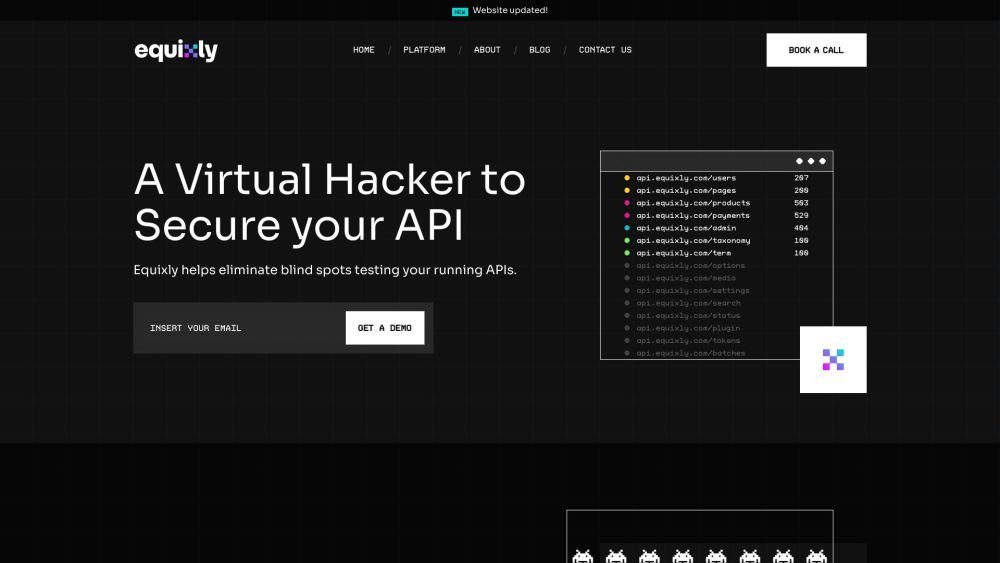
Equixly is a SaaS platform that integrates API security testing into the software development lifecycle (SDLC). It detects vulnerabilities, lowers bug-fixing costs, and scales penetration testing for every new feature release. By using AI-powered bots to scan APIs early, the platform enables faster, more efficient remediation and secure code deployment. Equixly also maps your attack surface by inventorying your API landscape, classifying operations, dependencies, and data flow. Additionally, it simplifies compliance by generating clear reports on security risks and sensitive data exposure to help meet regulatory requirements.

Ryan AI generates custom children's fairy tales tailored to specific preferences, including genres and characters. Featuring multilingual voice narration and background music, it provides an engaging experience for children while offering parents a convenient way to entertain them. By leveraging modern AI, you can select specific themes and educational lessons to create unique, personalized stories.
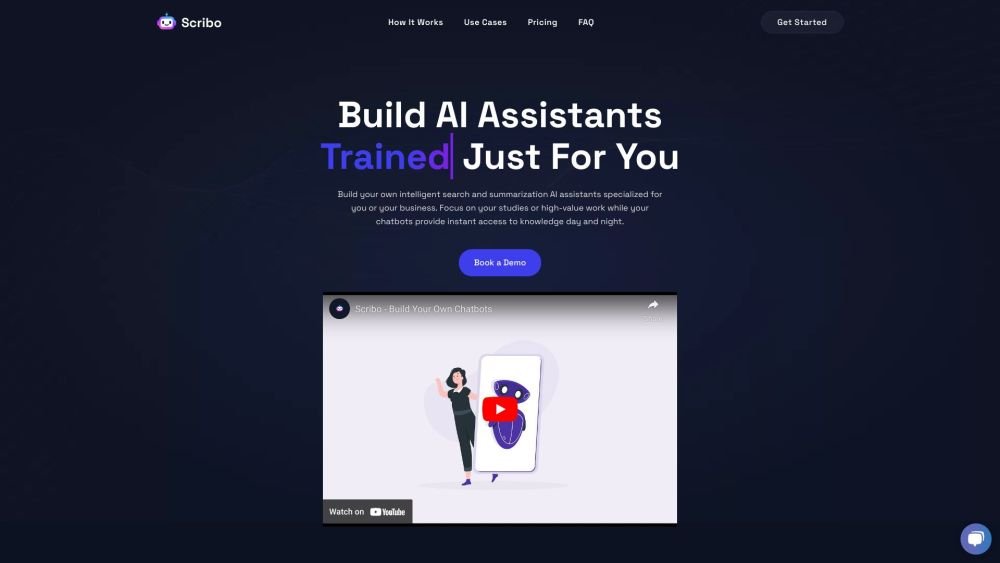
Scribo AI is a generative AI platform built for internal business knowledge sharing. It enables users to develop intelligent search and summarization assistants, helping teams access information quickly to prioritize high-value tasks. Additionally, Scribo AI supports the creation of generative chatbots that utilize company data to assist and engage customers.
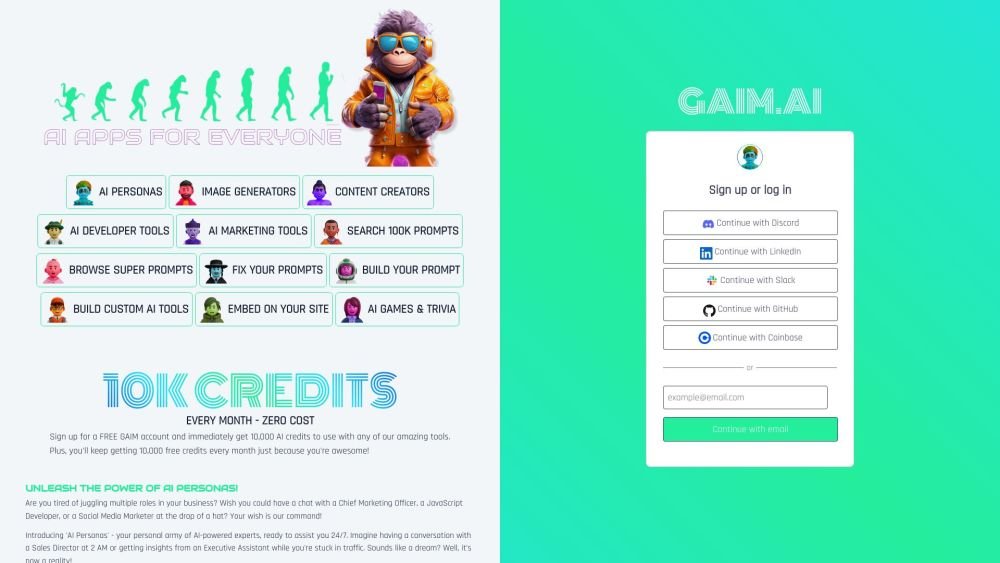
GAIM.AI is an all-in-one AI platform built for developers, marketers, and gamers. It provides access to AI personas, coding tools, and image generators. Users can browse over 100,000 prompts, create their own, and receive 10,000 free credits monthly.
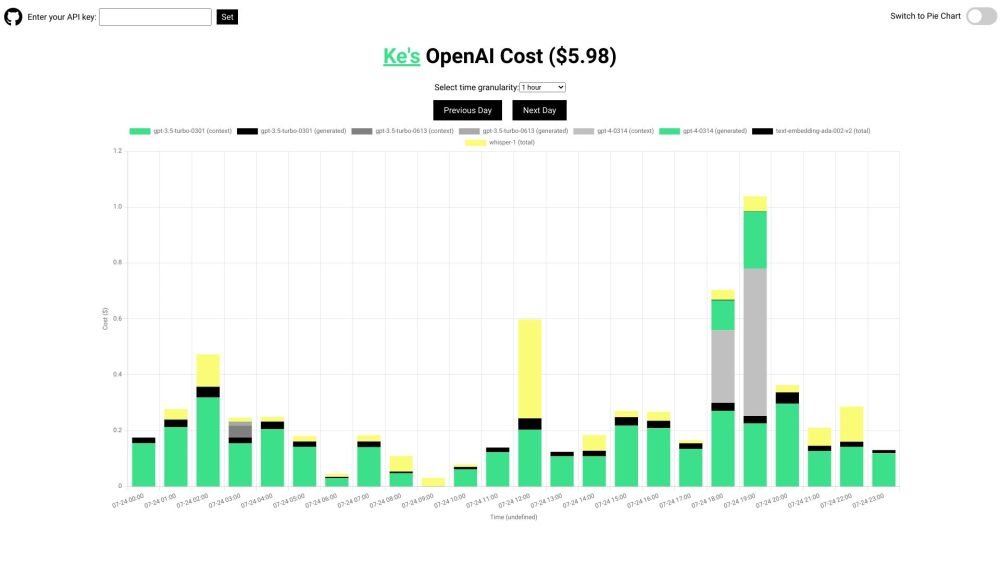
OpenAI API Cost Tracker is a minimalist, open-source utility designed to help you monitor and analyze your daily OpenAI API expenses. It provides a breakdown of costs across various models, including GPT-4, ChatGPT, Whisper, and text-embedding models, with visualization options like time-based charts and pie charts. The tool is open-source and ensures your API key remains secure.

ChatBot-CSV leverages Langchain and OpenAI to provide context-aware, natural language interactions, helping users gain deeper insights from their CSV data.

Receipt-AI is a receipt management tool that allows you to process receipts via text message. It leverages AI to generate CSV files and automatically upload receipts to accounting platforms like Xero and QuickBooks, streamlining expense management through text and email.
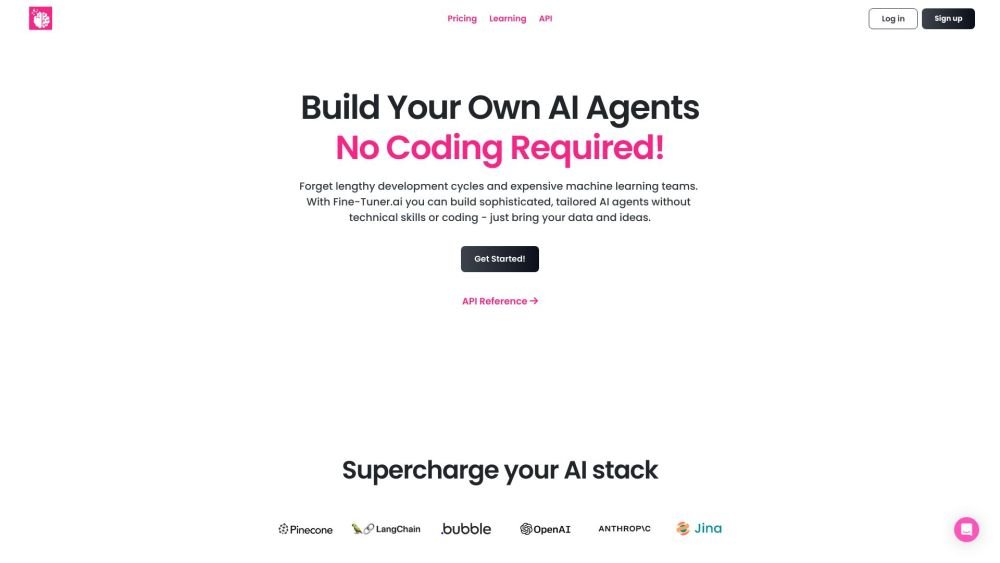
Synthflow AI is a platform designed to automate phone calls using AI voice agents. It allows users to build custom AI phone agents without requiring coding or technical expertise, relying instead on your data and concepts to drive automation. The platform provides flexible pricing plans that scale with your business requirements to maintain cost-efficiency.
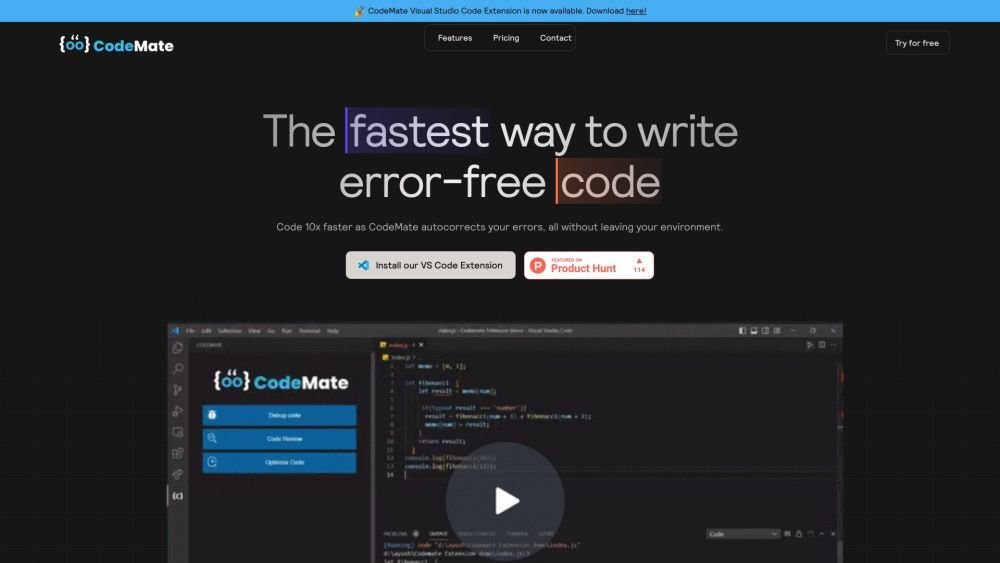
CodeMate.ai is an AI-powered coding assistant built to help developers write code more efficiently. It integrates directly into your existing development environment to provide features such as autocorrection, debugging, code review, and refactoring. Supporting various IDEs and programming languages, CodeMate is designed to streamline your coding workflow and enhance overall code quality.