
Free
$0Free plan available.
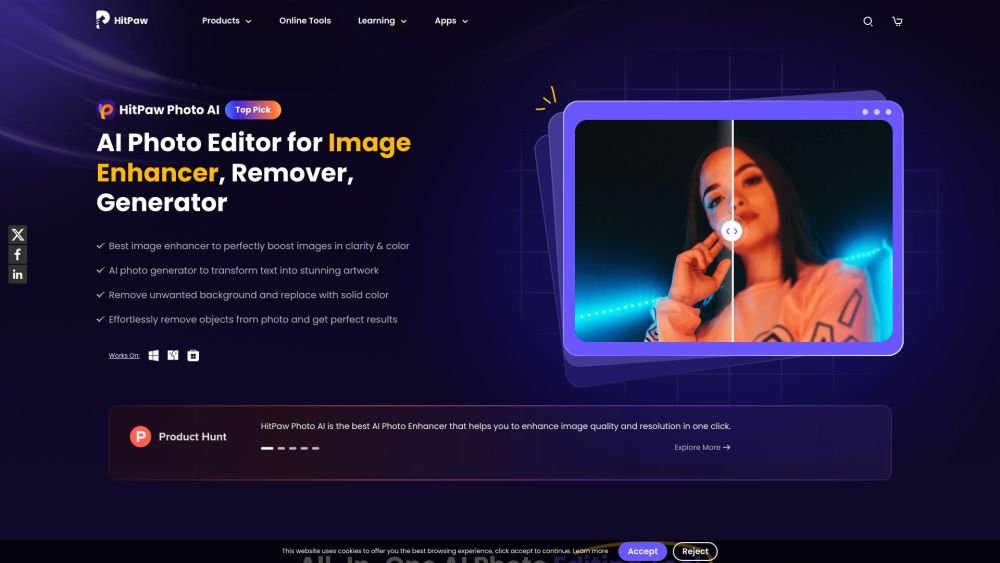
HitPaw FotorPea (formerly HitPaw Photo Enhancer) is an AI-powered photo enhancement tool available for Windows and Mac. It allows users to enhance image quality and resolution, unblur images, remove unwanted objects, and upscale photos automatically. It offers various AI models for different enhancement needs, including general, denoise, face, and colorize models. The tool also includes features like AI art generation and background removal.
To use HitPaw FotorPea, launch the application, upload your image, select the AI model best suited for your photo, preview the results, and export your enhanced image.
HitPaw FotorPea is a reliable AI photo enhancer for PC that provides tools to enlarge, upscale, denoise, and color-correct images, as well as restore old photographs.
HitPaw FotorPea uses advanced AI technology to upscale low-quality images to HD, 2K, 4K, 8K, or 16K resolution while maintaining natural detail.
To fix blur, import your photo into HitPaw FotorPea and apply the enhancement model; the software will process and clear the image within minutes.
HitPaw FotorPea is the rebranded and upgraded version of HitPaw Photo Enhancer. It includes new features such as additional AI models, more AI generator templates, Photoshop plugin integration, and advanced AI background tools for improved image optimization.
Free plan available.

Similar AI tool in the AI Image Generator category.
Similar AI tool in the AI Art Generator category.
Similar AI tool in the AI Image Generator category.
Similar AI tool in the AI Design Generator category.
Similar AI tool in the AI Background Remover category.
Similar AI tool in the AI Chatbot category.
Similar AI tool in the AI Image Generator category.
Similar AI tool in the AI Image Generator category.
Similar AI tool in the AI Chatbot category.
Similar AI tool in the AI Image Generator category.
Similar AI tool in the AI Image Generator category.
Similar AI tool in the AI Image Generator category.