
Free
$0Free plan available.
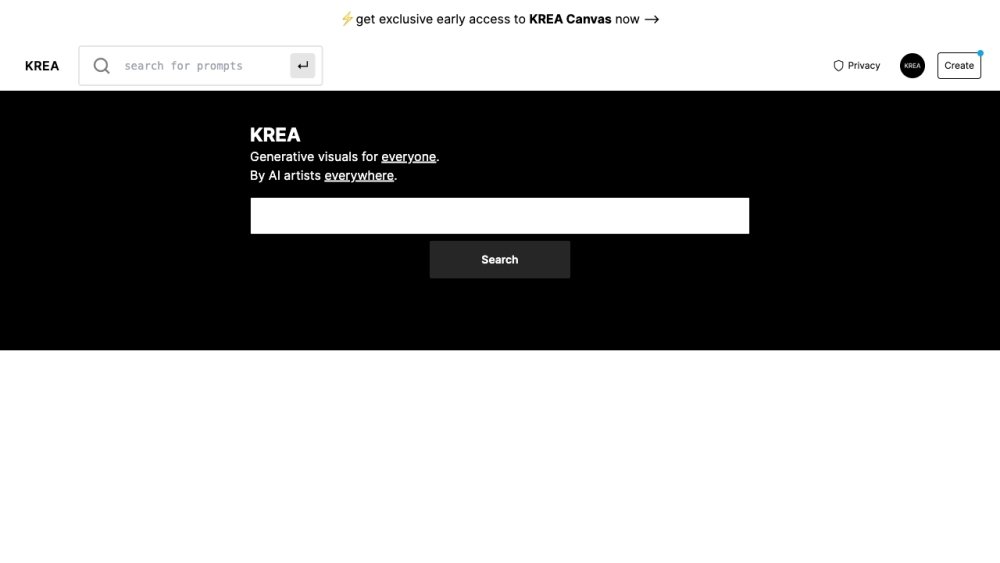
Krea AI is a generative AI platform that makes it easy to generate and enhance images and videos using powerful AI for free. It features Stable Diffusion generations and offers tools for realtime AI generation, image enhancement, video enhancement, logo illusions, AI patterns, and AI training.
Krea AI provides a suite of applications and tools. Users can generate images via text prompts, upscale and enhance existing media, create logo illusions, produce AI patterns, and train AI models to achieve specific aesthetic results.
Compute units measure the computational resources required to generate images or videos, accounting for processing power, memory, and time. Consumption varies based on task complexity and output quality; for instance, high-resolution images or longer videos require more units than smaller or shorter outputs.
No, compute units do not roll over. At the start of each billing cycle, your balance resets to your plan's allocated amount, ensuring consistent resource availability.
If you exceed your limit, you can upgrade your subscription for a higher allocation, purchase additional compute packs, or utilize your daily free compute units, which refresh automatically.
Subscribed users can purchase additional compute packs. These units act as a backup that activates once your plan's primary allocation is exhausted and remain valid for 90 days.
You can view a summary of your usage by clicking your profile picture in the top-right corner. For a detailed breakdown of your consumption history, visit your account usage page.
Yes, you can adjust your subscription plan at any time by navigating to the management options on your account page.
Active subscribers who have used fewer than 650 lifetime compute units are eligible for a refund, which can be requested via the account page.
Free plan available.
Use these comparison pages to understand the trade-offs between the models most relevant to Krea AI.
Compare Gemini 1.0 Pro Deprecated and Gemini 2.0 Flash across pricing, context window, capabilities, benchmarks, and API access to choose the better fit for long-context workloads versus long-context workloads.
Compare Gemini 1.0 Pro Deprecated and Gemini 2.5 Flash across pricing, context window, capabilities, benchmarks, and API access to choose the better fit for long-context workloads versus long-context workloads.
Compare Gemini 2.0 Flash Lite and Gemini 2.0 Flash across pricing, context window, capabilities, benchmarks, and API access to choose the better fit for long-context workloads versus long-context workloads.
Compare Gemini 2.5 Flash and Gemini 2.0 Flash across pricing, context window, capabilities, benchmarks, and API access to choose the better fit for long-context workloads versus long-context workloads.

Similar AI tool in the AI Image Generator category.
Similar AI tool in the AI Chatbot category.
Similar AI tool in the AI Video Generator category.
Similar AI tool in the AI Image Generator category.
Similar AI tool in the AI Image Generator category.
Similar AI tool in the AI Assistant category.
Similar AI tool in the AI Video Generator category.
Similar AI tool in the AI Image Generator category.
Similar AI tool in the AI Art Generator category.
Similar AI tool in the AI Image Generator category.
Similar AI tool in the AI Assistant category.
Similar AI tool in the AI Image Generator category.