
Free
$0Free plan available.
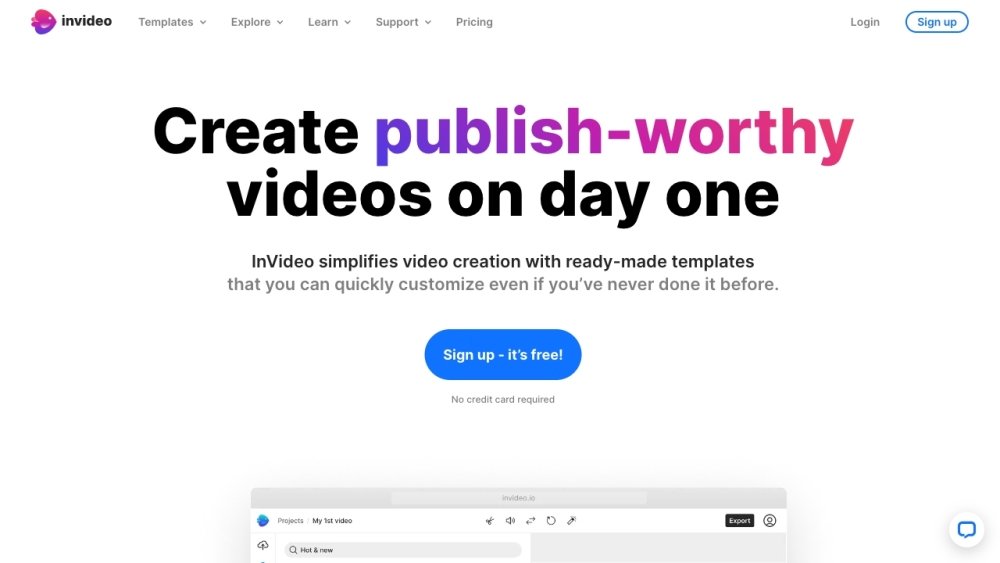
InVideo is an online video editor and video creator that empowers users to create professional-looking videos with ease. It offers a library of over 5,000 templates, transitions, and effects to help users create engaging videos quickly and efficiently, without requiring any downloads. InVideo simplifies video creation with ready-made templates that can be easily customized, even for users with no prior experience. It provides AI tools to boost productivity, such as AI script generation and text-to-video conversion. InVideo also offers access to 8M+ stock media assets, single-click shortcuts, and collaboration features.
To use InVideo, select a template, upload your images and logos, edit and animate your content, and invite team members to collaborate. You can also utilize AI tools to generate scripts or convert text into video. The platform provides single-click shortcuts for tasks such as removing backgrounds, adding stock media, and applying brand colors and fonts.
No, InVideo AI and InVideo Studio are separate products with distinct pricing plans. Lifetime deal holders of InVideo Studio who purchased before August 15, 2023, may be eligible for free InVideo AI credits. Other InVideo Studio subscribers may receive introductory benefits for InVideo AI.
You retain access to your current plan's features until the end of your billing cycle, after which your account will be downgraded to the free plan. Only videos exported while on a paid plan can be re-downloaded without a watermark.
You can upgrade your plan or add more seats at any time. You will receive a full month's worth of additional quota for the remainder of the month, with charges prorated for the rest of your billing cycle.
No, these quotas do not roll over. All quotas, including generations, iStock, and exports, reset and renew monthly based on your plan's activation date.
Free plan available.
Use these comparison pages to understand the trade-offs between the models most relevant to InVideo.
Compare Gemini 1.0 Pro Deprecated and Gemini 2.0 Flash across pricing, context window, capabilities, benchmarks, and API access to choose the better fit for long-context workloads versus long-context workloads.
Compare Gemini 1.0 Pro Deprecated and Gemini 2.5 Flash across pricing, context window, capabilities, benchmarks, and API access to choose the better fit for long-context workloads versus long-context workloads.
Compare Gemini 2.0 Flash Lite and Gemini 2.0 Flash across pricing, context window, capabilities, benchmarks, and API access to choose the better fit for long-context workloads versus long-context workloads.
Compare Gemini 2.5 Flash and Gemini 2.0 Flash across pricing, context window, capabilities, benchmarks, and API access to choose the better fit for long-context workloads versus long-context workloads.

Similar AI tool in the AI Image Generator category.
Similar AI tool in the AI Marketing category.
Similar AI tool in the AI Image Generator category.
Similar AI tool in the AI Chatbot category.
Similar AI tool in the AI Image Generator category.
Similar AI tool in the AI Video Generator category.
Similar AI tool in the AI Image Generator category.
Similar AI tool in the AI Writing Assistants category.
Similar AI tool in the AI Assistant category.
Similar AI tool in the AI Image Generator category.
Similar AI tool in the AI Video Generator category.
Similar AI tool in the AI Video Generator category.