
Free
$0Free plan available.
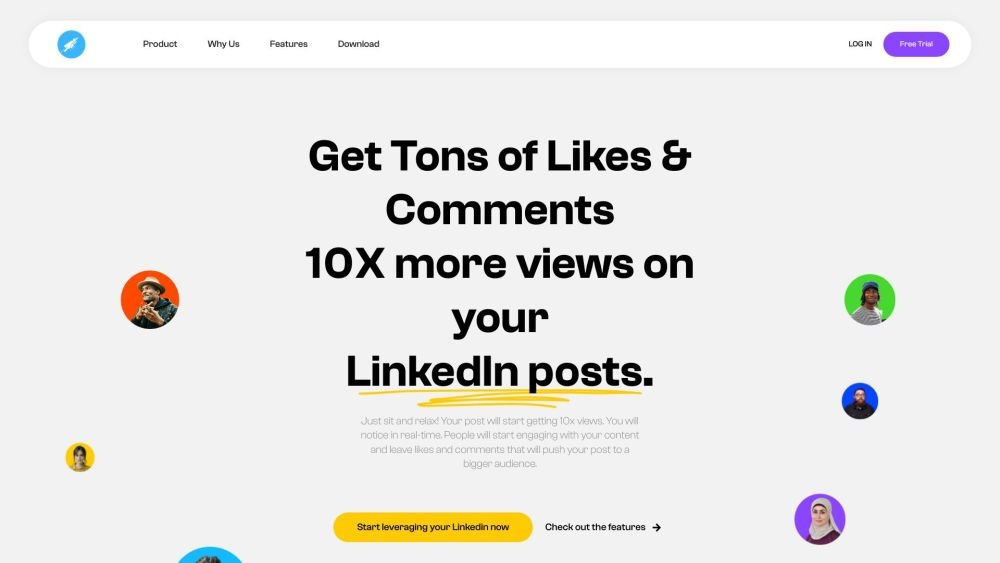
HyperClapper is a LinkedIn engagement tool designed to increase user engagement on LinkedIn posts, aiming to 10x views and boost content reach. It offers features like AI Comment/Reply, Dwell Time tracking, Custom Audience targeting, Real-time Active Users monitoring, and LinkedIn Analytics.
Connect your LinkedIn profile, join relevant pods, share your LinkedIn post, and allow HyperClapper to automatically generate likes and comments from pod members to increase your engagement.
A channel is a group where individuals with shared interests unite to provide mutual support. On LinkedIn, this collaboration involves engaging with each other's content through likes and comments to amplify post reach. HyperClapper automates these interactions among channel participants.
Use the "Explore Channels" feature to search by keywords such as subject, region, or language. Once you find a relevant channel, you can easily request to join.
Navigate to the "My Channels" tab within the Channels section to view your groups. Hover over the name of the channel you wish to exit and select the "Leave channel" button.
You can configure preferences for each channel by navigating to the "Channels" section, selecting the specific channel, and opening the "Settings" tab. Access "Your Settings" to customize your interaction preferences. If you are the administrator, you will see channel settings before your individual settings. Ensure you click "Save your settings" to apply changes.
When a post receives a boost from a channel member, HyperClapper triggers automatic engagement from other members. You can adjust the timing between interactions and personalize the comments posted on your content. Participants can also control their own engagement settings, such as opting for likes only or both likes and comments.
After joining one or more channels, go to the Post section and select "New Post." Paste your LinkedIn post link, choose your desired channels, review settings like intervals and comments, and click "Create New Post."
To create a channel, go to the Channels section, select "My Channels," and click "Create New Channel" to enter the required details and administrative preferences. To delete a channel, go to the "My Channels" tab, select the channel, navigate to its Settings section, and choose "Remove Channel."
You can personalize the comments shared on your posts. Each comment must be one line, and you can use provided templates to ensure engagement feels natural. Comments are distributed randomly among participants to avoid repetition. Note that if you have 30 members but only 15 unique comment lines, engagement will be limited to those 15 lines (e.g., 30 likes and 15 comments).
Free plan available.
Use these comparison pages to understand the trade-offs between the models most relevant to HyperClapper.
Compare Amazon Nova Pro and Amazon Nova Lite across pricing, context window, capabilities, benchmarks, and API access to choose the better fit for tool-augmented workflows versus tool-augmented workflows.
Compare Amazon Nova Lite and Amazon Nova Micro across pricing, context window, capabilities, benchmarks, and API access to choose the better fit for tool-augmented workflows versus tool-augmented workflows.
Compare Amazon Nova Lite and Mistral Medium 3 across pricing, context window, capabilities, benchmarks, and API access to choose the better fit for tool-augmented workflows versus tool-augmented workflows.
Compare Amazon Nova Lite and Mistral Small 3.1 (25.03) across pricing, context window, capabilities, benchmarks, and API access to choose the better fit for tool-augmented workflows versus cost-efficient scale.

Similar AI tool in the AI Assistant category.
Similar AI tool in the AI Assistant category.
Similar AI tool in the AI Productivity Tools category.
Similar AI tool in the AI Marketing category.
Similar AI tool in the AI Assistant category.
Similar AI tool in the AI Assistant category.
Similar AI tool in the AI Assistant category.
Similar AI tool in the AI Assistant category.
Similar AI tool in the AI Chatbot category.
Similar AI tool in the AI Marketing category.
Similar AI tool in the AI Marketing category.
Similar AI tool in the AI Productivity Tools category.