

Free
$0Free plan available.
The Image Description Generator is a multipurpose tool designed to enhance content creation by generating alt descriptions, SEO-optimized alt text, and compelling captions for photos. It uses AI to extract text from images and analyze visuals, offering a simple and versatile user experience. Users can upload pictures, paste them directly, or right-click on any graphic to instantly perform actions, improving accessibility and SEO.
Install the extension, activate it, and then either right-click on an image or upload it to generate descriptions, extract text, or create SEO-friendly alt text.
It generates descriptive alt text for images, ensuring content is accessible to screen readers and users with visual impairments.
Yes, the tool creates SEO-friendly alt descriptions for your images, which helps improve search visibility and organic traffic.
You can upload various image formats or paste visuals directly into the tool for analysis.
Free plan available.
Use these comparison pages to understand the trade-offs between the models most relevant to Image Description Generator - Chrome Extension.
Compare Gemini 1.0 Pro Deprecated and Gemini 1.5 Flash Vision Deprecated across pricing, context window, capabilities, benchmarks, and API access to choose the better fit for long-context workloads versus general-purpose AI workloads.
Compare Gemini 1.5 Pro Vision Deprecated and Gemini 1.0 Pro Deprecated across pricing, context window, capabilities, benchmarks, and API access to choose the better fit for general-purpose AI workloads versus long-context workloads.
Compare Gemini 1.0 Pro Vision Deprecated and Gemini 1.5 Flash Vision Deprecated across pricing, context window, capabilities, benchmarks, and API access to choose the better fit for general-purpose AI workloads versus general-purpose AI workloads.
Compare Gemini 1.5 Pro Vision Deprecated and Gemini 1.0 Pro Vision Deprecated across pricing, context window, capabilities, benchmarks, and API access to choose the better fit for general-purpose AI workloads versus general-purpose AI workloads.
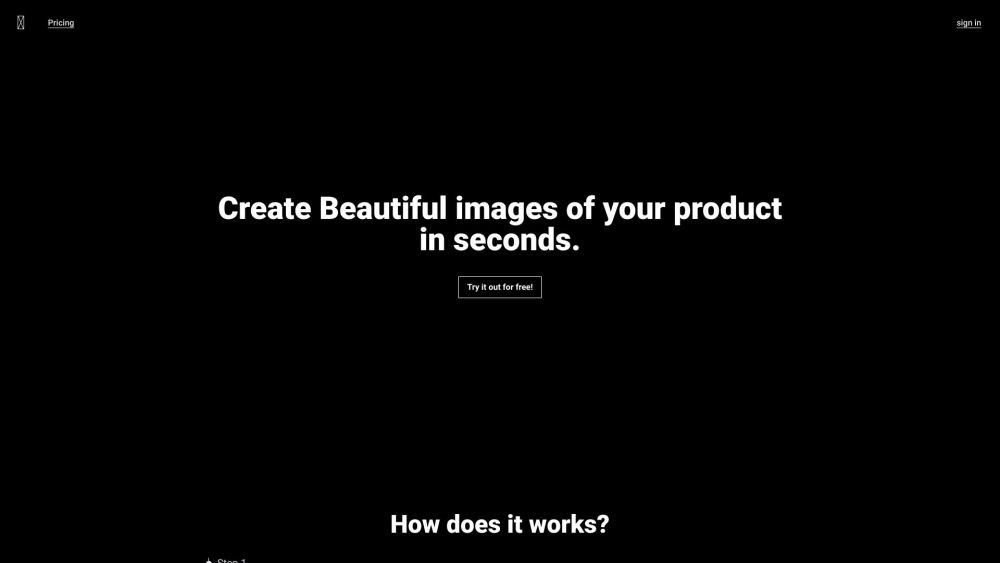
Modifyla is an AI-powered platform designed to help users generate professional product advertising photos in seconds. It streamlines the creation of high-quality imagery to enhance your product marketing efforts.
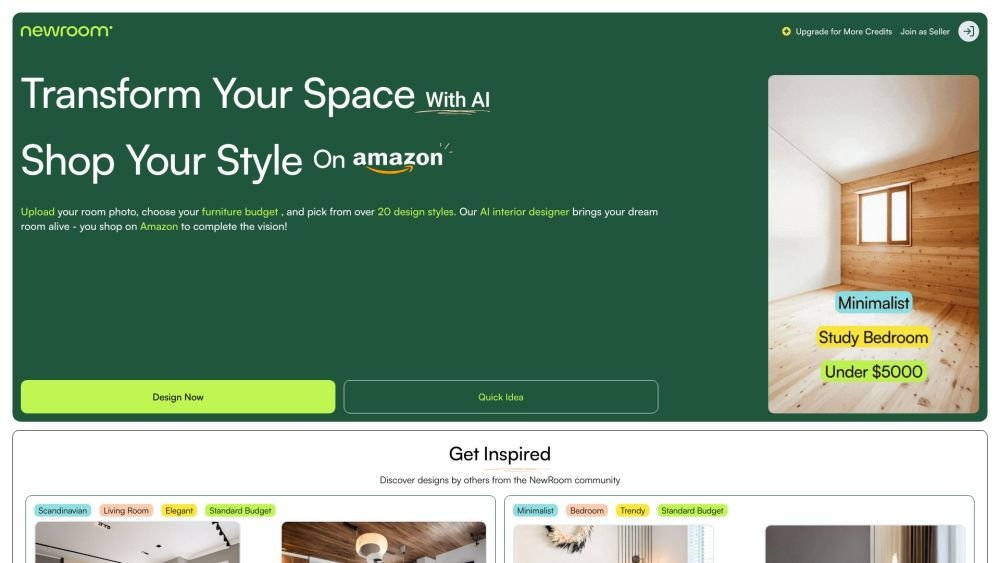
NewRoom.io is an AI-powered interior design assistant that simplifies the home styling process. By integrating with Amazon, the platform offers a one-click design tool that helps users save time and money by reimagining their living spaces and shopping for furniture directly.
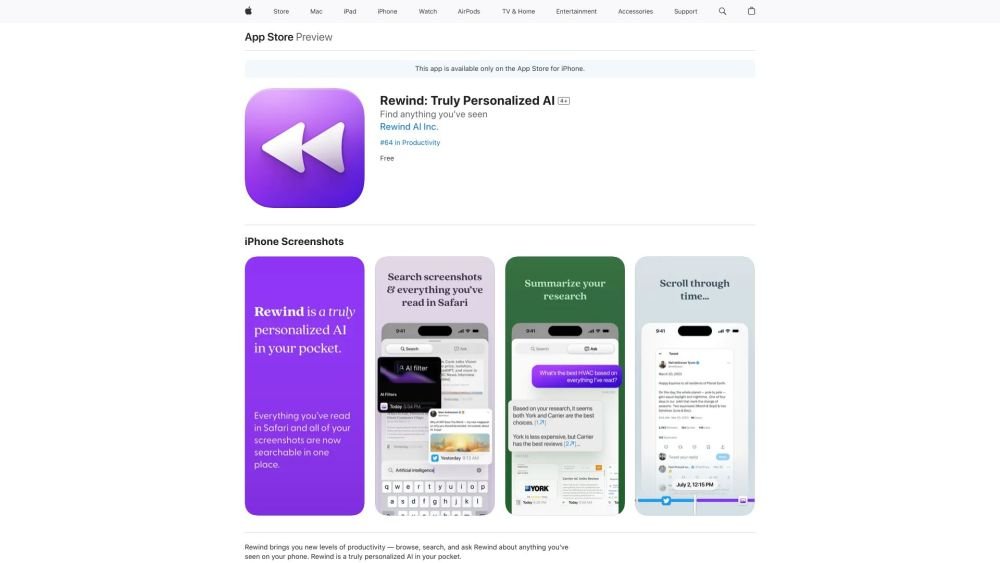
Rewind is a personalized AI application for iPhone that captures your Safari browsing activity and imports your screenshots. It enables you to search, browse, and query information you have previously viewed on your device, offering AI-generated summaries and immediate access to your past activity.
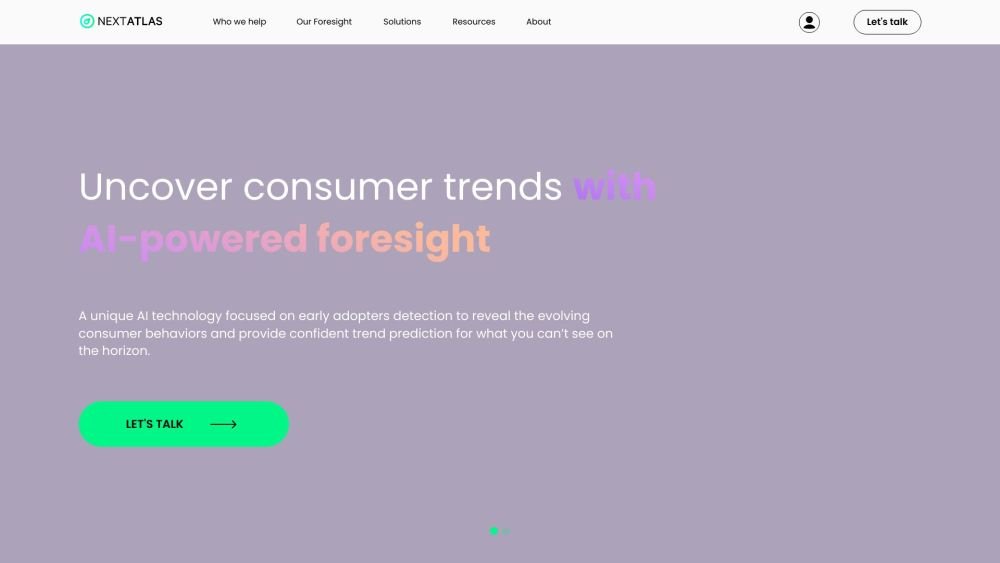
Nextatlas is a generative trend forecasting service that utilizes large language models and its proprietary engine to provide AI-driven market research, consumer insights, and data analytics. The platform helps businesses conduct predictive market studies by identifying early adopters and uncovering evolving consumer behaviors to deliver actionable trend predictions.
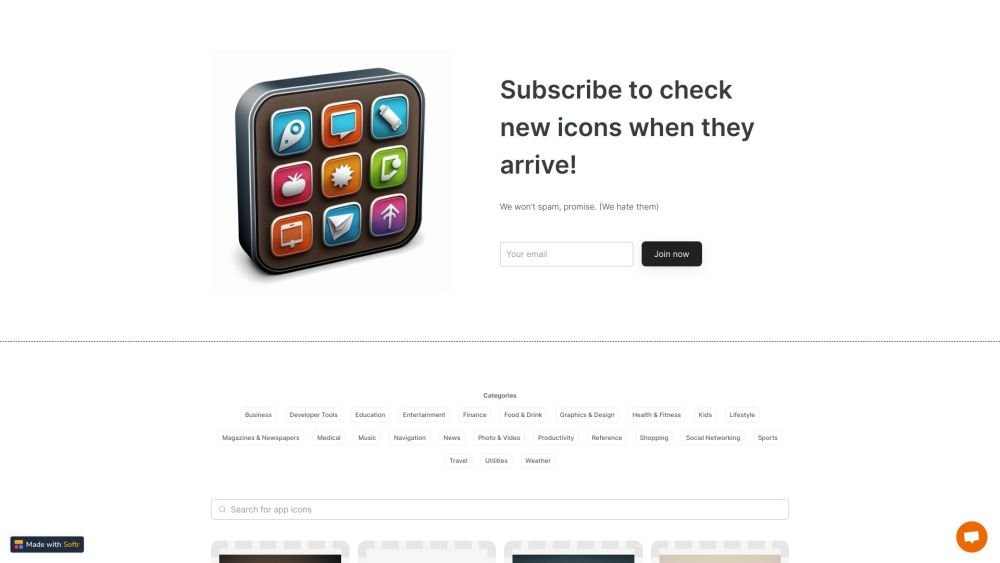
IconMaker is an online marketplace for AI-generated app icons. It offers unique, high-quality designs produced with advanced AI technology, helping users improve their app's visual appeal. The platform provides a diverse selection of styles and colors at competitive prices with quick delivery.

Instant enables you to programmatically generate thousands of SEO landing pages for your website. Whether you need pages for every location, integration, or specific SEO strategy, this no-code automation tool helps you scale your content, improve search rankings, and increase revenue through programmatic SEO.
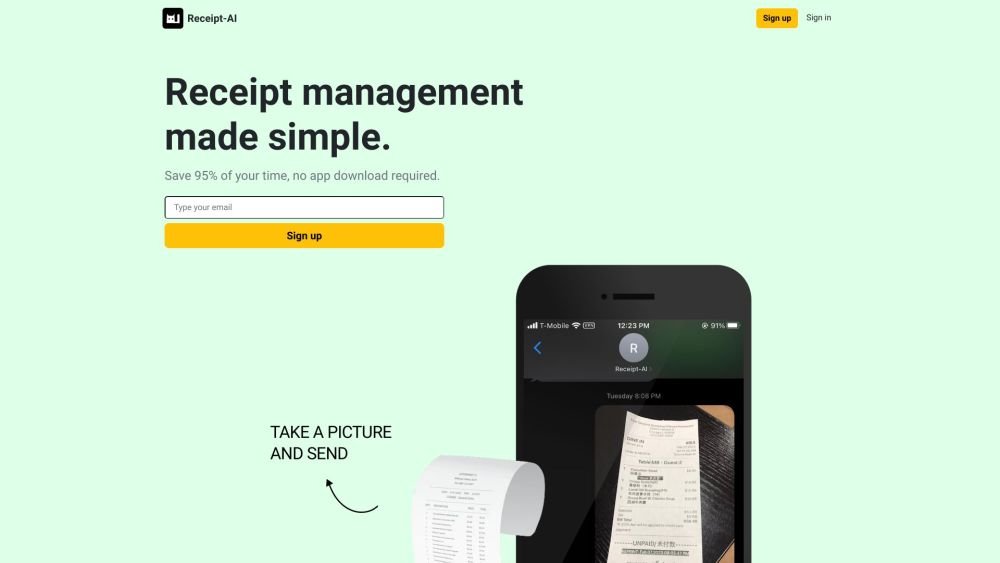
Receipt-AI is a receipt management tool that allows you to process receipts via text message. It leverages AI to generate CSV files and automatically upload receipts to accounting platforms like Xero and QuickBooks, streamlining expense management through text and email.
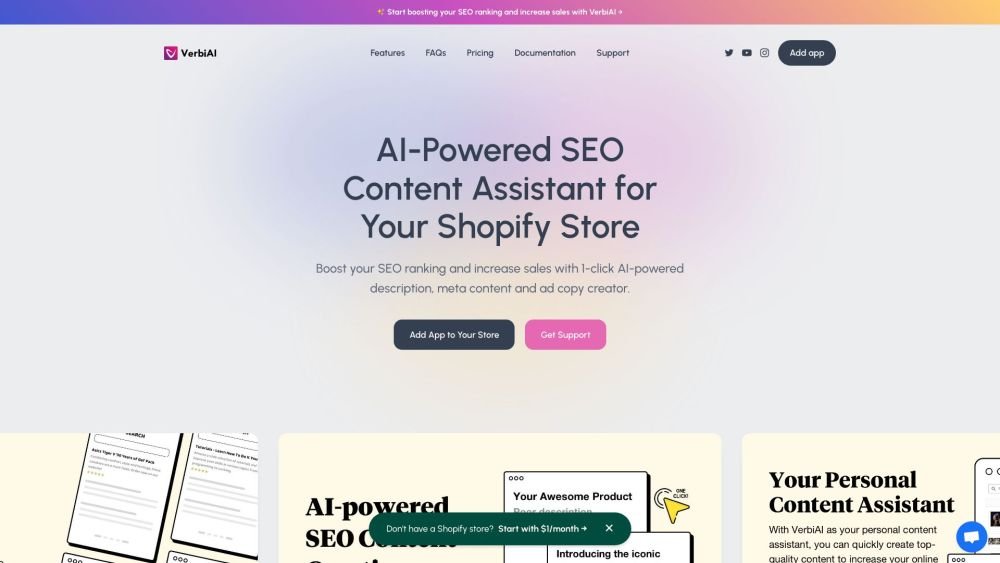
Plug In Useful provides SEO applications for Shopify stores aimed at increasing organic sales and profitability. These tools enable users to drive traffic, optimize content, and perform comprehensive SEO audits independently. Key features include broken link resolution, guided tutorials, and automated SEO enhancements for product and collection descriptions.
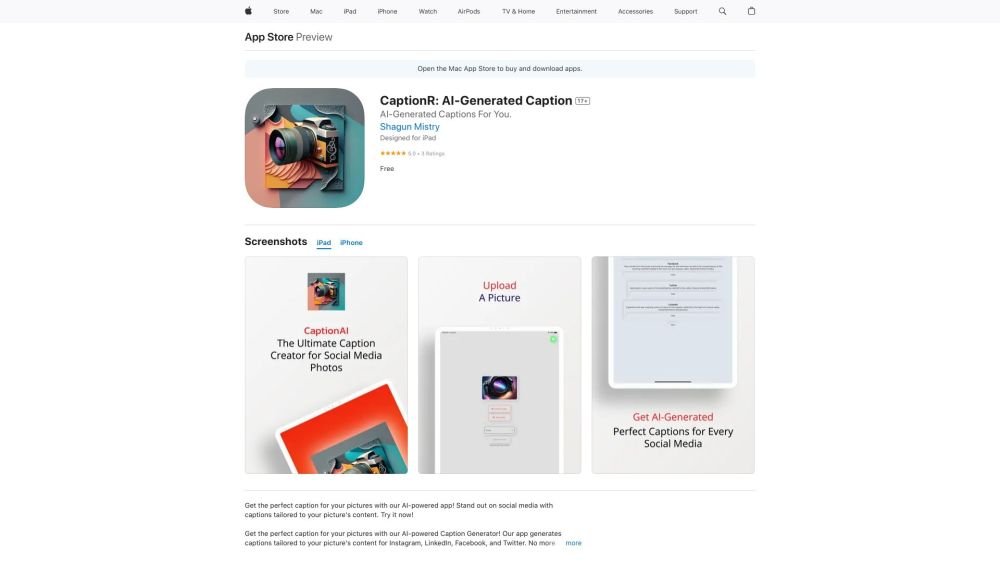
CaptionR is an AI-powered application that generates unique captions for social media posts on platforms such as Instagram, Facebook, and Twitter. By analyzing your uploaded images, the tool creates tailored captions designed to increase engagement and help your content stand out.

vidBoard.ai is an AI-powered platform designed to help users create studio-quality videos in minutes. By converting documents, links, or text into engaging content, the platform utilizes AI avatars, voiceovers, and multimedia assets. With built-in features like AI script generation, captioning, and voice cloning, it enables video creation for users without prior editing experience.
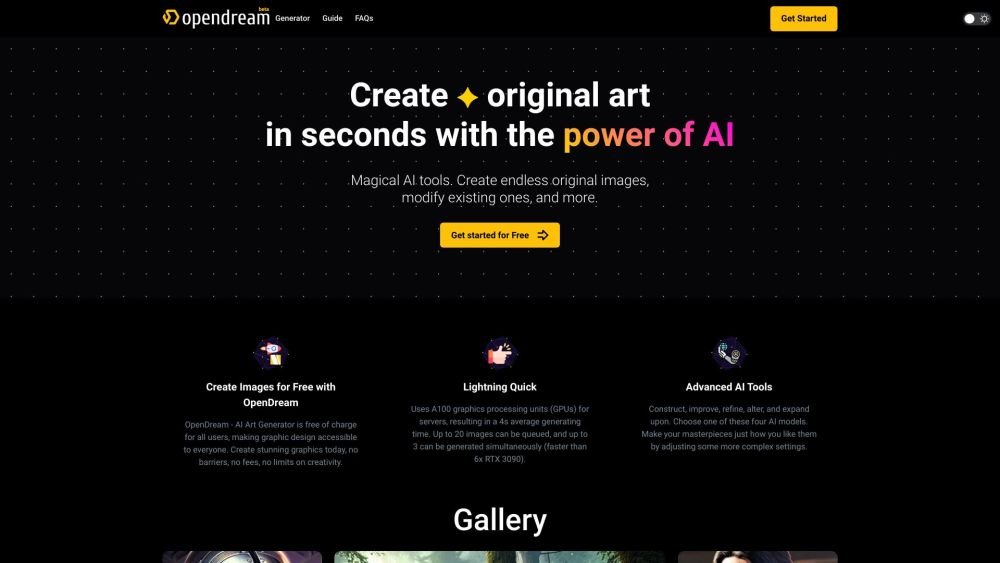
OpenDream is a free AI art generator that enables users to create digital artwork. It allows you to generate AI images from text prompts, upscale existing images, create variations, and share your work. The platform provides customizable templates, various artistic styles, and multiple models to produce unique images, with options available for commercial use.
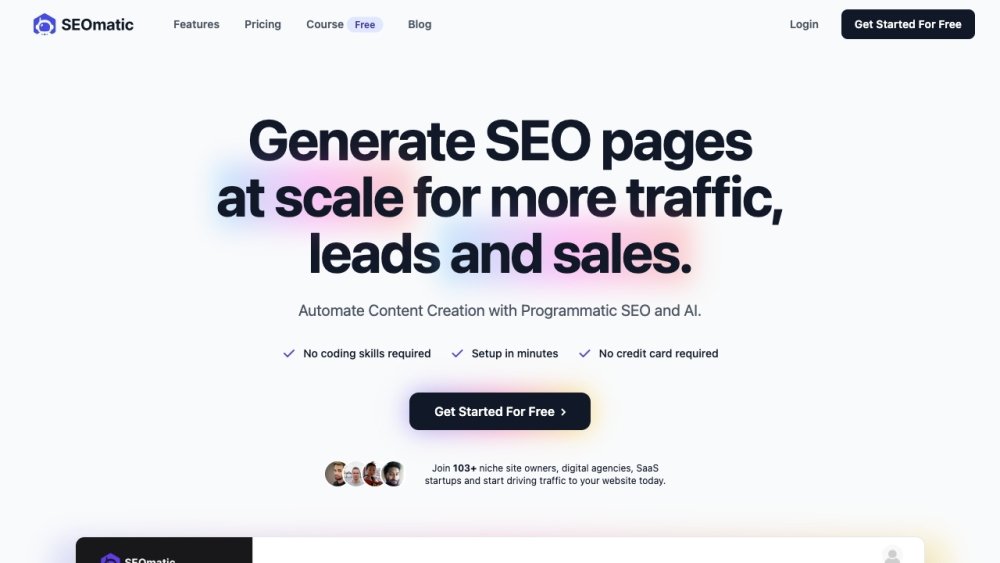
SEOmatic enables you to automate and scale content marketing through Programmatic SEO and AI. Build an SEO-ready website in 10 minutes without needing coding or design expertise. Use SEOmatic to create, manage, and publish large-scale, data-driven content for your SEO and PPC campaigns.