
Free
$0Free plan available.
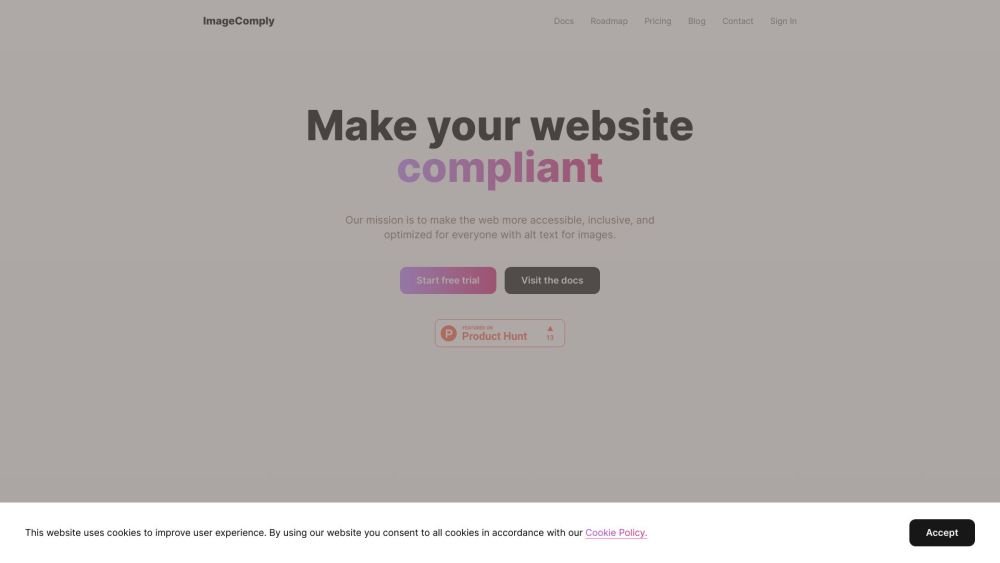
ImageComply is a WordPress SaaS solution that generates descriptive alt text for images, enhancing user experience, ensuring ADA compliance, and optimizing SEO rankings. It aims to make the web more accessible, inclusive, and optimized for everyone with alt text for images.
1. Install the ImageComply plugin for WordPress. 2. The plugin processes your images via secure servers for alt tag generation. 3. The system automatically generates alt tags for all images to ensure compliance. 4. Review the generated alt text.
This plugin generates descriptive alt text for your images to enhance user experience, support ADA compliance, and improve SEO rankings.
Alt text is a descriptive label added to an HTML image tag. It is used by screen readers to describe images to visually impaired users and helps search engines understand image content.
ADA compliance refers to meeting the standards of the Americans with Disabilities Act, which ensures that websites are accessible to individuals with disabilities.
ImageComply provides a free trial, with paid plans available for ongoing use.
The pricing structure is designed to be accessible and cost-effective.
Standard generation requires 1 credit per image, while human-verified alt text requires 10 credits per image.
Information regarding how to view your credit balance is not provided in the current documentation.
Information regarding the consequences of canceling your plan is not provided in the current documentation.
Information regarding the effects of uninstalling or deactivating the plugin is not provided in the current documentation.
Free plan available.
Use these comparison pages to understand the trade-offs between the models most relevant to ImageComply.
Compare Amazon Nova Pro and Amazon Nova Lite across pricing, context window, capabilities, benchmarks, and API access to choose the better fit for tool-augmented workflows versus tool-augmented workflows.
Compare Amazon Nova Lite and Amazon Nova Micro across pricing, context window, capabilities, benchmarks, and API access to choose the better fit for tool-augmented workflows versus tool-augmented workflows.
Compare Amazon Nova Lite and Mistral Medium 3 across pricing, context window, capabilities, benchmarks, and API access to choose the better fit for tool-augmented workflows versus tool-augmented workflows.
Compare Amazon Nova Lite and Mistral Small 3.1 (25.03) across pricing, context window, capabilities, benchmarks, and API access to choose the better fit for tool-augmented workflows versus cost-efficient scale.

Similar AI tool in the AI Image Generator category.
Similar AI tool in the AI Marketing category.
Similar AI tool in the AI Writing Assistants category.
Similar AI tool in the No-Code&Low-Code category.
Similar AI tool in the AI Assistant category.
Similar AI tool in the AI Assistant category.
Similar AI tool in the AI Chatbot category.
Similar AI tool in the AI Writing Assistants category.
Similar AI tool in the AI Writing Assistants category.
Similar AI tool in the AI Assistant category.
Similar AI tool in the AI Chatbot category.
Similar AI tool in the AI Chatbot category.