
Free
$0Free plan available.
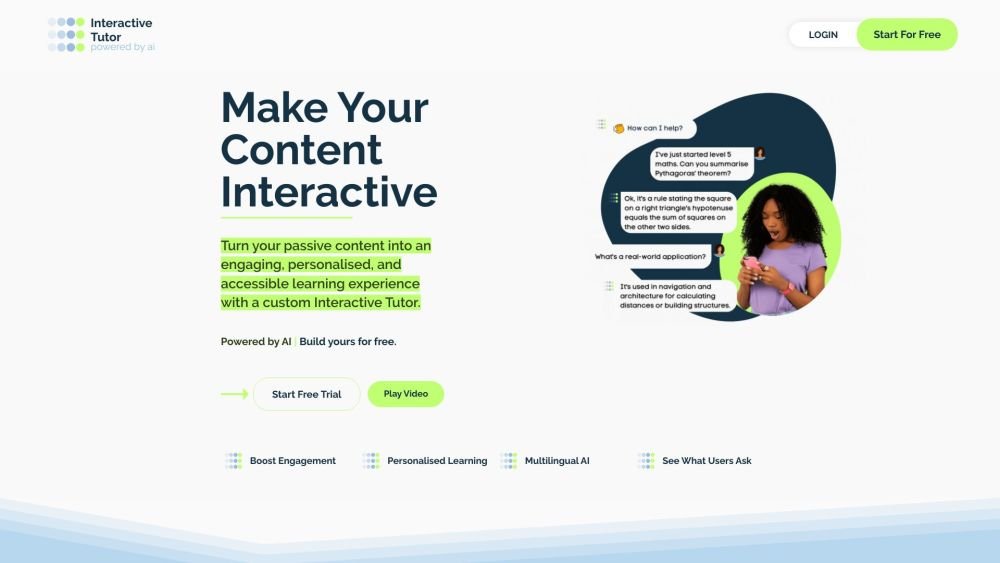
Interactive Tutor is an AI-powered platform that allows users to transform static content like research papers, handbooks, and policies into interactive learning experiences. Users can train their own AI Tutor on specific content, customize its appearance and behavior, and embed it on their website or share it on the app for 24/7 access. It is designed to boost user understanding and engagement by enabling users to ask questions, get examples, and understand content in their own words.
Upload your content, customize the tutor's branding and behavior, and embed it on your website or share it through the Interactive Tutor app. Once set up, users can interact with the AI Tutor to ask questions and learn from the provided material.
You can train your Interactive Tutor using various informational materials, including handbooks, research papers, manuals, guides, and websites.
Users can access your tutor by downloading the Interactive Tutor app and entering the two unique codes you provide.
Interactive Tutor improves employee understanding and productivity by making HR policies and other essential information more accessible and engaging.
Free plan available.
Use these comparison pages to understand the trade-offs between the models most relevant to Interactive Tutor.
Compare Amazon Nova Pro and Amazon Nova Lite across pricing, context window, capabilities, benchmarks, and API access to choose the better fit for tool-augmented workflows versus tool-augmented workflows.
Compare Amazon Nova Lite and Amazon Nova Micro across pricing, context window, capabilities, benchmarks, and API access to choose the better fit for tool-augmented workflows versus tool-augmented workflows.
Compare Amazon Nova Lite and Mistral Medium 3 across pricing, context window, capabilities, benchmarks, and API access to choose the better fit for tool-augmented workflows versus tool-augmented workflows.
Compare Amazon Nova Lite and Mistral Small 3.1 (25.03) across pricing, context window, capabilities, benchmarks, and API access to choose the better fit for tool-augmented workflows versus cost-efficient scale.

Similar AI tool in the AI Assistant category.
Similar AI tool in the AI Assistant category.
Similar AI tool in the AI Assistant category.
Similar AI tool in the AI Productivity Tools category.
Similar AI tool in the AI Assistant category.
Similar AI tool in the AI Assistant category.
Similar AI tool in the AI Chatbot category.
Similar AI tool in the AI Chatbot category.
Similar AI tool in the AI Assistant category.
Similar AI tool in the AI Chatbot category.
Similar AI tool in the AI Assistant category.
Similar AI tool in the AI Assistant category.