
Free
$0Free plan available.
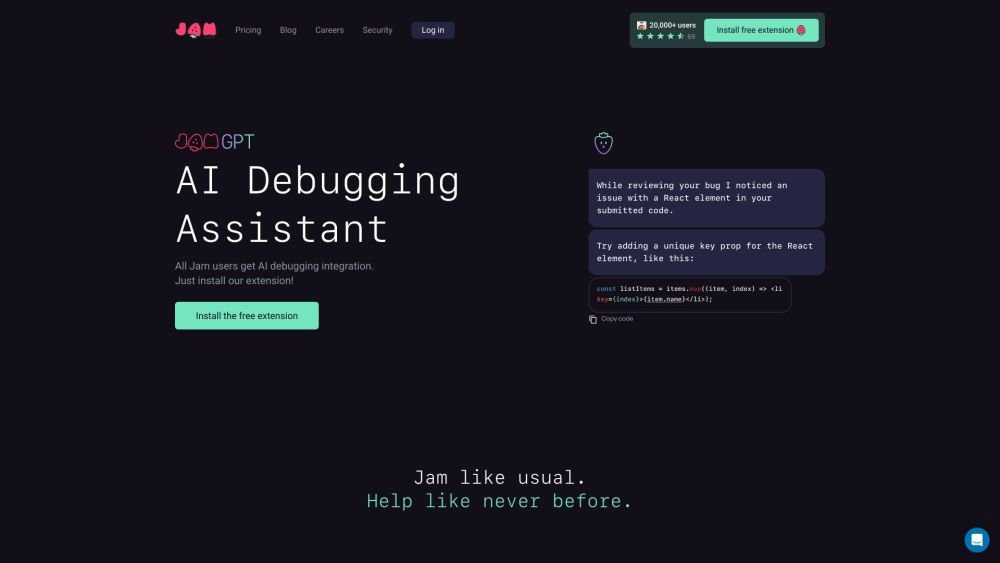
Jam is a bug reporting tool designed to streamline the process of identifying, reporting, and fixing bugs. It allows users to report bugs in seconds by taking a screenshot or recording a video, automatically capturing all the necessary information engineers need to debug, such as device and browser details, console logs, network logs, and repro steps. Jam integrates with various tools like Notion, GitHub, Jira, and Slack, making it easy to share bug reports with the team. It also offers features like AI debugging and backend logging to further enhance the bug-fixing process.
To use Jam, capture a screenshot or record a video of the bug you wish to report. Jam automatically collects essential diagnostic data, including device specifications, console logs, and network logs. You can then annotate, blur, or edit the report before sharing it with your team via a link. Jam integrates with tools like Notion, GitHub, and Jira to fit seamlessly into your existing workflow.
Jam automatically captures device and browser details, console logs, network logs, reproduction steps, and backend tracing information.
Jam integrates with Notion, GitHub, GitLab, Jira, Linear, Slack, ClickUp, Asana, Sentry, Azure, Figma, Fullstory, Datadog, and Airtable.
Yes, Jam is designed to be accessible to all users, regardless of technical expertise. It simplifies bug reporting by automating data collection through a user-friendly interface.
Yes, Jam provides a free plan that includes basic features, alongside paid plans that offer more advanced capabilities.
Free plan available.
Use these comparison pages to understand the trade-offs between the models most relevant to Jam.
Compare Gemini 1.0 Pro Deprecated and Gemini 2.0 Flash across pricing, context window, capabilities, benchmarks, and API access to choose the better fit for long-context workloads versus long-context workloads.
Compare Gemini 1.0 Pro Deprecated and Gemini 2.5 Flash across pricing, context window, capabilities, benchmarks, and API access to choose the better fit for long-context workloads versus long-context workloads.
Compare Gemini 2.0 Flash Lite and Gemini 2.0 Flash across pricing, context window, capabilities, benchmarks, and API access to choose the better fit for long-context workloads versus long-context workloads.
Compare Gemini 2.5 Flash and Gemini 2.0 Flash across pricing, context window, capabilities, benchmarks, and API access to choose the better fit for long-context workloads versus long-context workloads.

Similar AI tool in the AI Chatbot category.
Similar AI tool in the AI Assistant category.
Similar AI tool in the AI Chatbot category.
Similar AI tool in the AI Assistant category.
Similar AI tool in the AI Productivity Tools category.
Similar AI tool in the AI Assistant category.
Similar AI tool in the AI Writing Assistants category.
Similar AI tool in the AI Image Generator category.
Similar AI tool in the AI Assistant category.
Similar AI tool in the AI Chatbot category.
Similar AI tool in the AI Productivity Tools category.
Similar AI tool in the AI Chatbot category.