
Free
$0Free plan available.
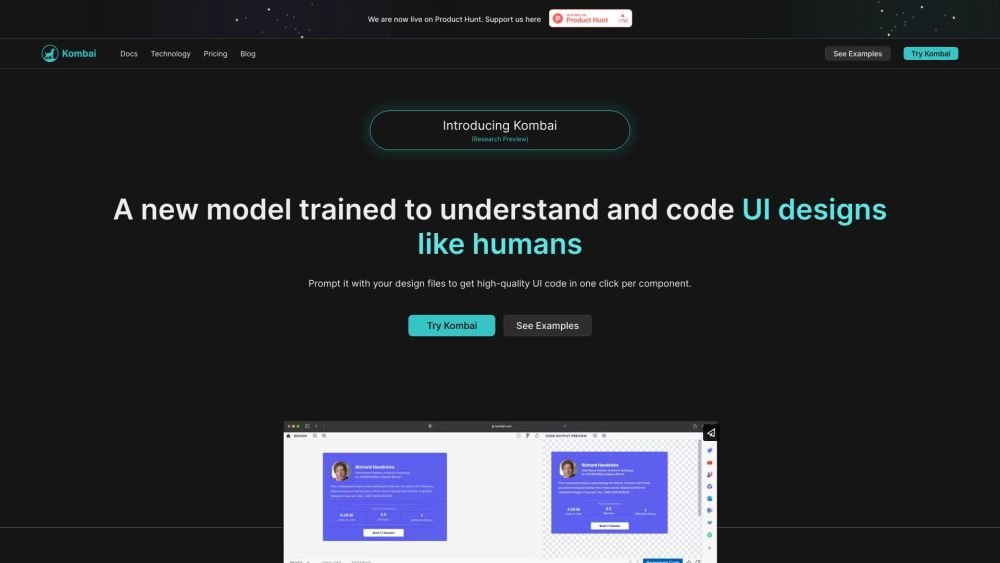
Kombai is an AI-powered Figma to code conversion tool that transforms designs into high-quality front-end code. By interpreting UI designs similarly to human developers, it generates clean, logical DOM structures, React components, and CSS without hardcoded dimensions. The platform supports both web and email designs, allowing users to generate HTML, CSS, or React code instantly.
1. Upload your design files from Figma into Kombai. 2. Allow the AI model to generate high-quality HTML, CSS, or React code. 3. Use "design prompt engineering" to guide the AI and refine the output to meet your specific requirements.
Figma does not natively provide code suitable for real-world development. While it offers basic CSS properties, developers typically must manually build the DOM structure, flex-based CSS, and React components.
No. You do not need to tag, name, or group layers in any specific way, nor are you required to use auto-layout. Kombai is trained to interpret designs based on how a developer would perceive the visual layout.
Kombai currently generates React and HTML/CSS code. You can also select whether the CSS output is provided in vanilla CSS or Tailwind.
Kombai is currently available as a public research preview and is free for individual developers.
You can use the "regenerate" button within the app to try again. If the issue persists, you can use "design prompt engineering" to guide the model, similar to how you would prompt text-based AI models like ChatGPT or Claude.
Free plan available.
Use these comparison pages to understand the trade-offs between the models most relevant to Kombai.
Compare GPT 5.4 and GPT 5.4 Pro across pricing, context window, capabilities, benchmarks, and API access to choose the better fit for long-context workloads versus long-context workloads.
Compare GPT 5.5 and GPT 5.4 across pricing, context window, capabilities, benchmarks, and API access to choose the better fit for long-context workloads versus long-context workloads.
Compare GPT 5.5 and Claude 4.6 Opus across pricing, context window, capabilities, benchmarks, and API access to choose the better fit for long-context workloads versus long-context workloads.
Compare GPT 5.5 and Claude 4.6 Sonnet across pricing, context window, capabilities, benchmarks, and API access to choose the better fit for long-context workloads versus long-context workloads.

Similar AI tool in the AI Image Generator category.
Similar AI tool in the AI Chatbot category.
Similar AI tool in the AI Marketing category.
Similar AI tool in the AI Assistant category.
Similar AI tool in the AI Writing Assistants category.
Similar AI tool in the No-Code&Low-Code category.
Similar AI tool in the AI Chatbot category.
Similar AI tool in the AI Image Generator category.
Similar AI tool in the AI Writing Assistants category.
Similar AI tool in the AI Assistant category.
Similar AI tool in the AI Chatbot category.
Similar AI tool in the AI Chatbot category.