
Free
$0Free plan available.
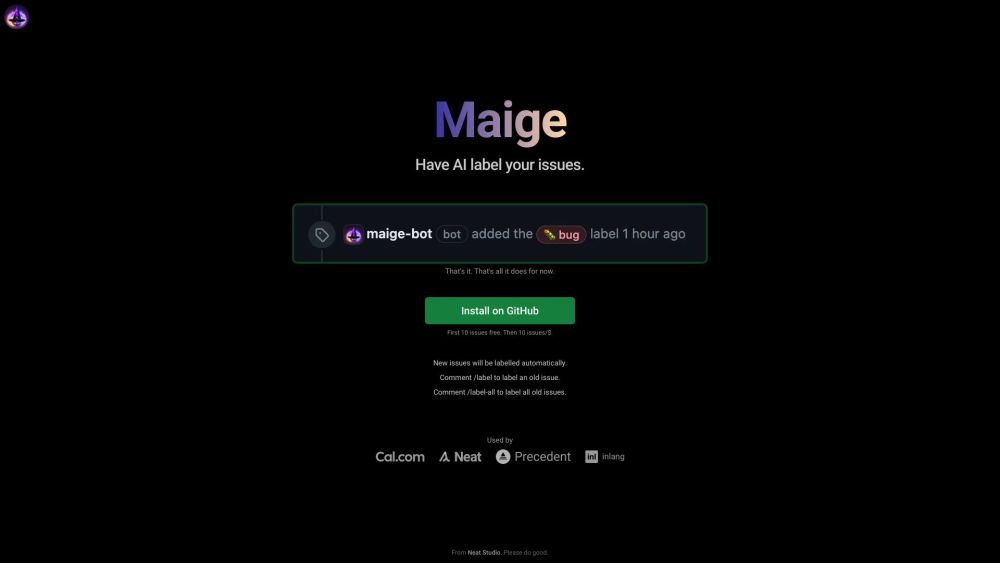
Maige learns from your repository to label incoming issues, saving you time on manual triage. Its functionality is currently limited to automated issue labeling. Once added to your repository, it processes new issues automatically. You can also use specific commands: comment "Maige label this" to label an existing issue, "Maige label all" to label all historical issues, or "Maige [instructions]" to provide custom labeling instructions.
1. Add Maige to your repository.
2. New issues will be labeled automatically.
3. Comment "Maige label this" to label an existing issue.
4. Comment "Maige label all" to label all old issues.
5. Comment "Maige [instructions]" to add custom instructions.
Maige uses AI to automatically label incoming issues in your repository.
Comment "Maige label this" on the issue.
Comment "Maige label all" on any issue.
Comment "Maige [instructions]" on any issue.
Free plan available.

Similar AI tool in the AI Copilot category.
Similar AI tool in the AI Chatbot category.
Similar AI tool in the AI Assistant category.
Similar AI tool in the AI Assistant category.
Similar AI tool in the AI Productivity Tools category.
Similar AI tool in the AI Assistant category.
Similar AI tool in the AI API category.
Similar AI tool in the AI Assistant category.
Similar AI tool in the AI Chatbot category.
Similar AI tool in the AI Productivity Tools category.
Similar AI tool in the AI Assistant category.
Similar AI tool in the AI Chatbot category.