
Free
$0Free plan available.
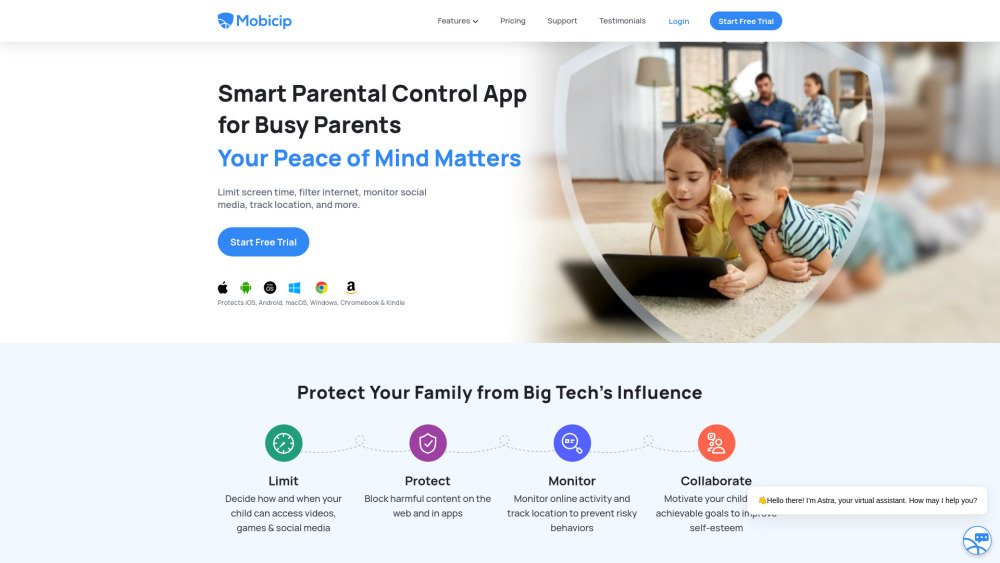
Mobicip is a parental control software and app designed for busy parents to manage their family's screen time, internet usage, and social media activity across various devices including iOS, Android, Kindle, Windows, Mac, and Chromebook. It offers features like screen time scheduling, social media monitoring, app blocking, website blocking, family location tracking, and activity summaries.
Install the Mobicip app on your family's devices, set up schedules to manage screen time, configure internet content filters, monitor social media activity, track locations, and coordinate settings with co-parents.
If you purchased a subscription via the Mobicip website, you will be billed annually. If you made an in-app purchase on iOS, billing is processed through your App Store account.
Select a plan that fits your family's needs and create an account. Mobicip will then guide you through a simple setup process to begin managing your devices.
Mobicip offers broad platform coverage, allowing you to manage iOS, Android, Windows, Mac, Chromebook, and Kindle Fire devices.
Yes, we offer a 30-day money-back guarantee if the product does not meet your expectations. Please contact support@mobicip.com with any questions.
You will have full access to all premium features during the 7-day trial period, and your credit card will not be charged.
Online subscriptions accept Visa, Mastercard, American Express, and Discover credit cards (debit and prepaid cards are not accepted). In-app subscriptions use the payment method associated with your app store account.
Free plan available.
Use these comparison pages to understand the trade-offs between the models most relevant to Mobicip.
Compare Amazon Nova Pro and Amazon Nova Lite across pricing, context window, capabilities, benchmarks, and API access to choose the better fit for tool-augmented workflows versus tool-augmented workflows.
Compare Amazon Nova Lite and Amazon Nova Micro across pricing, context window, capabilities, benchmarks, and API access to choose the better fit for tool-augmented workflows versus tool-augmented workflows.
Compare Amazon Nova Lite and Mistral Medium 3 across pricing, context window, capabilities, benchmarks, and API access to choose the better fit for tool-augmented workflows versus tool-augmented workflows.
Compare Amazon Nova Lite and Mistral Small 3.1 (25.03) across pricing, context window, capabilities, benchmarks, and API access to choose the better fit for tool-augmented workflows versus cost-efficient scale.

Similar AI tool in the AI Assistant category.
Similar AI tool in the AI Assistant category.
Similar AI tool in the AI Assistant category.
Similar AI tool in the AI Agent category.
Similar AI tool in the AI Assistant category.
Similar AI tool in the AI Assistant category.
Similar AI tool in the AI Productivity Tools category.
Similar AI tool in the AI Chatbot category.
Similar AI tool in the AI Chatbot category.
Similar AI tool in the AI Assistant category.
Similar AI tool in the AI Assistant category.
Similar AI tool in the AI Assistant category.