
Free
$0Free plan available.
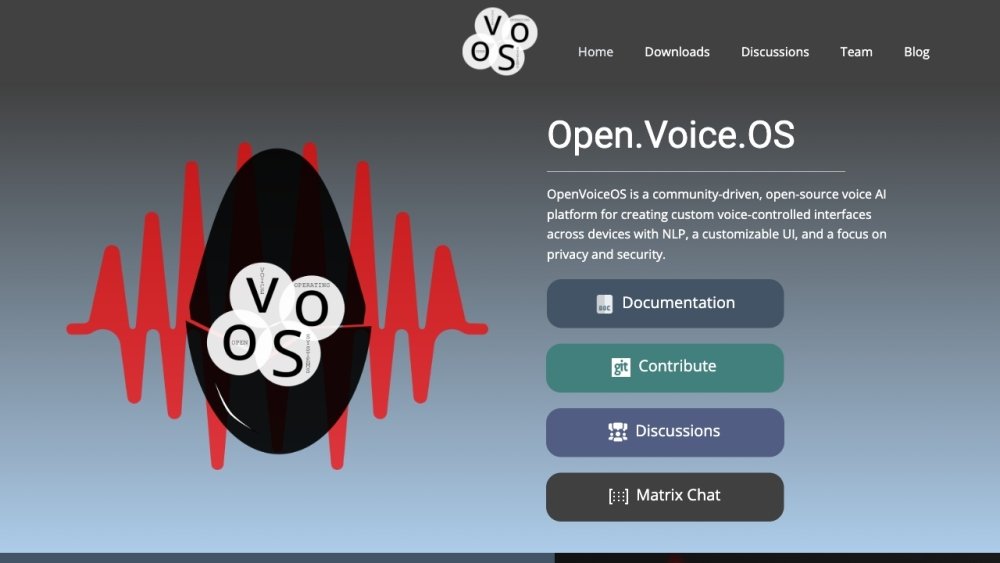
Open Voice OS is a community-driven, open-source voice AI platform for creating custom voice-controlled interfaces across devices. It features NLP, a customizable UI, and a focus on privacy and security. It's designed for developers and contributors wanting to support specific devices or platforms, offering a multi-platform environment for experimenting with voice assistance technology.
Install Open Voice OS using Docker or Python. For developers, a Python virtual environment is recommended. For a stable and straightforward setup, Docker is the preferred method. Pre-built images are also available for Raspberry Pi and Mycroft devices.
Open Voice OS began as MycroftOS. As more Mycroft community members joined the project, it was renamed to OpenVoiceOS to address trademark considerations.
Yes, Open Voice OS is entirely free and open source, released under the Apache License 2.0.
By default, ovos-core does not require an internet-based backend server to function, and some skills can be accessed entirely offline via the command line. While the default speech-to-text (STT) engine requires an internet connection, self-hosted offline alternatives are available.
Open Voice OS supports various hardware platforms, including Raspberry Pi models (3B, 3B+, 4, Zero 2), Mark I and Mark II devices, Linux desktops and laptops, and Docker containers.
Installation depends on your hardware: for Raspberry Pi, download and flash the pre-built image to your SD card; for desktops or laptops, use the Docker container or package; for Mark II, use the dedicated Mark II image.
Free plan available.
Use these comparison pages to understand the trade-offs between the models most relevant to Open Voice OS.
Compare Gemini 1.0 Pro Deprecated and Gemini 2.0 Flash across pricing, context window, capabilities, benchmarks, and API access to choose the better fit for long-context workloads versus long-context workloads.
Compare Gemini 1.0 Pro Deprecated and Gemini 2.5 Flash across pricing, context window, capabilities, benchmarks, and API access to choose the better fit for long-context workloads versus long-context workloads.
Compare Gemini 2.0 Flash Lite and Gemini 2.0 Flash across pricing, context window, capabilities, benchmarks, and API access to choose the better fit for long-context workloads versus long-context workloads.
Compare Gemini 2.5 Flash and Gemini 2.0 Flash across pricing, context window, capabilities, benchmarks, and API access to choose the better fit for long-context workloads versus long-context workloads.

Similar AI tool in the AI Assistant category.
Similar AI tool in the AI Assistant category.
Similar AI tool in the AI Marketing category.
Similar AI tool in the AI Image Generator category.
Similar AI tool in the AI Chatbot category.
Similar AI tool in the AI Image Generator category.
Similar AI tool in the AI Video Generator category.
Similar AI tool in the AI Assistant category.
Similar AI tool in the AI Writing Assistants category.
Similar AI tool in the AI Assistant category.
Similar AI tool in the AI Video Generator category.
Similar AI tool in the AI Chatbot category.