
Free
$0Free plan available.
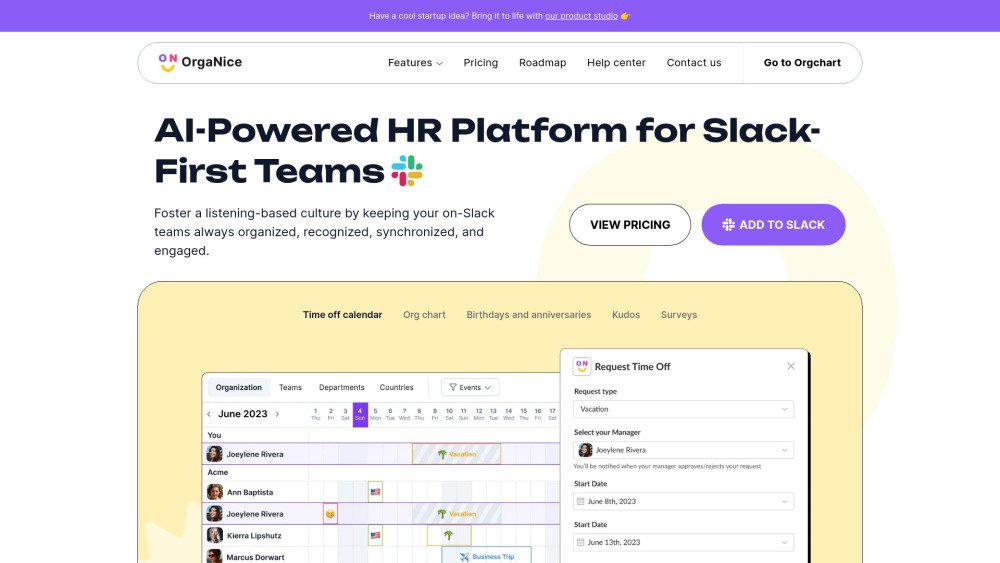
OrgaNice is an AI-powered HR tool designed for Slack-first teams. It fosters a people-first culture by keeping teams organized, recognized, synchronized, and engaged. It offers features like org charts, birthday and anniversary celebrations, time off tracking, kudos, and surveys, all within Slack. OrgaNice aims to reduce administrative tasks for HR and increase employee engagement by promoting transparency and alignment.
Install OrgaNice in your Slack workspace, configure profile fields and notification settings via the admin panel, and allow the tool to collect employee data through Slack. Once set up, you can access features like org charts, birthday reminders, and time-off management directly within your Slack interface.
We count the number of members in your Slack workspace. Guests and external members are excluded from pricing.
To maintain an up-to-date org chart, OrgaNice sends a maximum of four notifications to prompt users to complete missing profile data. Depending on your notification settings, the bot sends two personal notifications via Slack. If these are ignored, it sends two emails. If the member still does not respond, OrgaNice sends a report to admins the following day listing all individuals with incomplete fields, allowing admins to update the information manually.
The Data Completion page initially displays an 'In progress' column, indicating that the bot is still in the process of requesting missing information from members. Once the notification cycle is complete, individuals who still have empty required fields are moved to the 'Missing {field name}' column.
Standard Slack members can only edit their own positions. Admins have permission to edit all positions; however, they can only edit other admins after the Slack primary workspace owner has logged into OrgaNice, in accordance with Slack's security rules.
Slack workspace admins can access the settings page, edit all org chart positions (subject to the primary owner login requirement), and configure profile fields in Slack, but they do not receive reports on missing profile data. OrgaNice admins can access the settings page, edit all org chart positions (subject to the primary owner login requirement), and receive reports on missing profile data, but they cannot configure profile fields in Slack. Users who hold both roles have access to all these capabilities.
To synchronize Slack profile data with the org chart, OrgaNice requires Slack profile fields to be set to an API data source rather than User-edited. Once this change is made, you must update your profile information directly through the org chart, which will then automatically update your Slack profile.
If you delete a manager who has subordinates on the org chart, those subordinates will also be removed from the org chart. You can locate these deleted individuals on the Data Completion page.
Free plan available.
Use these comparison pages to understand the trade-offs between the models most relevant to OrgaNice.
Compare Amazon Nova Pro and Amazon Nova Lite across pricing, context window, capabilities, benchmarks, and API access to choose the better fit for tool-augmented workflows versus tool-augmented workflows.
Compare Amazon Nova Lite and Amazon Nova Micro across pricing, context window, capabilities, benchmarks, and API access to choose the better fit for tool-augmented workflows versus tool-augmented workflows.
Compare Amazon Nova Lite and Mistral Medium 3 across pricing, context window, capabilities, benchmarks, and API access to choose the better fit for tool-augmented workflows versus tool-augmented workflows.
Compare Amazon Nova Lite and Mistral Small 3.1 (25.03) across pricing, context window, capabilities, benchmarks, and API access to choose the better fit for tool-augmented workflows versus cost-efficient scale.