
Free
$0Free plan available.
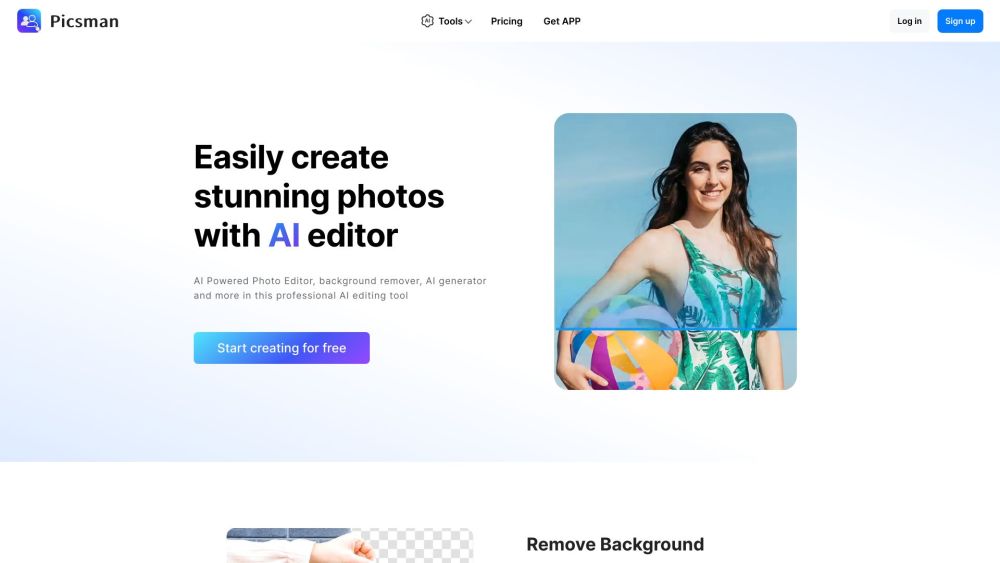
Picsman is a free AI photo editor that provides a range of online image editing tools. It enables users to easily enhance and create product photos using AI-driven features, including background removal, AI image generation, object removal, photo enhancement, and batch editing.
To edit photos online, visit the Picsman website, select your desired AI tool, and upload your image. Each tool includes specific usage guidelines directly on its respective webpage.
Picsman.ai is an online visual photo editing platform powered by AI. It allows you to enhance digital photos easily. With a few clicks, you can remove backgrounds, improve image quality, apply effects, remove unwanted objects, resize images, and more.
The primary AI features in the Picsman Photo Editor web app include object removal, background removal, background replacement, photo enhancement, people removal, watermark removal, AI image generation, and batch editing. Our team continuously updates existing features and develops new tools for our users.
To edit photos online, simply open the Picsman website, select an AI tool, and upload your image. Each tool page provides specific instructions on how to use it.
We support most common image formats, including JPG, PNG, JPEG, WebP, BMP, TIFF, and HEIC. Users can download their edited high-definition images in either JPG or PNG format.
Yes, Picsman offers a free plan that allows you to use most features and export edited photos at no cost. Users requiring advanced functionality can choose to upgrade to Picsman PRO.
Picsman is a user-friendly online editor that offers a variety of features similar to Photoshop for quick photo improvements. It allows you to remove backgrounds, delete unwanted objects, enhance quality, retouch portraits, resize, crop, and add text or overlays. Picsman is designed to be more accessible than Photoshop, offering an intuitive interface that simplifies the editing process for both amateurs and professionals.
Yes, our photo editor is compatible with Windows, Mac, iOS, and Android devices. You can access your account to edit and enhance your photos from any device at any time.
Free plan available.

Similar AI tool in the AI Image Generator category.
Similar AI tool in the AI Chatbot category.
Similar AI tool in the AI Background Remover category.
Similar AI tool in the AI Chatbot category.
Similar AI tool in the AI Image Generator category.
Similar AI tool in the AI Image Generator category.
Similar AI tool in the AI Image Generator category.
Similar AI tool in the AI Assistant category.
Similar AI tool in the AI Chatbot category.
Similar AI tool in the AI Image Generator category.
Similar AI tool in the AI Image Generator category.
Similar AI tool in the AI Image Generator category.