
Free
$0Free plan available.
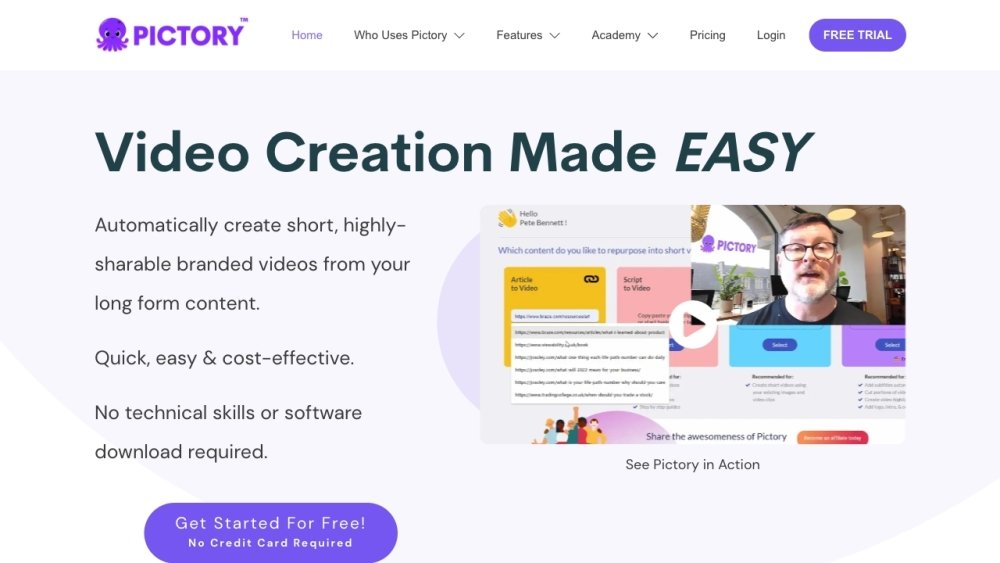
Pictory is a video marketing tool that automatically creates short, highly sharable branded videos from long-form content. It allows users to turn scripts, blog posts, URLs, and other content into engaging videos without requiring technical skills or software downloads. Pictory offers features like AI-powered video editing, text-to-video conversion, automatic captioning, and the ability to create video highlights from longer recordings.
To use Pictory, upload your text, script, URL, or source content to the platform. The AI will automatically generate a video complete with visuals, voiceovers, and captions. You can then customize the video with your brand assets, transitions, and music. Pictory also enables you to edit videos by editing the text, making the process simple and efficient.
Video minutes represent the total duration of video you can export monthly, depending on your subscription plan. This limit applies only to exported files. For Teams plans, the limit is shared across all members. Additional minutes can be purchased within the app if needed.
You retain ownership of all videos you create. However, you must download your projects before canceling your account, as all data is permanently removed from the platform upon cancellation.
No, Pictory has already secured licenses for all video clips, music tracks, and voiceovers available for use in your projects.
The ideal length for social media videos is under one minute; generally, shorter videos perform better.
Free plan available.
Use these comparison pages to understand the trade-offs between the models most relevant to Pictory.
Compare Gemini 1.0 Pro Deprecated and Gemini 2.0 Flash across pricing, context window, capabilities, benchmarks, and API access to choose the better fit for long-context workloads versus long-context workloads.
Compare Gemini 1.0 Pro Deprecated and Gemini 2.5 Flash across pricing, context window, capabilities, benchmarks, and API access to choose the better fit for long-context workloads versus long-context workloads.
Compare Gemini 2.0 Flash Lite and Gemini 2.0 Flash across pricing, context window, capabilities, benchmarks, and API access to choose the better fit for long-context workloads versus long-context workloads.
Compare Gemini 2.5 Flash and Gemini 2.0 Flash across pricing, context window, capabilities, benchmarks, and API access to choose the better fit for long-context workloads versus long-context workloads.

Similar AI tool in the AI Video Generator category.
Similar AI tool in the AI API category.
Similar AI tool in the AI Video Generator category.
Similar AI tool in the AI Image Generator category.
Similar AI tool in the AI Assistant category.
Similar AI tool in the AI Video Generator category.
Similar AI tool in the AI Chatbot category.
Similar AI tool in the AI Video Editor category.
Similar AI tool in the AI Image Generator category.
Similar AI tool in the AI Chatbot category.
Similar AI tool in the AI Marketing category.
Similar AI tool in the AI Image Generator category.