
Free
$0Free plan available.
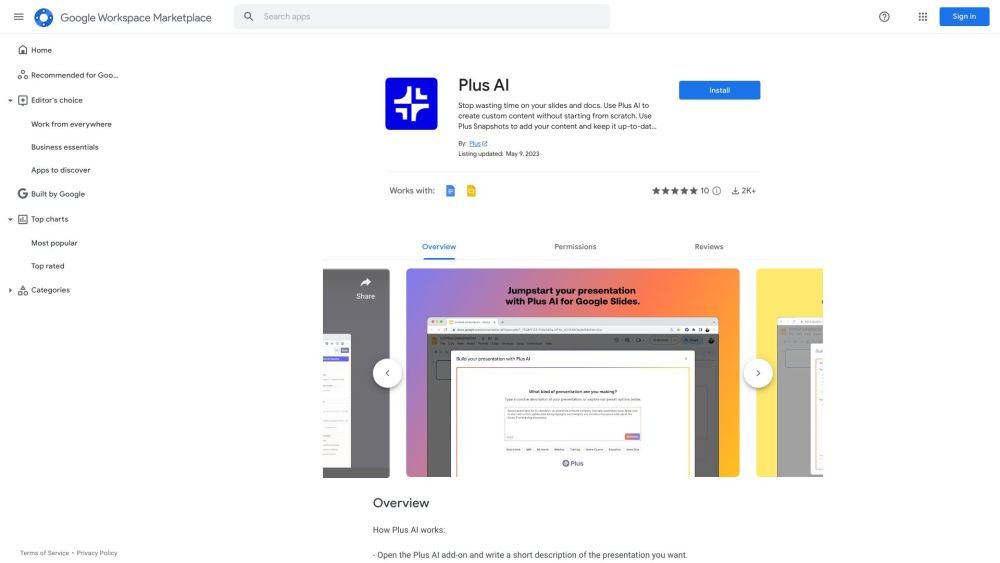
Plus AI for Google Slides™ is an AI presentation maker that helps users create and edit presentations directly in Google Slides. It leverages AI technology similar to ChatGPT and Duet AI to generate outlines, build first drafts, suggest edits, design custom themes, and ensure consistent designs across team presentations. It also allows users to pull data from analytics tools and apps using Plus Snapshots.
Install Plus AI from the Google Workspace Marketplace, open a Google Slides presentation, navigate to Extensions > Plus AI for Google Slides™ > New presentation with Plus AI, and enter a prompt or text to generate your presentation.
Install the Plus AI add-on from the Google Workspace Marketplace, open a Google Slides presentation, and select 'New presentation with Plus AI' from the Extensions menu.
Yes, Plus AI enables you to create shared themes and custom AI instructions to maintain consistent designs, styles, and tones throughout your team's presentations.
The provided information does not explicitly confirm Mac compatibility. Please consult the official Plus AI website or support resources for specific compatibility details.
Free plan available.
Use these comparison pages to understand the trade-offs between the models most relevant to Plus AI for Google Slides™.
Compare GPT 5.4 and GPT 5.4 Pro across pricing, context window, capabilities, benchmarks, and API access to choose the better fit for long-context workloads versus long-context workloads.
Compare GPT 5.5 and GPT 5.4 across pricing, context window, capabilities, benchmarks, and API access to choose the better fit for long-context workloads versus long-context workloads.
Compare GPT 5.5 and Claude 4.6 Opus across pricing, context window, capabilities, benchmarks, and API access to choose the better fit for long-context workloads versus long-context workloads.
Compare GPT 5.5 and Claude 4.6 Sonnet across pricing, context window, capabilities, benchmarks, and API access to choose the better fit for long-context workloads versus long-context workloads.

Similar AI tool in the AI Lead Generation category.
Similar AI tool in the AI Chatbot category.
Similar AI tool in the AI Assistant category.
Similar AI tool in the AI Chatbot category.
Similar AI tool in the AI Assistant category.
Similar AI tool in the AI Assistant category.
Similar AI tool in the AI API category.
Similar AI tool in the AI Image Generator category.
Similar AI tool in the No-Code&Low-Code category.
Similar AI tool in the AI Chatbot category.
Similar AI tool in the AI Design Generator category.
Similar AI tool in the AI Chatbot category.