
Free
$0Free plan available.
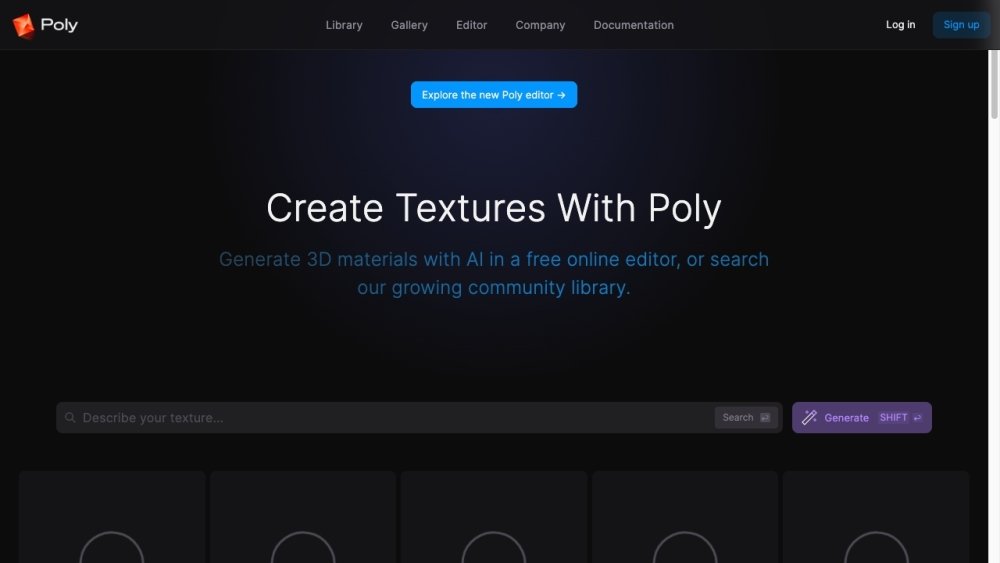
Poly is an intelligent cloud image browser designed to help users store, browse, search, and share their files in a smarter way, especially built for the generative age. It offers multimodal AI access to understand files, allowing users to search using natural language, file types, or a combination of both. Poly provides beautiful layout modes, lightning-fast image previews with pan & zoom, and a dedicated waterfall view for navigating thousands of files. It also includes features like a sidebar for quick access, public sharing with real-time updates, desktop notifications, browser plugin for auto-import from generative tools, hyper-fast previews, notes, split view, folder drag-and-drop, and batch actions.
Join the waitlist to gain access to Poly. Once granted access, upload your files and media to the cloud service. Use natural language search, browse through various layout modes, and utilize features like tagging, notes, and sharing to manage your files effectively.
Poly is an intelligent cloud image browser designed for the generative age, offering AI-powered search, organization, and sharing features.
You can join the waitlist on the Poly website to request access to the service.
Key features include multimodal AI search, customizable layout modes, lightning-fast previews, public sharing, and integration with generative tools.
Free plan available.
Use these comparison pages to understand the trade-offs between the models most relevant to Poly.
Compare Amazon Nova Pro and Amazon Nova Lite across pricing, context window, capabilities, benchmarks, and API access to choose the better fit for tool-augmented workflows versus tool-augmented workflows.
Compare Amazon Nova Lite and Amazon Nova Micro across pricing, context window, capabilities, benchmarks, and API access to choose the better fit for tool-augmented workflows versus tool-augmented workflows.
Compare Amazon Nova Lite and Mistral Medium 3 across pricing, context window, capabilities, benchmarks, and API access to choose the better fit for tool-augmented workflows versus tool-augmented workflows.
Compare Amazon Nova Lite and Mistral Small 3.1 (25.03) across pricing, context window, capabilities, benchmarks, and API access to choose the better fit for tool-augmented workflows versus cost-efficient scale.

Similar AI tool in the AI Copilot category.
Similar AI tool in the AI Chatbot category.
Similar AI tool in the AI Assistant category.
Similar AI tool in the AI Assistant category.
Similar AI tool in the AI Assistant category.
Similar AI tool in the AI API category.
Similar AI tool in the AI Assistant category.
Similar AI tool in the AI Assistant category.
Similar AI tool in the AI Chatbot category.
Similar AI tool in the AI Productivity Tools category.
Similar AI tool in the AI Assistant category.
Similar AI tool in the AI Assistant category.