
Free
$0Free plan available.
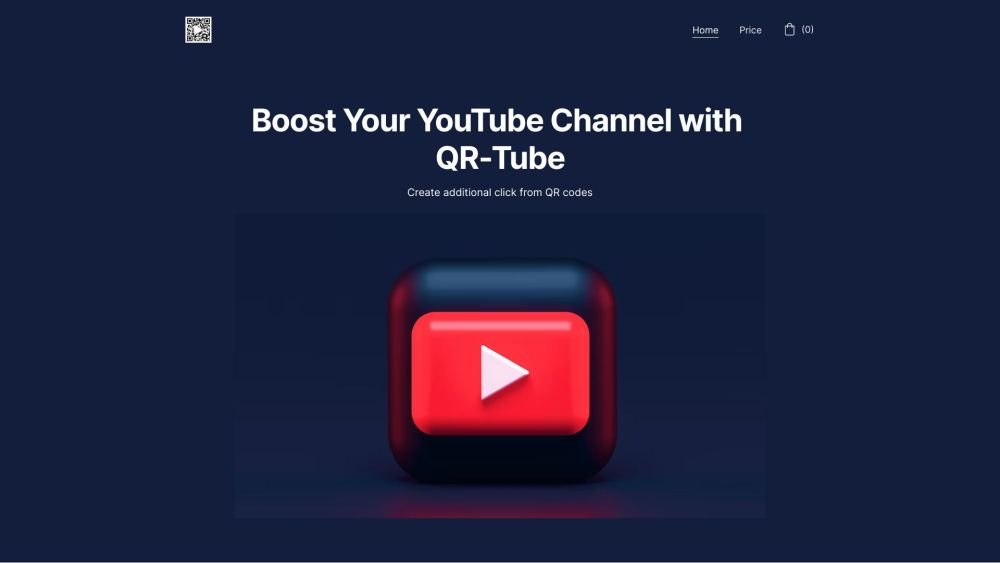
QR-Tube is a tool designed to automate the process of adding custom QR codes to YouTube videos. It allows users to increase viewer engagement by providing easy access to additional content or promotions. Users can customize the QR code with personalized links, adjust its size, and select the display duration. QR-Tube offers both free and paid options, with the paid option providing advanced functionalities and additional benefits.
To use QR-Tube, input a custom link for the QR code, configure your preferred size and duration settings, select the target video, and specify the start time and duration for the code to appear. The system will then automatically embed the QR code into your video.
QR-Tube streamlines the process of adding QR codes to YouTube videos through automation. You create custom QR codes with personalized links, adjust their size and display duration, and insert them directly into your videos.
QR-Tube provides various styling and color options, including the ability to change colors, apply gradients, or use an image as a color mask. You can also embed your logo into the QR code.
QR-Tube offers a free plan with basic features and a paid plan for advanced functionality. The paid plan is available as a one-time payment of $49 or a monthly subscription, though prices are subject to change.
Free plan available.
Use these comparison pages to understand the trade-offs between the models most relevant to QR-Tube.
Compare Gemini 1.0 Pro Deprecated and Gemini 2.0 Flash across pricing, context window, capabilities, benchmarks, and API access to choose the better fit for long-context workloads versus long-context workloads.
Compare Gemini 1.0 Pro Deprecated and Gemini 2.5 Flash across pricing, context window, capabilities, benchmarks, and API access to choose the better fit for long-context workloads versus long-context workloads.
Compare Gemini 2.0 Flash Lite and Gemini 2.0 Flash across pricing, context window, capabilities, benchmarks, and API access to choose the better fit for long-context workloads versus long-context workloads.
Compare Gemini 2.5 Flash and Gemini 2.0 Flash across pricing, context window, capabilities, benchmarks, and API access to choose the better fit for long-context workloads versus long-context workloads.

Similar AI tool in the AI Assistant category.
Similar AI tool in the AI Productivity Tools category.
Similar AI tool in the AI Chatbot category.
Similar AI tool in the AI Marketing category.
Similar AI tool in the AI Image Generator category.
Similar AI tool in the AI Assistant category.
Similar AI tool in the AI Assistant category.
Similar AI tool in the AI Assistant category.
Similar AI tool in the AI Chatbot category.
Similar AI tool in the AI Image Generator category.
Similar AI tool in the AI Marketing category.
Similar AI tool in the AI Marketing category.