
Free
$0Free plan available.
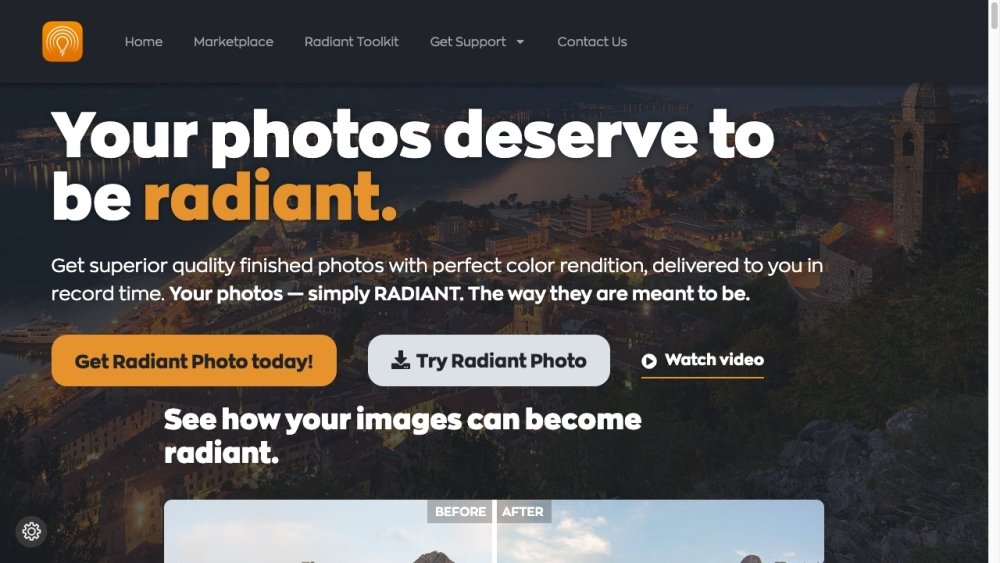
Radiant Photo is photo editing software engineered to produce high-quality images with accurate color reproduction efficiently. By integrating smart AI, advanced editing tools, and streamlined workflows, it makes professional-grade results accessible. The software utilizes the Perfectly Clear engine—a technology trusted by professional printing labs globally—to ensure realistic detail, natural lighting, and true-to-life color in every image.
Radiant Photo functions as either a standalone application or as a plugin for Adobe Photoshop, Lightroom Classic, and Corel PaintShop Pro. Users can toggle between a simple mode for rapid edits or a full control mode for detailed adjustments. While the software uses AI to automatically optimize images, it also provides options for manual fine-tuning.
Perfectly Clear Complete has been rebranded as Radiant Photo. Radiant Photo is managed by Radiant Imaging Labs and is powered by the updated Perfectly Clear Engine, which remains available for licensing.
Yes, it functions as both a standalone application and a plugin for Adobe Photoshop and Adobe Lightroom Classic.
Presets are not compatible between the two programs due to differences in their underlying engines. If you own an older pack, you are eligible for a 65% discount on EyeQ products via our marketplace, valid for two purchases. You may also manually transfer your Perfectly Clear Complete LOOKs.
Radiant Photo is compatible with most modern PCs and Macs. Please refer to the official website for a detailed list of minimum system requirements.
Radiant Photo supports the following as plugins: Adobe Lightroom Classic 4 or newer, Adobe Photoshop CS6 or Creative Cloud, and Corel PaintShop Pro versions X6, X7, X8, X9, and V22.
Most users purchase a perpetual license. We provide various free updates and add-ons, though we plan to release optional paid upgrades in the future. You can test the software for free before deciding to purchase.
Yes. You can test the full functionality of the software, including both the standalone and plugin versions, using the free trial forms available throughout our website.
Free plan available.

Similar AI tool in the AI Image Generator category.
Similar AI tool in the AI Marketing category.
Similar AI tool in the AI Background Remover category.
Similar AI tool in the AI Chatbot category.
Similar AI tool in the AI Image Generator category.
Similar AI tool in the AI Image Generator category.
Similar AI tool in the AI Chatbot category.
Similar AI tool in the AI Image Generator category.
Similar AI tool in the AI Image Generator category.
Similar AI tool in the No-Code&Low-Code category.
Similar AI tool in the AI Productivity Tools category.
Similar AI tool in the AI Marketing category.