
Free
$0Free plan available.
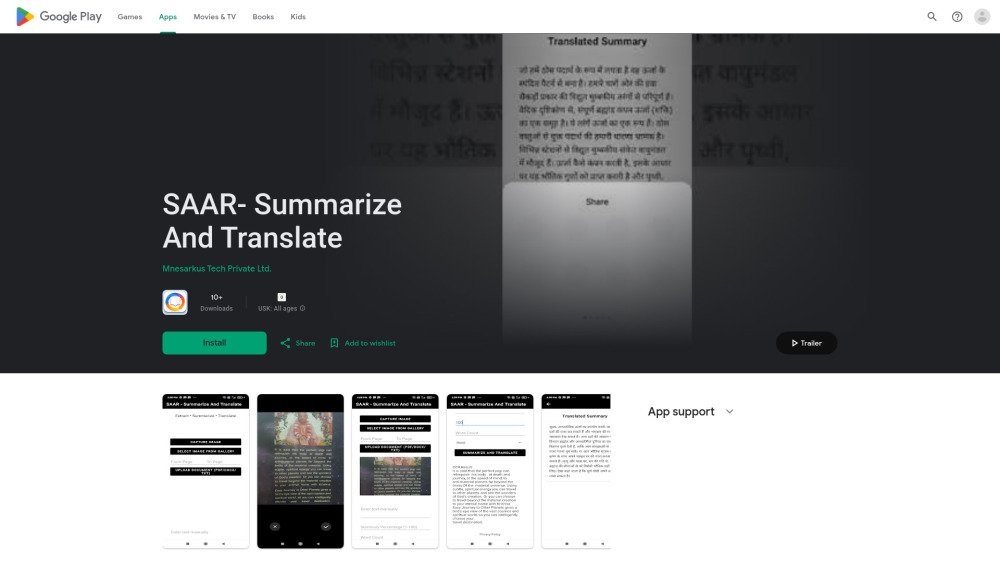
SAAR - Summarize and Translate is a versatile tool designed to streamline your document processing. Ideal for students, researchers, and professionals, it helps save time by processing large volumes of text. The tool supports multilingual PDF, DOCX, and TXT files, using advanced natural language processing to create concise summaries and provide multi-language translation. It includes OCR technology to extract English text from images, automatically detects source languages, and formats text for readability. By using a chunking technique, SAAR handles extensive documents while maintaining quality, all within a privacy-focused environment.
Upload your PDF, DOCX, or TXT files, use the English OCR feature for images, or manually input text. Select your preferred summary length and translate the content into over 100 languages.
SAAR supports PDF, DOCX, and TXT files.
No, the OCR feature in SAAR is currently limited to extracting English text from images.
Free plan available.
Use these comparison pages to understand the trade-offs between the models most relevant to SAAR- Summarize And Translate.
Compare Gemini 1.0 Pro Deprecated and Gemini 1.5 Flash Vision Deprecated across pricing, context window, capabilities, benchmarks, and API access to choose the better fit for long-context workloads versus general-purpose AI workloads.
Compare Gemini 1.5 Pro Vision Deprecated and Gemini 1.0 Pro Deprecated across pricing, context window, capabilities, benchmarks, and API access to choose the better fit for general-purpose AI workloads versus long-context workloads.
Compare Gemini 1.0 Pro Vision Deprecated and Gemini 1.5 Flash Vision Deprecated across pricing, context window, capabilities, benchmarks, and API access to choose the better fit for general-purpose AI workloads versus general-purpose AI workloads.
Compare Gemini 1.5 Pro Vision Deprecated and Gemini 1.0 Pro Vision Deprecated across pricing, context window, capabilities, benchmarks, and API access to choose the better fit for general-purpose AI workloads versus general-purpose AI workloads.

Discute is a tool that enables users to interact with various data formats, ranging from standard documents to complex databases. By functioning as a virtual assistant that accesses your knowledge base, it helps you retrieve information and resolve issues more efficiently. The platform currently supports PDF, DOCX, TXT, and CSV files, with future updates planned for database and website integration.

Kniru is a mobile application designed to help you manage your personal finances using AI. Through a chat-based interface, it provides precise, personalized, and actionable insights while answering your questions regarding investments, taxes, retirement, and spending. The platform allows users to track, manage, and optimize transactions, investments, and loans to support smarter financial decision-making in a secure environment.

Pegleg.ai monitors the web for unauthorized copies of your content by scanning Patreon and Gumroad links. It helps protect your paid work and revenue by identifying stolen material and, for Pro members, automatically issuing DMCA takedown notices.
Raay is an AI-powered platform designed to streamline the creation of forms and surveys. By entering a simple prompt, users can generate forms in seconds. The platform also provides interactive summaries of responses and offers seamless integrations to support data-driven decision-making, allowing users to create, share, and analyze data efficiently.
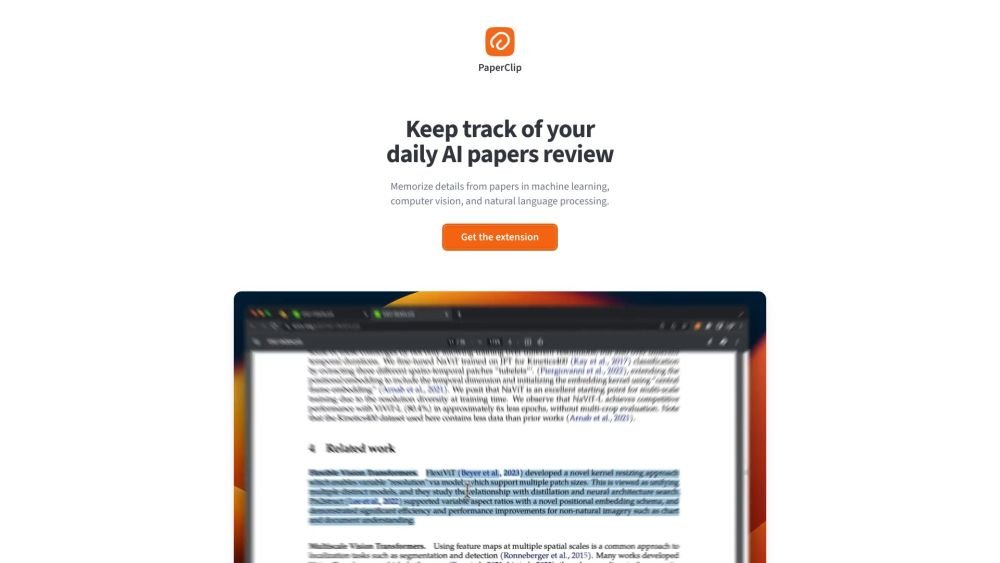
PaperClip is a free tool for AI researchers in machine learning, computer vision, and natural language processing to save and retrieve research findings. By utilizing on-device AI, it eliminates the need for API calls or server costs, helping users track daily paper reviews, memorize key details, and locate information from research papers, ML blog posts, and news.
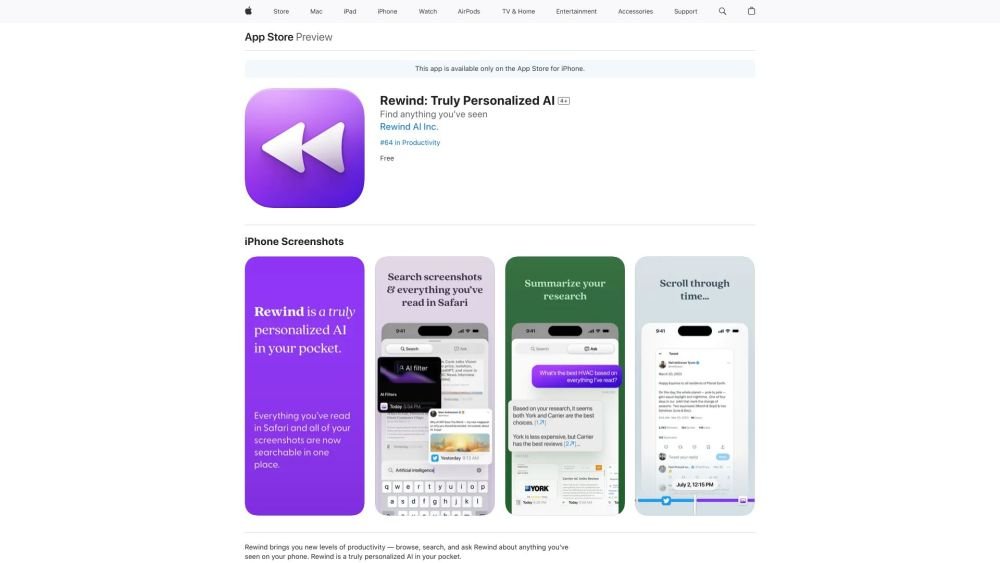
Rewind is a personalized AI application for iPhone that captures your Safari browsing activity and imports your screenshots. It enables you to search, browse, and query information you have previously viewed on your device, offering AI-generated summaries and immediate access to your past activity.

Receipt-AI is a receipt management tool that allows you to process receipts via text message. It leverages AI to generate CSV files and automatically upload receipts to accounting platforms like Xero and QuickBooks, streamlining expense management through text and email.
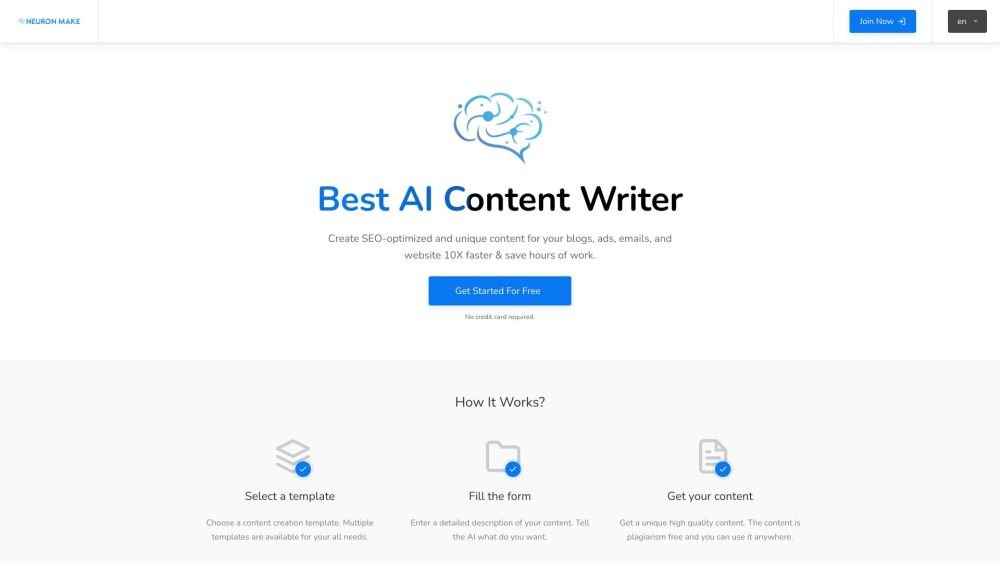
Neuron Make is an all-in-one AI platform for businesses, providing accessible and cost-effective machine learning tools. It serves as a comprehensive solution for generating AI-powered text, images, and code using pre-built templates. The platform assists in producing unique, SEO-optimized content for blogs, advertisements, emails, and websites to improve efficiency.
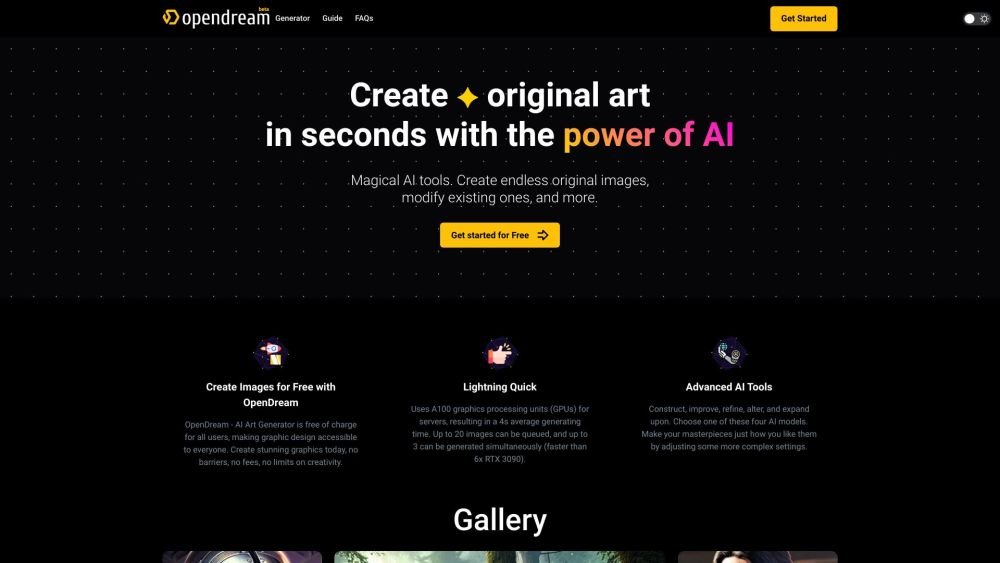
OpenDream is a free AI art generator that enables users to create digital artwork. It allows you to generate AI images from text prompts, upscale existing images, create variations, and share your work. The platform provides customizable templates, various artistic styles, and multiple models to produce unique images, with options available for commercial use.
Artifact is an AI-powered personalized news feed. Currently in private beta, the platform requires users to register with their phone number to receive an invitation link. Artifact delivers curated, informative articles tailored to individual preferences, filters out clickbait, and provides instant AI-generated summaries.
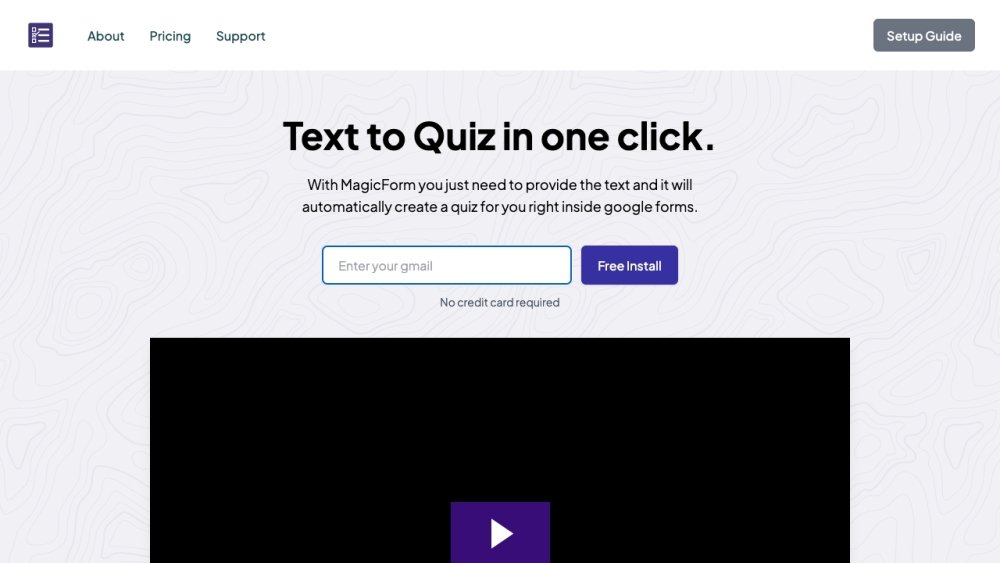
MagicForm.app is an AI-powered quiz generator that enables teachers, students, and professionals to create quizzes from text, PDFs, videos, and other sources in seconds. It integrates directly with Google Forms and supports various input formats, including text, topics, YouTube videos, PDF/Docx files, URLs, and images.
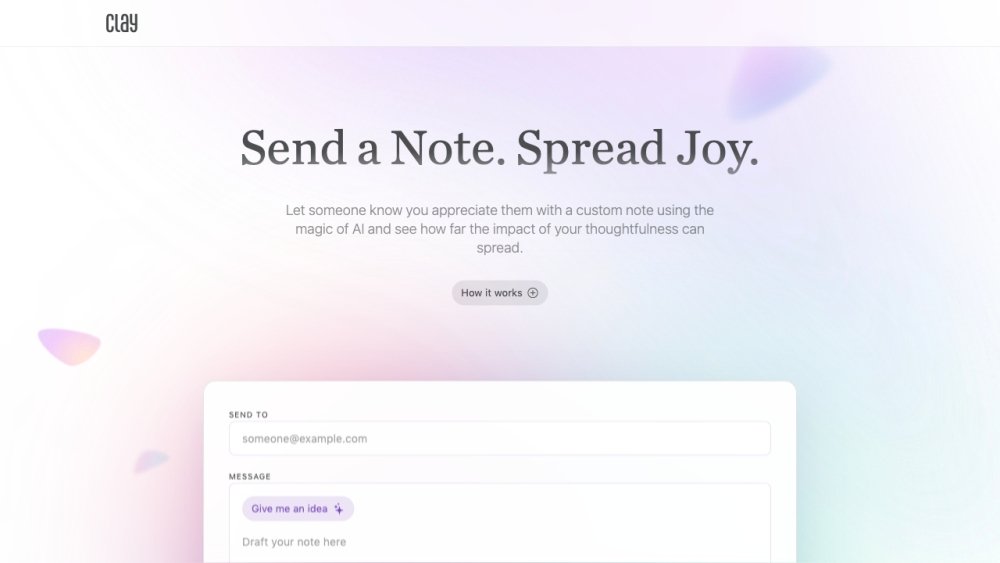
Clay is an AI-powered platform designed to help you send personalized notes to people you appreciate, fostering a culture of positivity and thoughtfulness.