
Free
$0Free plan available.
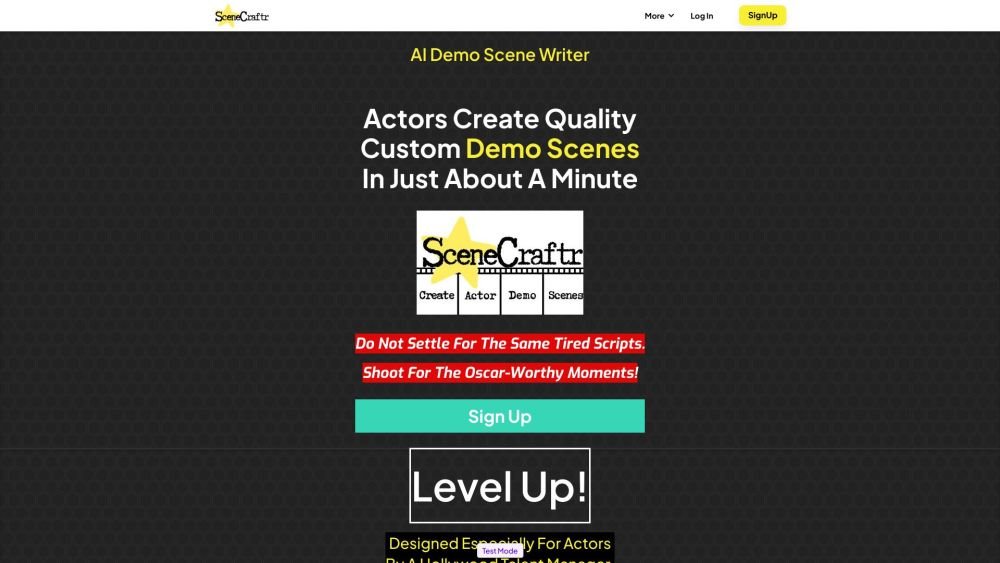
SceneCraftr is an AI-powered platform designed to help actors create custom film and TV scenes for demo reels or practice. It allows users to transform their concepts into quality scripts in minutes, offering a variety of genres to showcase their acting talent. Designed by a Hollywood Talent Manager, SceneCraftr aims to provide actors with challenging material that expands their range and impresses casting directors.
Users input their ideas and preferences, and SceneCraftr's AI generates original TV and film script concepts. Actors can then customize these scripts to better suit their individual strengths and preferences. Finally, the scenes can be copied, pasted, or downloaded as files.
SceneCraftr uses your input and preferences to generate TV and film script ideas to help you build standout demo reels. Simply enter your parameters and let the AI generate original scenes for you to perform.
Yes. Since you know your strengths as an actor best, you are encouraged to customize the generated scripts to better align with your personal style and preferences.
Yes, the tool is designed to be accessible and intuitive for actors of all ages and experience levels. Whether you are a beginner or a seasoned professional, SceneCraftr can help you reach your goals.
Our pricing plans are designed to be affordable for actors at any level. You can try the tool for free or subscribe to an "All You Can Scene" plan to generate unlimited scenes instantly.
Users on a plan have access to a profile page where their created scenes are stored. You can copy and paste the text or download the scene directly as a file.
No, the scenes are not copyrighted. SceneCraftr uses your ideas and AI to generate content that you own and can use as you wish, including for commercial purposes. We only ask that you mention us in your acceptance speech.
Free plan available.
Use these comparison pages to understand the trade-offs between the models most relevant to SceneCraftr.
Compare Gemini 1.0 Pro Deprecated and Gemini 2.0 Flash across pricing, context window, capabilities, benchmarks, and API access to choose the better fit for long-context workloads versus long-context workloads.
Compare Gemini 1.0 Pro Deprecated and Gemini 2.5 Flash across pricing, context window, capabilities, benchmarks, and API access to choose the better fit for long-context workloads versus long-context workloads.
Compare Gemini 2.0 Flash Lite and Gemini 2.0 Flash across pricing, context window, capabilities, benchmarks, and API access to choose the better fit for long-context workloads versus long-context workloads.
Compare Gemini 2.5 Flash and Gemini 2.0 Flash across pricing, context window, capabilities, benchmarks, and API access to choose the better fit for long-context workloads versus long-context workloads.

Similar AI tool in the AI Copilot category.
Similar AI tool in the AI Image Generator category.
Similar AI tool in the AI Assistant category.
Similar AI tool in the AI Marketing category.
Similar AI tool in the AI Assistant category.
Similar AI tool in the AI Chatbot category.
Similar AI tool in the AI Writing Assistants category.
Similar AI tool in the AI Assistant category.
Similar AI tool in the AI Chatbot category.
Similar AI tool in the AI Chatbot category.
Similar AI tool in the AI Image Generator category.
Similar AI tool in the AI Productivity Tools category.