
Free
$0Free plan available.
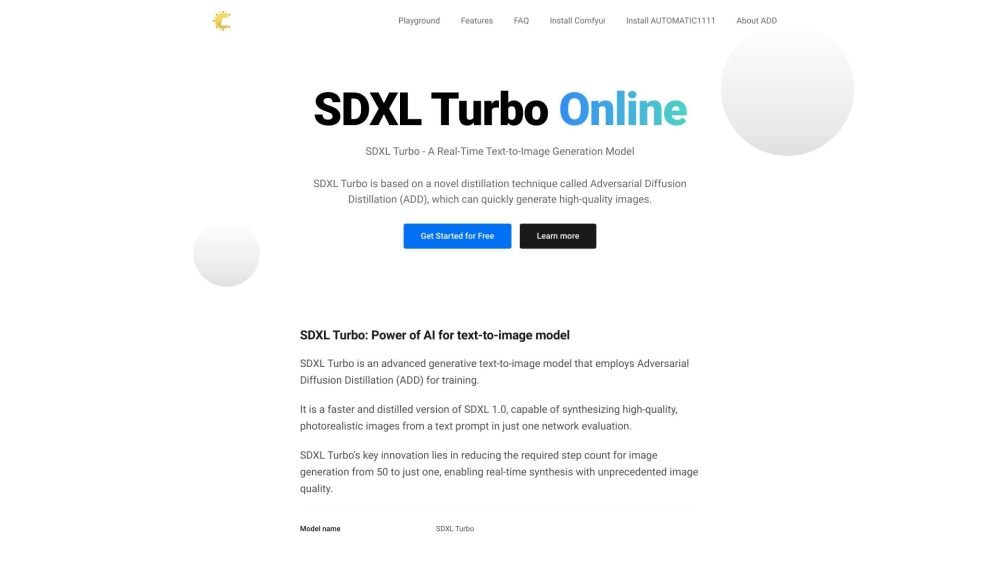
SDXL Turbo is an advanced generative text-to-image model that employs Adversarial Diffusion Distillation (ADD) for training. It is a faster and distilled version of SDXL 1.0, capable of synthesizing high-quality, photorealistic images from a text prompt in just one network evaluation. SDXL Turbo's key innovation lies in reducing the required step count for image generation from 50 to just one, enabling real-time synthesis with unprecedented image quality.
To use SDXL Turbo Online, enter a text prompt or upload a reference image, adjust parameters such as Strength, Steps, and Seed, then generate and save your image.
SDXL Turbo is a model based on Adversarial Diffusion Distillation (ADD), a novel technique that enables the rapid generation of high-quality images.
SDXL Turbo functions by using Adversarial Diffusion Distillation (ADD), where a large diffusion model is distilled into a compact UNet. This optimized model then synthesizes images from text embeddings in a single forward pass.
You can access SDXL Turbo at https://www.sdxlturbo.top
The model weights and code for SDXL Turbo are available on Hugging Face. These resources are currently released under a non-commercial research license for personal and non-commercial use.
Generated images are limited to a fixed 512x512 resolution. While the quality is high, the model does not achieve perfect photorealism, struggles with rendering legible text, and may produce faces or human figures with less than optimal fidelity.
Free plan available.
Use these comparison pages to understand the trade-offs between the models most relevant to SDXL Turbo Online.
Compare Amazon Nova Pro and Amazon Nova Lite across pricing, context window, capabilities, benchmarks, and API access to choose the better fit for tool-augmented workflows versus tool-augmented workflows.
Compare Amazon Nova Lite and Amazon Nova Micro across pricing, context window, capabilities, benchmarks, and API access to choose the better fit for tool-augmented workflows versus tool-augmented workflows.
Compare Amazon Nova Lite and Mistral Medium 3 across pricing, context window, capabilities, benchmarks, and API access to choose the better fit for tool-augmented workflows versus tool-augmented workflows.
Compare Amazon Nova Lite and Mistral Small 3.1 (25.03) across pricing, context window, capabilities, benchmarks, and API access to choose the better fit for tool-augmented workflows versus cost-efficient scale.

Similar AI tool in the AI Image Generator category.
Similar AI tool in the AI Assistant category.
Similar AI tool in the AI Chatbot category.
Similar AI tool in the AI Writing Assistants category.
Similar AI tool in the AI Image Generator category.
Similar AI tool in the AI Image Generator category.
Similar AI tool in the AI Writing Assistants category.
Similar AI tool in the AI Writing Assistants category.
Similar AI tool in the AI Assistant category.
Similar AI tool in the AI Image Generator category.
Similar AI tool in the AI Chatbot category.
Similar AI tool in the AI Art Generator category.