
Free
$0Free plan available.
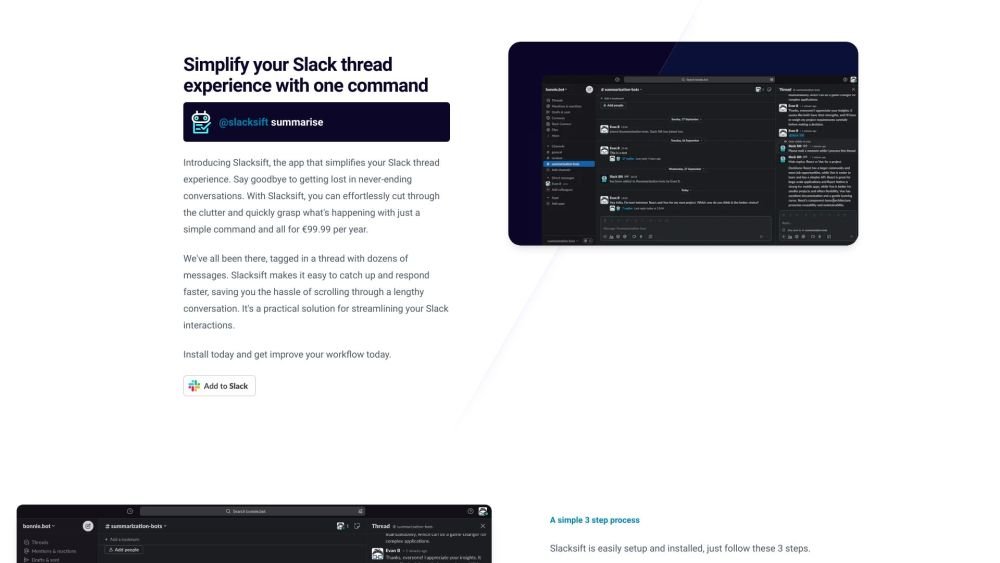
Slacksift is an app designed to simplify the Slack thread experience by summarizing and analyzing lengthy conversations. It helps users quickly catch up on threads and respond faster by cutting through the clutter of numerous messages. Slacksift offers a simple command to grasp the essence of a thread, saving time and improving workflow.
Install the Slacksift app into your Slack workspace. Type '@slacksift setup' in any channel, thread, or workspace to generate payment links. Then, use the command '@slacksift summarise' within a thread to receive a summary.
Install the application directly into your Slack workspace.
Navigate to a thread and use the command @slacksift summarise.
You are charged based on usage at a rate of €0.45 per 500 tokens.
Yes, we provide a 14-day money-back guarantee.
Free plan available.
Use these comparison pages to understand the trade-offs between the models most relevant to Slacksift.
Compare Amazon Nova Pro and Amazon Nova Lite across pricing, context window, capabilities, benchmarks, and API access to choose the better fit for tool-augmented workflows versus tool-augmented workflows.
Compare Amazon Nova Lite and Amazon Nova Micro across pricing, context window, capabilities, benchmarks, and API access to choose the better fit for tool-augmented workflows versus tool-augmented workflows.
Compare Amazon Nova Lite and Mistral Medium 3 across pricing, context window, capabilities, benchmarks, and API access to choose the better fit for tool-augmented workflows versus tool-augmented workflows.
Compare Amazon Nova Lite and Mistral Small 3.1 (25.03) across pricing, context window, capabilities, benchmarks, and API access to choose the better fit for tool-augmented workflows versus cost-efficient scale.

Similar AI tool in the AI Assistant category.
Similar AI tool in the AI Assistant category.
Similar AI tool in the AI Productivity Tools category.
Similar AI tool in the AI Assistant category.
Similar AI tool in the AI Assistant category.
Similar AI tool in the AI Assistant category.
Similar AI tool in the AI Chatbot category.
Similar AI tool in the AI Chatbot category.
Similar AI tool in the AI Productivity Tools category.
Similar AI tool in the AI Assistant category.
Similar AI tool in the AI Assistant category.
Similar AI tool in the AI Assistant category.