
Free
$0Free plan available.
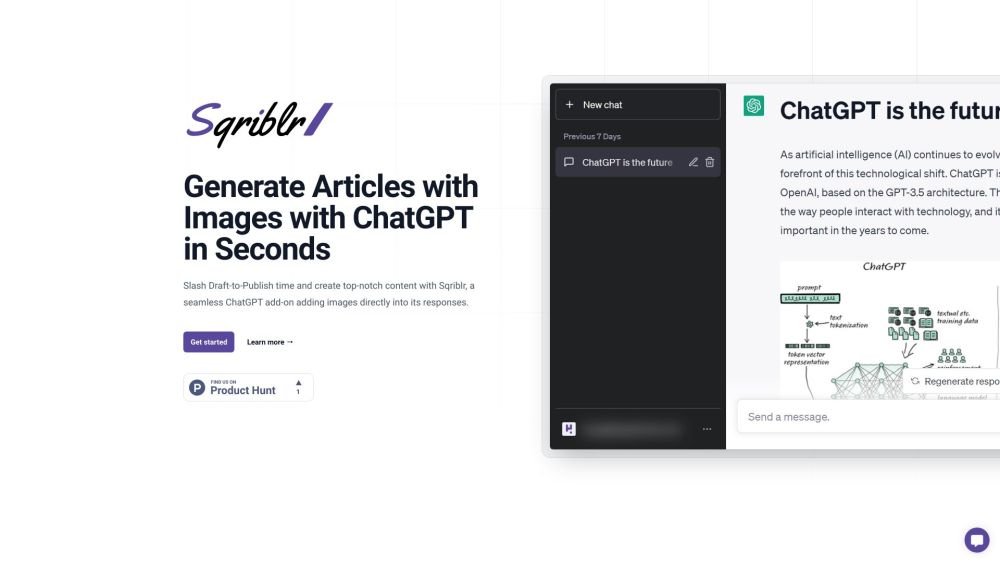
Sqriblr is a ChatGPT add-on that generates blog articles with images in seconds. It automates image insertion into ChatGPT responses, eliminating manual image sourcing. Sqriblr is designed for entrepreneurs, small business owners, marketers, freelancers, content creators, SEO professionals, and bloggers to create entire posts with visuals quickly, increasing traffic and shares. It streamlines content creation by automating image selection, improving content quality, and boosting engagement.
To use Sqriblr, include a specific instruction within your ChatGPT prompt. Sqriblr will then identify relevant topics from your content and automatically insert appropriate images without requiring manual intervention.
Sqriblr provides both web-sourced and AI-generated images. There are no official copyright details for AI-generated images. For web images, Sqriblr functions like a web image search to help you quickly add visuals to your ChatGPT drafts.
Yes, Sqriblr is compatible with all versions of ChatGPT, as well as other AI interfaces such as TypingMind and Halist.
Simply include a specific instruction for Sqriblr in your ChatGPT prompt, and it will automatically insert images into your generated content.
Yes, Sqriblr is suitable for a variety of content types, including blog posts, marketing campaigns, and social media posts.
Sqriblr utilizes algorithms to source and select images that align with your ChatGPT prompt, ensuring they are relevant to your content.
Free plan available.
Use these comparison pages to understand the trade-offs between the models most relevant to Sqriblr.
Compare GPT 5.4 and GPT 5.4 Pro across pricing, context window, capabilities, benchmarks, and API access to choose the better fit for long-context workloads versus long-context workloads.
Compare GPT 5.5 and GPT 5.4 across pricing, context window, capabilities, benchmarks, and API access to choose the better fit for long-context workloads versus long-context workloads.
Compare GPT 5.5 and Claude 4.6 Opus across pricing, context window, capabilities, benchmarks, and API access to choose the better fit for long-context workloads versus long-context workloads.
Compare GPT 5.5 and Claude 4.6 Sonnet across pricing, context window, capabilities, benchmarks, and API access to choose the better fit for long-context workloads versus long-context workloads.

Similar AI tool in the AI Image Generator category.
Similar AI tool in the AI Marketing category.
Similar AI tool in the AI Chatbot category.
Similar AI tool in the AI Writing Assistants category.
Similar AI tool in the AI Assistant category.
Similar AI tool in the AI Chatbot category.
Similar AI tool in the AI Image Generator category.
Similar AI tool in the AI Writing Assistants category.
Similar AI tool in the AI Writing Assistants category.
Similar AI tool in the AI Assistant category.
Similar AI tool in the AI Chatbot category.
Similar AI tool in the AI Chatbot category.