
Free
$0Free plan available.
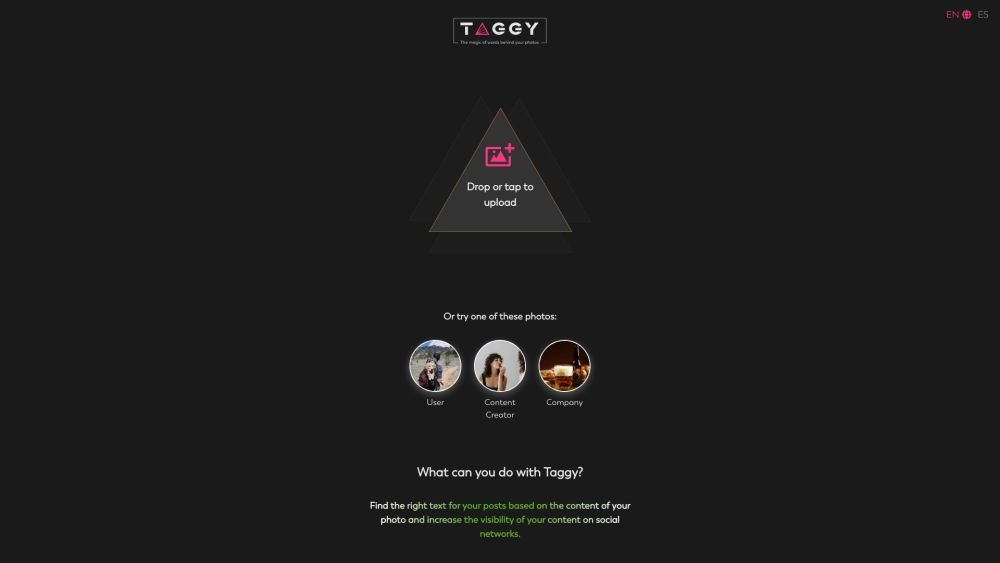
Taggy helps users find the right texts and keywords for their posts based on the content of their photos, increasing visibility on social networks. It generates engaging captions and quotes based on picture content, allowing users to enhance their social media presence.
Upload a picture to Taggy, and it will automatically generate keywords and hashtags based on the image content. Select your preferred keywords, choose a tone, and generate captions and personalized quotes.
Taggy uses AI to detect and classify keywords within your photo, then converts them into engaging text and hashtags for your posts.
Taggy supports three common image formats: JPG, JPEG, and PNG. The maximum allowed file size is 6MB.
Images uploaded to Taggy are stored temporarily to facilitate the caption generation process. All uploaded files are automatically deleted from our servers every 24 hours and are not used for any other purpose.
There is currently no dedicated mobile app, though this may be a possibility in the future. However, Taggy functions as a Progressive Web App (PWA), allowing you to install the web app directly on your phone.
Absolutely! We welcome your comments and suggestions for new features. Please reach out to us directly at @taggy_ai.
Free plan available.
Use these comparison pages to understand the trade-offs between the models most relevant to Taggy.
Compare Amazon Nova Pro and Amazon Nova Lite across pricing, context window, capabilities, benchmarks, and API access to choose the better fit for tool-augmented workflows versus tool-augmented workflows.
Compare Amazon Nova Lite and Amazon Nova Micro across pricing, context window, capabilities, benchmarks, and API access to choose the better fit for tool-augmented workflows versus tool-augmented workflows.
Compare Amazon Nova Lite and Mistral Medium 3 across pricing, context window, capabilities, benchmarks, and API access to choose the better fit for tool-augmented workflows versus tool-augmented workflows.
Compare Amazon Nova Lite and Mistral Small 3.1 (25.03) across pricing, context window, capabilities, benchmarks, and API access to choose the better fit for tool-augmented workflows versus cost-efficient scale.

Similar AI tool in the AI Social Media category.
Similar AI tool in the AI Social Media category.
Similar AI tool in the AI Social Media Post Generator category.
Similar AI tool in the AI Image Generator category.
Similar AI tool in the AI Marketing category.
Similar AI tool in the AI Chatbot category.
Similar AI tool in the AI Chatbot category.
Similar AI tool in the AI Writing Assistants category.
Similar AI tool in the AI Assistant category.
Similar AI tool in the AI Assistant category.
Similar AI tool in the AI Chatbot category.
Similar AI tool in the AI Chatbot category.