
Free
$0Free plan available.
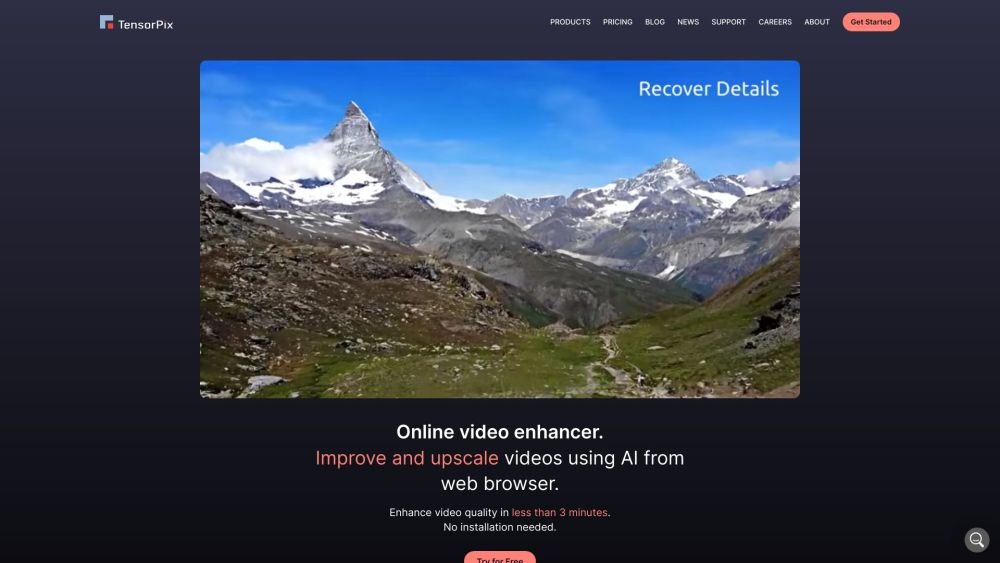
TensorPix is an online AI-powered video and image enhancer and upscaler. It allows users to enhance and upscale videos and images online using AI in less than 3 minutes, without requiring sign-up or installation. TensorPix offers various tools, including AI Video Enhancer, AI Image Enhancer, AI Image Generator, and Video Compressor, catering to different use cases such as enhancing video calls, meeting quality standards, and restoring old videos and images.
Upload your video or image files to the TensorPix website, select your preferred enhancement settings, and allow the AI to process your media. Once complete, you can download the enhanced file.
We do not currently support on-premise software installation. Our framework relies on Deep Neural Networks that are resource-intensive, requiring a powerful and expensive GPU to achieve reasonable processing speeds.
The primary difference is that Topaz Labs is offline software installed on your computer, whereas TensorPix operates through a web browser. Topaz relies on your local hardware, which can be problematic if your PC lacks high-end specifications. TensorPix processes all files in the cloud using high-performance GPU hardware.
Generally, the quality of the result depends on the source material. If the source contains severe compression artifacts that obscure significant detail, it is difficult to achieve substantial improvement.
Yes. You can visit your Billing page and click the 'Cancel plan' button. Your subscription will remain active until the end of the current billing period, and you will retain any unused Credits.
New users receive a set of free Credits upon sign-up. You can earn additional Credits by referring others using your unique referral code. We also offer discounts and free Credits through special promotions, which are announced in our newsletter.
We can provide a full refund if you have not used any of your purchased Credits. If you have used some Credits and are dissatisfied with the results, contact us to see if we can return a portion of them. Unfortunately, we cannot provide a monetary refund once Credits have been used.
Credits are used to perform tasks within the TensorPix web app. The number of Credits required for a project depends on factors such as source resolution, frame rate, and duration. You receive a new allotment of Credits each month based on your subscription plan. Unused Credits roll over to the next month and remain valid for one year from the date of purchase.
Credits are valid for 12 months from the date of purchase. Each newly purchased set of Credits carries its own 12-month validity period.
We accept payments via credit or debit cards through Stripe, as well as PayPal. Both providers maintain high security standards.
Free plan available.
Use these comparison pages to understand the trade-offs between the models most relevant to TensorPix.
Compare Claude 4.6 Sonnet and Grok 4.3 across pricing, context window, capabilities, benchmarks, and API access to choose the better fit for long-context workloads versus long-context workloads.
Compare DeepSeek V4 Pro and Grok 4.3 across pricing, context window, capabilities, benchmarks, and API access to choose the better fit for long-context workloads versus long-context workloads.
Compare Gemini 3.1 Pro and Grok 4.3 across pricing, context window, capabilities, benchmarks, and API access to choose the better fit for long-context workloads versus long-context workloads.
Compare GPT 5.5 and Grok 4.3 across pricing, context window, capabilities, benchmarks, and API access to choose the better fit for long-context workloads versus long-context workloads.

Similar AI tool in the AI Image Generator category.
Similar AI tool in the AI Assistant category.
Similar AI tool in the AI Chatbot category.
Similar AI tool in the AI Writing Assistants category.
Similar AI tool in the AI Image Generator category.
Similar AI tool in the AI Image Generator category.
Similar AI tool in the AI Writing Assistants category.
Similar AI tool in the AI Writing Assistants category.
Similar AI tool in the AI Assistant category.
Similar AI tool in the AI Image Generator category.
Similar AI tool in the AI Chatbot category.
Similar AI tool in the AI Art Generator category.