
Free
$0Free plan available.
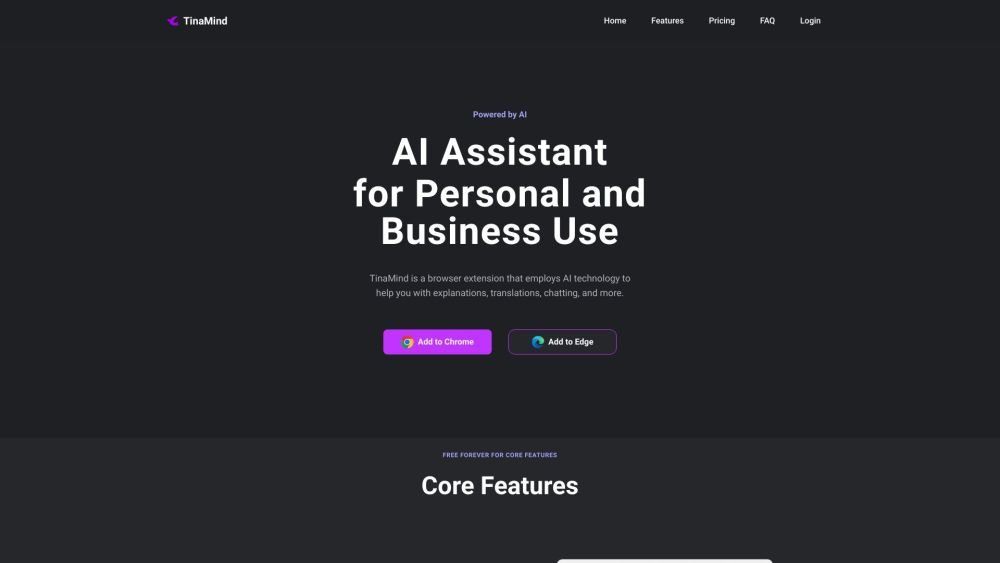
TinaMind is a browser extension that utilizes AI technology to assist with explanations, translations, and chatting. Designed for both personal and business use, it allows users to select text on any webpage to explain, translate, or rephrase it with a single click. It also includes a chat feature for answering questions, maintaining contextual conversations, and providing writing inspiration.
Install the Chrome or Edge extension. Click the sidebar button to chat with TinaMind, or select text on any webpage to have TinaMind explain, translate, or rephrase it for you.
TinaMind is a browser extension that uses AI technology to assist with explanations, translations, and chatting.
TinaMind leverages AI to understand and respond to chat messages and generate content using templates. It can also translate, rephrase, and clarify text directly on any webpage.
TinaMind is free to use, and registration provides a set number of usage instances. Free users receive a daily allotment of usage instances, while advanced features may require a paid subscription.
Install the Chrome or Edge extension. Click the sidebar button to chat with TinaMind, or select text on any webpage to have TinaMind explain, translate, or rephrase it for you.
Free plan available.
Use these comparison pages to understand the trade-offs between the models most relevant to TinaMind.
Compare Amazon Nova Pro and Amazon Nova Lite across pricing, context window, capabilities, benchmarks, and API access to choose the better fit for tool-augmented workflows versus tool-augmented workflows.
Compare Amazon Nova Lite and Amazon Nova Micro across pricing, context window, capabilities, benchmarks, and API access to choose the better fit for tool-augmented workflows versus tool-augmented workflows.
Compare Amazon Nova Lite and Mistral Medium 3 across pricing, context window, capabilities, benchmarks, and API access to choose the better fit for tool-augmented workflows versus tool-augmented workflows.
Compare Amazon Nova Lite and Mistral Small 3.1 (25.03) across pricing, context window, capabilities, benchmarks, and API access to choose the better fit for tool-augmented workflows versus cost-efficient scale.

Similar AI tool in the AI Assistant category.
Similar AI tool in the AI Assistant category.
Similar AI tool in the AI Writing Assistants category.
Similar AI tool in the AI Assistant category.
Similar AI tool in the AI Writing Assistants category.
Similar AI tool in the AI Writing Assistants category.
Similar AI tool in the AI Assistant category.
Similar AI tool in the AI Chatbot category.
Similar AI tool in the AI Chatbot category.
Similar AI tool in the AI Assistant category.
Similar AI tool in the AI Assistant category.
Similar AI tool in the AI Assistant category.