
Free
$0Free plan available.
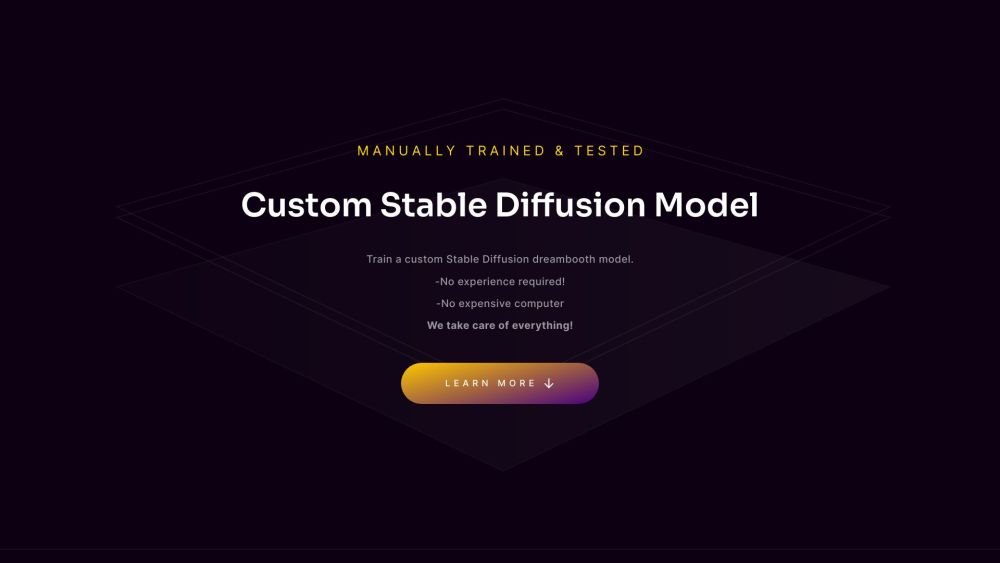
TrainAModel.com is a platform that allows users to train custom Stable Diffusion models and LoRAs using their own images. It simplifies the process of creating AI-powered models by handling all the technical aspects, including GPU usage and expertise requirements. Users can upload images, and the platform trains a model that can be used with Stable Diffusion to generate custom images.
To use TrainAModel, upload at least 10 pictures of the subject you wish to train. Crop your images to a 512x512 resolution. Submit the images to begin the training process. Once training is finished—typically within 24 hours—you will receive a Safetensor file compatible with Stable Diffusion.
A minimum of 10 images is required to train a custom model.
Images must be cropped to a 512x512 resolution.
The training process is generally completed in under 24 hours.
Both the uploaded images and the resulting trained models are deleted after 48 hours.
Images featuring people must only include adults who have provided explicit permission.
Free plan available.
Use these comparison pages to understand the trade-offs between the models most relevant to TrainAModel.
Compare Amazon Nova Pro and Amazon Nova Lite across pricing, context window, capabilities, benchmarks, and API access to choose the better fit for tool-augmented workflows versus tool-augmented workflows.
Compare Amazon Nova Lite and Amazon Nova Micro across pricing, context window, capabilities, benchmarks, and API access to choose the better fit for tool-augmented workflows versus tool-augmented workflows.
Compare Amazon Nova Lite and Mistral Medium 3 across pricing, context window, capabilities, benchmarks, and API access to choose the better fit for tool-augmented workflows versus tool-augmented workflows.
Compare Amazon Nova Lite and Mistral Small 3.1 (25.03) across pricing, context window, capabilities, benchmarks, and API access to choose the better fit for tool-augmented workflows versus cost-efficient scale.

Similar AI tool in the AI Assistant category.
Similar AI tool in the AI Assistant category.
Similar AI tool in the AI Assistant category.
Similar AI tool in the AI Productivity Tools category.
Similar AI tool in the AI Assistant category.
Similar AI tool in the AI Assistant category.
Similar AI tool in the AI Chatbot category.
Similar AI tool in the AI Chatbot category.
Similar AI tool in the AI Assistant category.
Similar AI tool in the AI Chatbot category.
Similar AI tool in the AI Assistant category.
Similar AI tool in the AI Assistant category.