
Free
$0Free plan available.
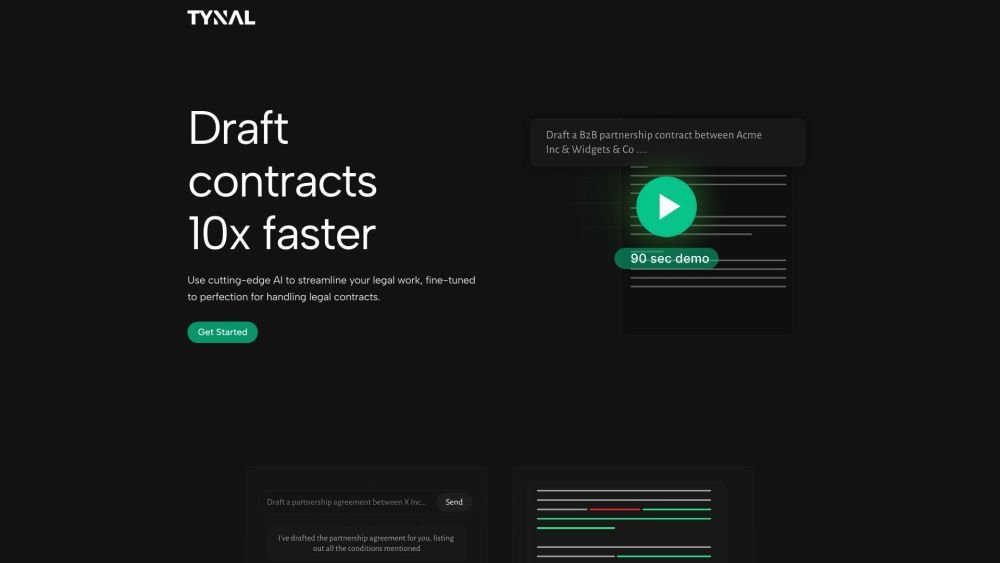
Tynal is an AI add-in for Microsoft Word designed to transform how users handle legal contracts. It offers an alternative to DIY templates and costly legal firms by providing a tool for drafting, modifying, and reviewing legal agreements instantly. Tynal streamlines contract creation, modification, and ensures compliance effortlessly within Microsoft Word.
Access Tynal directly within Microsoft Word. Input your requirements in plain English, and the tool will generate complete contracts or specific clauses using precise legal terminology. Describe any necessary modifications, and Tynal will intelligently update the relevant clauses. Finally, review the document for highlighted red flags, summaries, and any missing clauses.
Tynal is an AI add-in for Microsoft Word that assists with drafting, modifying, and reviewing legal contracts.
Tynal allows you to input a brief in plain English, which it then converts into full contracts or specific clauses using professional legal language.
Yes, Tynal is designed with knowledge of local regulations to help ensure your contracts are enforceable within your specific jurisdiction.
Free plan available.
Use these comparison pages to understand the trade-offs between the models most relevant to Tynal.
Compare Amazon Nova Pro and Amazon Nova Lite across pricing, context window, capabilities, benchmarks, and API access to choose the better fit for tool-augmented workflows versus tool-augmented workflows.
Compare Amazon Nova Lite and Amazon Nova Micro across pricing, context window, capabilities, benchmarks, and API access to choose the better fit for tool-augmented workflows versus tool-augmented workflows.
Compare Amazon Nova Lite and Mistral Medium 3 across pricing, context window, capabilities, benchmarks, and API access to choose the better fit for tool-augmented workflows versus tool-augmented workflows.
Compare Amazon Nova Lite and Mistral Small 3.1 (25.03) across pricing, context window, capabilities, benchmarks, and API access to choose the better fit for tool-augmented workflows versus cost-efficient scale.

Similar AI tool in the Large Language Models (LLMs) category.
Similar AI tool in the AI Assistant category.
Similar AI tool in the AI Assistant category.
Similar AI tool in the AI Answer category.
Similar AI tool in the AI Chatbot category.
Similar AI tool in the AI Chatbot category.
Similar AI tool in the AI Assistant category.
Similar AI tool in the AI Chatbot category.
Similar AI tool in the AI Models category.
Similar AI tool in the AI Assistant category.
Similar AI tool in the AI Assistant category.
Similar AI tool in the AI Chatbot category.