
Free
$0Free plan available.
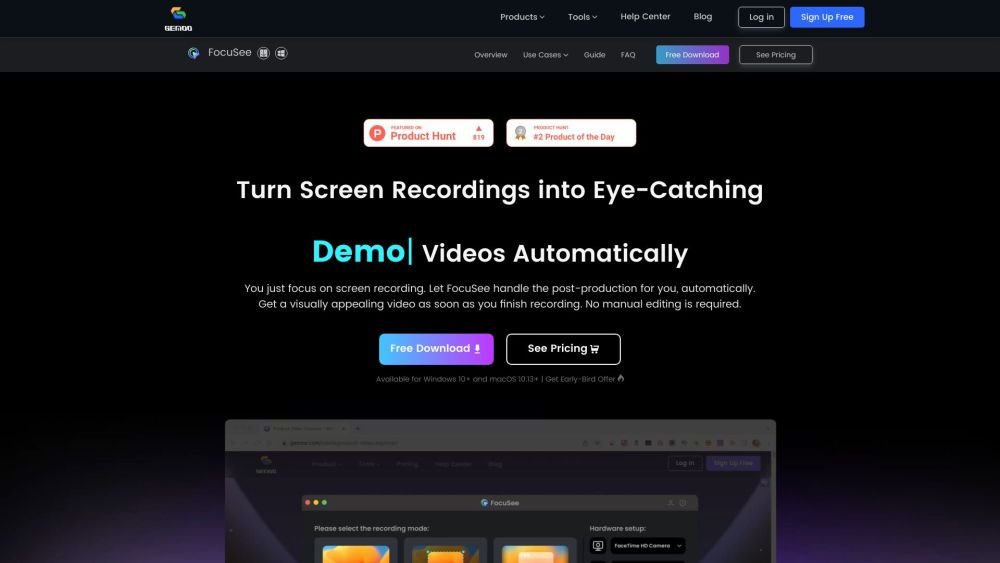
FocuSee is a screen recording tool that automatically enhances videos with zoom-in effects, cursor movement tracking, and background enhancements, eliminating the need for manual editing. It's designed for creating engaging tutorials, demos, promo videos, and more.
Record your screen, selfie, and voiceover. FocuSee automatically applies dynamic zoom effects, tracks cursor movement, adds a background, and generates a professional-looking video.
You can use the version you purchased (e.g., Version 1) indefinitely. Upgrading to a new major version (e.g., Version 2) requires an additional upgrade fee.
No, it is not a subscription and does not auto-renew. You will not be charged again after the 30 days expire. Note that one computer can only be bound to one 30-day plan at a time; if you purchase an additional 30-day plan before the current one expires, it can be used on a different computer.
Sign up and log in to your account using the email address provided during purchase. Your FocuSee license will activate automatically upon login.
We can assist with transferring your account to a new device up to twice a year for valid reasons, such as your old device being broken, sold, or lost. Please contact us with your registered email address to unbind your account from the old device.
Yes, a free trial is available. You can test all features and export one video in up to 4K resolution locally with a watermark.
No. The plan is locked to the operating system on which it was first activated. If you require access on both Windows and macOS, please purchase the 2-computer plan.
Refunds for one-time purchase plans can be requested within 30 days of the transaction. Refunds are not available for 30-day plans.
Yes, we offer discounts for students, teachers, and staff. Please contact us to apply.
There is no limit on recording length. However, please be aware that longer recordings will require more time for rendering and exporting.
Free plan available.
Use these comparison pages to understand the trade-offs between the models most relevant to FocuSee.
Compare Gemini 1.0 Pro Deprecated and Gemini 2.0 Flash across pricing, context window, capabilities, benchmarks, and API access to choose the better fit for long-context workloads versus long-context workloads.
Compare Gemini 1.0 Pro Deprecated and Gemini 2.5 Flash across pricing, context window, capabilities, benchmarks, and API access to choose the better fit for long-context workloads versus long-context workloads.
Compare Gemini 2.0 Flash Lite and Gemini 2.0 Flash across pricing, context window, capabilities, benchmarks, and API access to choose the better fit for long-context workloads versus long-context workloads.
Compare Gemini 2.5 Flash and Gemini 2.0 Flash across pricing, context window, capabilities, benchmarks, and API access to choose the better fit for long-context workloads versus long-context workloads.

Similar AI tool in the AI Copilot category.
Similar AI tool in the AI Video Generator category.
Similar AI tool in the AI Social Media category.
Similar AI tool in the AI Video Generator category.
Similar AI tool in the AI Chatbot category.
Similar AI tool in the AI Assistant category.
Similar AI tool in the AI API category.
Similar AI tool in the AI Assistant category.
Similar AI tool in the AI Image Generator category.
Similar AI tool in the AI Assistant category.
Similar AI tool in the AI Chatbot category.
Similar AI tool in the AI Video Generator category.