
Free
$0Free plan available.
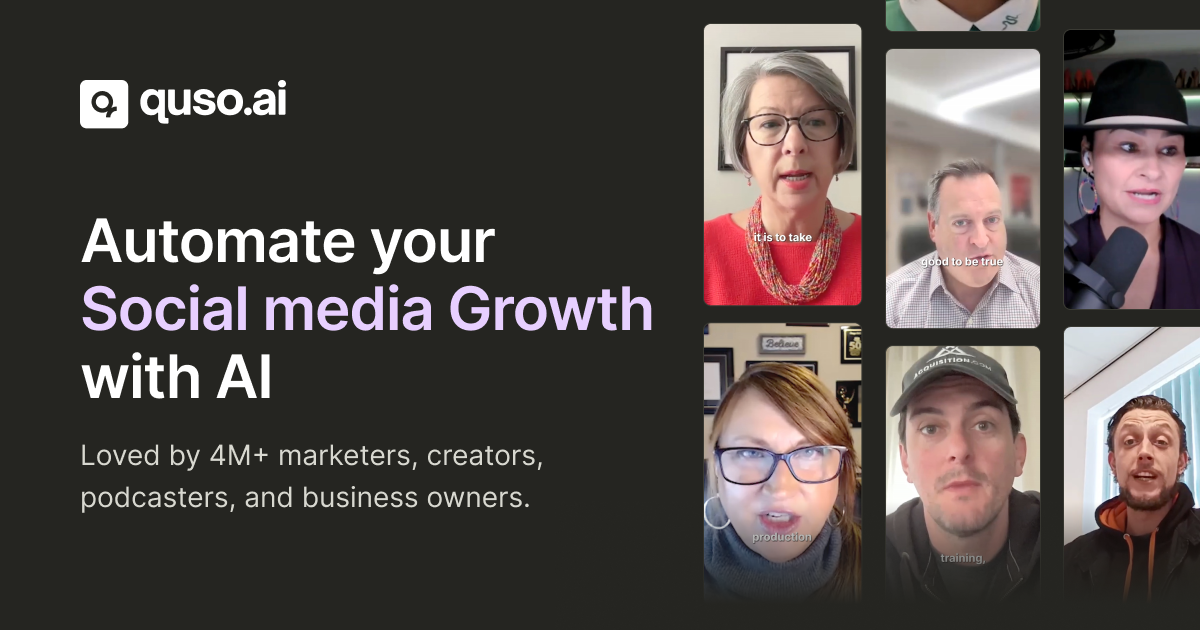
quso.ai is an AI-powered video repurposing platform that transforms long-form content into viral short clips, blogs, threads, LinkedIn posts, and more. It also includes social media scheduling capabilities to manage your channels from a single dashboard. It is ideal for coaches, consultants, and content creators looking to repurpose podcasts, webinars, and recordings into engaging social media content while automating their workflow. Key Features: • AI clip generation with virality scoring • Intelligent scene detection and highlights • Automated subtitles and brand templates • Multi-platform optimization (TikTok, Instagram, YouTube Shorts) • Silence removal and filler word detection • One-click social media scheduling • B-roll integration with royalty-free footage • Custom captions with emojis and styling. The platform streamlines the entire content creation workflow from editing to distribution, helping businesses maintain consistent branding while scaling their social media presence with minimal manual effort.
To use quso.ai, sign up for a free account and access the dashboard to begin creating AI-powered clips. Upload your long-form video by pasting a YouTube URL or uploading a file from your device, and allow the AI to analyze and generate short, viral-ready clips from the best segments. Customize your clips by selecting language preferences, caption styles, and brand templates, then use the editor to add text overlays, remove filler words, adjust timing, and apply your brand kit. Once finished, download your clips or schedule them across platforms like Instagram, TikTok, YouTube Shorts, and LinkedIn using the built-in scheduler. The platform manages automatic transcription, subtitle generation, B-roll integration, and performance analytics, providing a comprehensive solution for transforming long videos into social content without requiring advanced editing skills.
Yes, quso.ai offers a free trial with limited credits, allowing you to test the tool before committing.
To use quso.ai, sign up for a free account and access the dashboard to begin creating AI-powered clips. Upload your long-form video by pasting a YouTube URL or uploading a file from your device, and allow the AI to analyze and generate short, viral-ready clips from the best segments. Customize your clips by selecting language preferences, caption styles, and brand templates, then use the editor to add text overlays, remove filler words, adjust timing, and apply your brand kit. Once finished, download your clips or schedule them across platforms like Instagram, TikTok, YouTube Shorts, and LinkedIn using the built-in scheduler. The platform manages automatic transcription, subtitle generation, B-roll integration, and performance analytics, providing a comprehensive solution for transforming long videos into social content without requiring advanced editing skills.
quso.ai allows you to import videos from YouTube or upload files in mp4, m4v, mov, and webm formats. Free users have a 5GB upload limit, while paid users can upload files up to 15GB.
quso.ai currently supports English, Spanish, German, and French, with plans to add more languages in the future.
Free plan available.
Use these comparison pages to understand the trade-offs between the models most relevant to quso.ai.
Compare Gemini 1.0 Pro Deprecated and Gemini 2.0 Flash across pricing, context window, capabilities, benchmarks, and API access to choose the better fit for long-context workloads versus long-context workloads.
Compare Gemini 1.0 Pro Deprecated and Gemini 2.5 Flash across pricing, context window, capabilities, benchmarks, and API access to choose the better fit for long-context workloads versus long-context workloads.
Compare Gemini 2.0 Flash Lite and Gemini 2.0 Flash across pricing, context window, capabilities, benchmarks, and API access to choose the better fit for long-context workloads versus long-context workloads.
Compare Gemini 2.5 Flash and Gemini 2.0 Flash across pricing, context window, capabilities, benchmarks, and API access to choose the better fit for long-context workloads versus long-context workloads.

Similar AI tool in the AI Video Generator category.
Similar AI tool in the AI Social Media category.
Similar AI tool in the AI Social Media category.
Similar AI tool in the AI Image Generator category.
Similar AI tool in the AI API category.
Similar AI tool in the No-Code&Low-Code category.
Similar AI tool in the AI Marketing category.
Similar AI tool in the AI Assistant category.
Similar AI tool in the AI Assistant category.
Similar AI tool in the AI Video Generator category.
Similar AI tool in the AI Chatbot category.
Similar AI tool in the AI Video Editor category.