
Free
$0Free plan available.
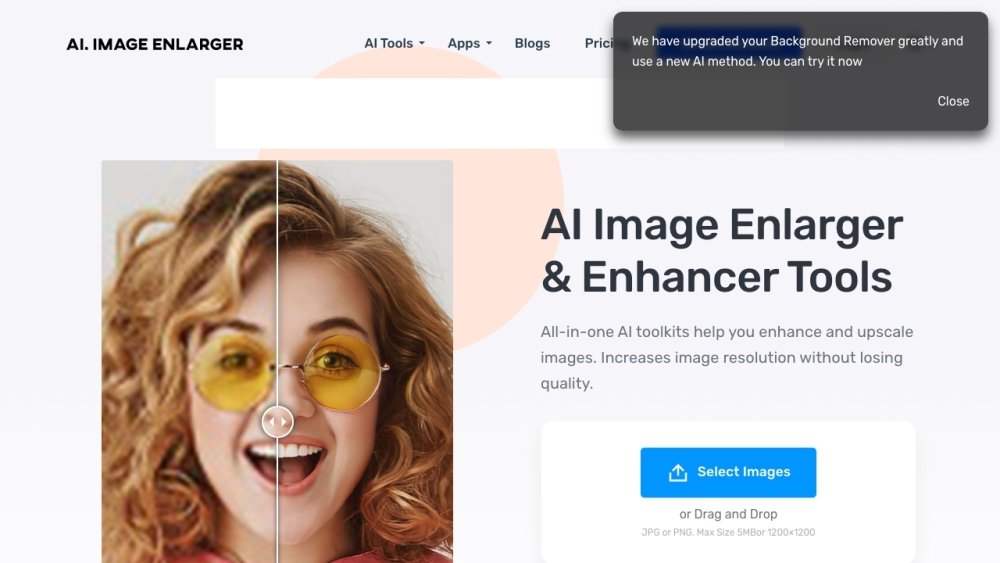
ImgLarger is an all-in-one AI toolkit that helps users enhance, edit, and convert images online. It provides AI tools to enlarge images, remove noise, restore old photos, and more. It also offers traditional image editing tools and image converters.
Users can upload images to ImgLarger and apply various AI-powered tools, standard editing features, or converters to modify their files. While basic features are available without an account, registration is required to unlock additional capabilities.
The Image Enlarger and AI Image Upscaler utilize different algorithmic models to improve image quality. The former is designed to enhance standard photos with sharp details, while the latter is optimized for anime and cartoon images to produce smoother results.
ImgLarger uses advanced AI algorithms to preserve image quality during enlargement. The program intelligently analyzes the content to maintain the original sharpness, clarity, and fine details of the photograph.
ImgLarger supports common image formats, including JPG and PNG. After registering, you can upload your images for enhancement and save the processed results to your computer without watermarks.
You cannot manually adjust the degree of upscaling. ImgLarger provides three preset options: free members can upscale images by 2x and 4x, while premium users have the additional option to resize images up to 8K.
If your subscription expires or is not renewed, any unused credits will be removed from your account. To prevent this, ensure your payment method is current and has sufficient funds for automatic renewal.
Free plan available.
Use these comparison pages to understand the trade-offs between the models most relevant to ImgLarger.
Compare Amazon Nova Pro and Amazon Nova Lite across pricing, context window, capabilities, benchmarks, and API access to choose the better fit for tool-augmented workflows versus tool-augmented workflows.
Compare Amazon Nova Lite and Amazon Nova Micro across pricing, context window, capabilities, benchmarks, and API access to choose the better fit for tool-augmented workflows versus tool-augmented workflows.
Compare Amazon Nova Lite and Mistral Medium 3 across pricing, context window, capabilities, benchmarks, and API access to choose the better fit for tool-augmented workflows versus tool-augmented workflows.
Compare Amazon Nova Lite and Mistral Small 3.1 (25.03) across pricing, context window, capabilities, benchmarks, and API access to choose the better fit for tool-augmented workflows versus cost-efficient scale.

Similar AI tool in the AI Image Generator category.
Similar AI tool in the AI Chatbot category.
Similar AI tool in the AI Background Remover category.
Similar AI tool in the AI Chatbot category.
Similar AI tool in the AI Image Generator category.
Similar AI tool in the AI Image Generator category.
Similar AI tool in the AI Image Generator category.
Similar AI tool in the AI Assistant category.
Similar AI tool in the AI Chatbot category.
Similar AI tool in the AI Image Generator category.
Similar AI tool in the AI Image Generator category.
Similar AI tool in the AI Image Generator category.