
Free
$0Free plan available.
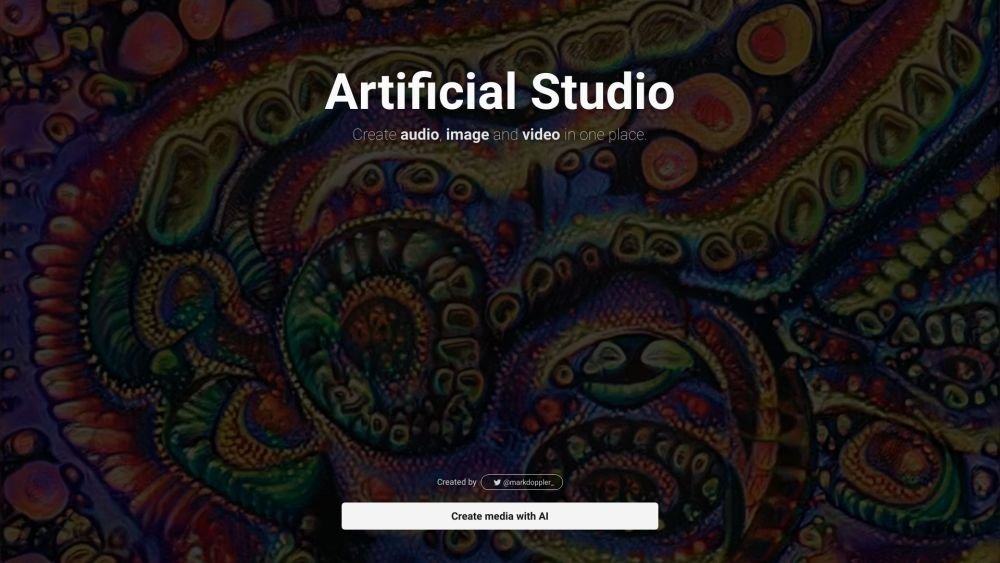
Artificial Studio is a platform where you can use a variety of artificial intelligence models to create audio, image, and video. It offers a suite of over 40 AI models for creating images, music, text, and video all in one place. It allows users to maximize their creativity and enhance their creations with artificial intelligence.
To use Artificial Studio, select your preferred AI model from the available suite. Provide your text prompts, images, or audio samples, and the AI will generate the corresponding output. You can then refine and enhance your results as needed.
You can create audio, images, and videos using a variety of AI models. This includes generating images from text, creating videos from text or images, cloning voices, designing logos, and more.
Artificial Studio provides access to over 40 AI models for creating images, music, text, and video within a single platform.
Free plan available.
Use these comparison pages to understand the trade-offs between the models most relevant to Artificial Studio.
Compare Gemini 1.0 Pro Deprecated and Gemini 2.0 Flash across pricing, context window, capabilities, benchmarks, and API access to choose the better fit for long-context workloads versus long-context workloads.
Compare Gemini 1.0 Pro Deprecated and Gemini 2.5 Flash across pricing, context window, capabilities, benchmarks, and API access to choose the better fit for long-context workloads versus long-context workloads.
Compare Gemini 2.0 Flash Lite and Gemini 2.0 Flash across pricing, context window, capabilities, benchmarks, and API access to choose the better fit for long-context workloads versus long-context workloads.
Compare Gemini 2.5 Flash and Gemini 2.0 Flash across pricing, context window, capabilities, benchmarks, and API access to choose the better fit for long-context workloads versus long-context workloads.

Similar AI tool in the AI Assistant category.
Similar AI tool in the AI Assistant category.
Similar AI tool in the AI Chatbot category.
Similar AI tool in the AI Video Generator category.
Similar AI tool in the AI Assistant category.
Similar AI tool in the AI Image Generator category.
Similar AI tool in the AI Assistant category.
Similar AI tool in the AI Video Generator category.
Similar AI tool in the AI Image Generator category.
Similar AI tool in the AI Image Generator category.
Similar AI tool in the AI Assistant category.
Similar AI tool in the AI Assistant category.