
Free
$0Free plan available.
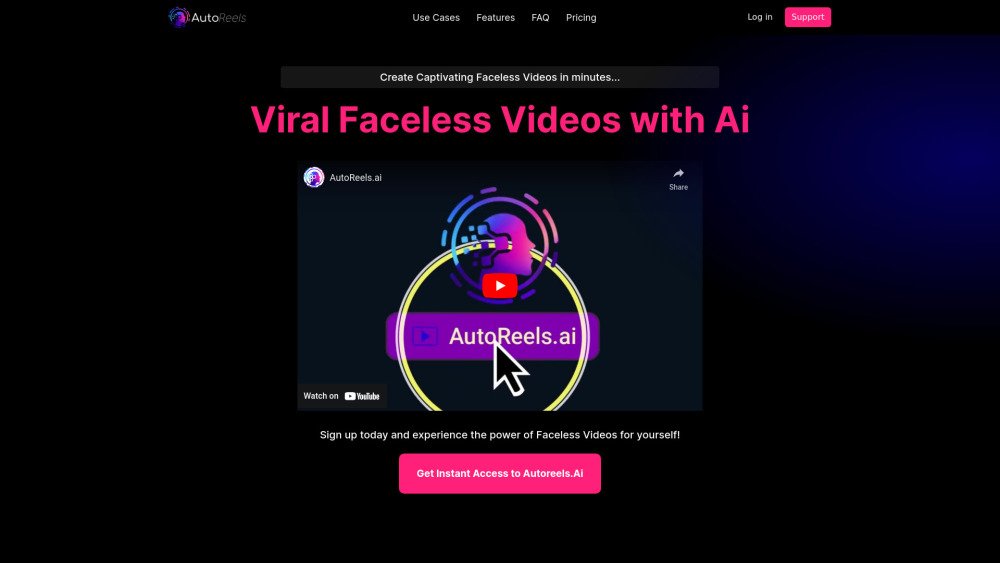
AutoReels is an AI-powered tool designed to create and automate faceless videos for social media platforms like TikTok and YouTube. It allows users to generate video series by choosing a niche or providing a prompt, and the AI will create and schedule videos for automated publishing. AutoReels offers features like customizable styles, voices, and music to simplify content creation and monetization.
To use AutoReels, log in with your TikTok and YouTube accounts, choose a theme or customize your content, select a narrator voice and background music, and then create and preview your first video. You can then schedule and automate the posting of your videos.
Log into your AutoReels account and select 'Create Series.' Choose your video destination by linking your TikTok and YouTube accounts or email. Select your content from existing prompts or customize them. Finally, set your preferences, including narrator, background music, language, art style, aspect ratio, and video length.
A series is a collection of videos centered around a common topic. Depending on your membership level, a new video in a series, such as 'Scary Stories,' can be published on a weekly or daily basis.
You can post your series to TikTok and YouTube or receive them via email. The platform allows you to schedule and automate the posting of your faceless videos to your connected social media accounts.
AutoReels provides pre-made prompts that you can select, or you can customize and add your own. The AI will generate a faceless video based on your specific input.
Yes. You can edit videos after they are generated. You are able to modify the prompt, video destination, narrator voice, background music, title, description, and the scheduled date on the calendar.
Yes, the generative AI creates unique content for each video within a series, ensuring that no two Reels are identical.
Please check the pricing section for details on video creation limits for each series. AutoReels focuses on automated, planned video production through series settings rather than individual video creation.
We ensure videos adhere to TikTok and YouTube platform guidelines regarding length. However, you can increase video length by editing the prompt and modifying the AI-generated script.
Yes, you retain full ownership of the videos and are free to download, use, or sell them as you see fit.
While we filter NSFW content, we are not responsible for the final output and cannot guarantee that all generated content is appropriate. Please review your content carefully before use.
Yes, you can end a current series and start a new one at any time, provided the series has not yet been posted. Note that the free plan is limited to one series per account.
Supported languages include US English, UK English, AUS English, Spanish, French, German, Italian, Portuguese, Czech, Finnish, Polish, Russian, Turkish, and Ukrainian.
You can upgrade your plan by navigating to the 'Pricing' section, selecting your preferred plan, and clicking 'Buy'.
Premium memberships offer additional benefits beyond the free plan, such as no watermarks, more frequent publishing, higher resolution, and increased personalization credits.
Due to the high costs of AI video and photo generation and restrictions from our GPU providers regarding processing time, we cannot issue refunds. This policy is necessary to protect our service. You may cancel your membership at any time, which will take effect at the end of your current billing cycle. By signing up, you agree to these terms.
Yes. You can easily cancel your membership at any time with a single click via the billing page in your dashboard.
Free plan available.
Use these comparison pages to understand the trade-offs between the models most relevant to AutoReels.
Compare Gemini 1.0 Pro Deprecated and Gemini 2.0 Flash across pricing, context window, capabilities, benchmarks, and API access to choose the better fit for long-context workloads versus long-context workloads.
Compare Gemini 1.0 Pro Deprecated and Gemini 2.5 Flash across pricing, context window, capabilities, benchmarks, and API access to choose the better fit for long-context workloads versus long-context workloads.
Compare Gemini 2.0 Flash Lite and Gemini 2.0 Flash across pricing, context window, capabilities, benchmarks, and API access to choose the better fit for long-context workloads versus long-context workloads.
Compare Gemini 2.5 Flash and Gemini 2.0 Flash across pricing, context window, capabilities, benchmarks, and API access to choose the better fit for long-context workloads versus long-context workloads.

Similar AI tool in the AI Video Generator category.
Similar AI tool in the AI Social Media category.
Similar AI tool in the AI Social Media category.
Similar AI tool in the AI Chatbot category.
Similar AI tool in the AI Image Generator category.
Similar AI tool in the AI Video Generator category.
Similar AI tool in the AI Video Generator category.
Similar AI tool in the AI Image Generator category.
Similar AI tool in the AI Assistant category.
Similar AI tool in the AI Video Generator category.
Similar AI tool in the AI Chatbot category.
Similar AI tool in the AI Assistant category.