
Free
$0Free plan available.
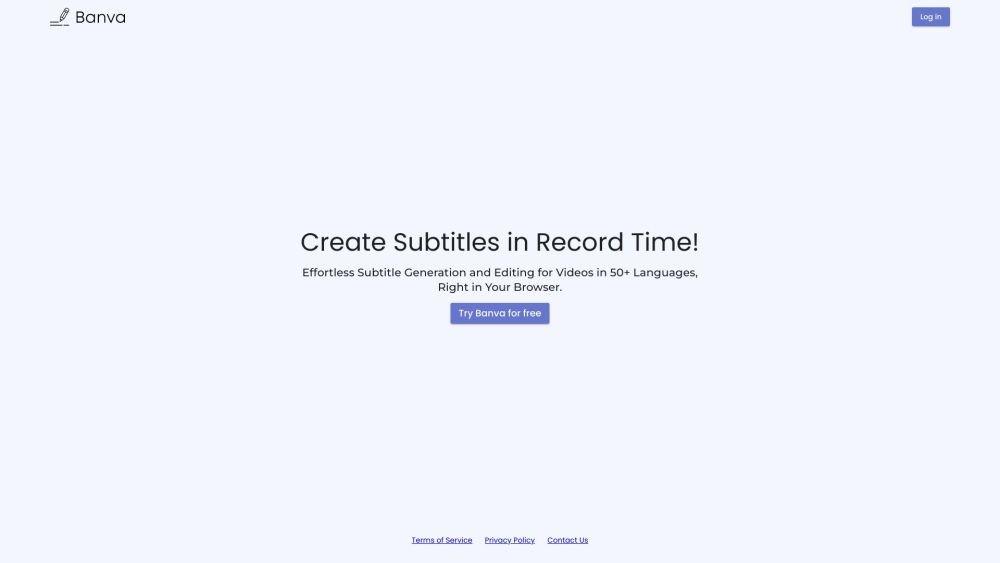
Banva is a browser-based subtitling product that allows users to generate automated subtitles for 50+ languages, edit generated subtitles, and style subtitles. It is an AI-powered media localization platform with support for more than 90 languages and all common video, audio, and subtitle formats. Banva fulfills all subtitling needs directly in the browser with fast, accurate automatic subtitle generation and a complete subtitle editor suite.
Users can generate automated subtitles by uploading video or audio files to the Banva platform. The AI automatically transcribes and creates subtitles, which can then be edited and styled directly within the browser.
Yes. Banva offers free subtitle and text generation for up to 15 minutes. Upon creating an account, you receive 15 minutes of free credits, which can be used for any supported language. Once these are exhausted, you can purchase additional credits. Other features, such as editing and burning subtitles into videos, are free to use with no hidden costs; you only pay for what you use.
Credits are deducted based on the length of your audio or video in minutes for every AI generation task. If you generate subtitles in multiple languages, you are charged separately for each additional language. Files shorter than one minute are rounded up to a one-minute deduction.
Pricing is displayed in your local currency where available, or in USD. We accept major debit and credit cards, including Visa, Mastercard, and American Express. Payments are processed securely via Stripe.
For refund requests or concerns, please contact support@banva.io. The team will review your request, and refunds are processed at the sole discretion of Banva. Further details are available in our terms and conditions.
Free plan available.
Use these comparison pages to understand the trade-offs between the models most relevant to Banva.
Compare Gemini 1.0 Pro Deprecated and Gemini 2.0 Flash across pricing, context window, capabilities, benchmarks, and API access to choose the better fit for long-context workloads versus long-context workloads.
Compare Gemini 1.0 Pro Deprecated and Gemini 2.5 Flash across pricing, context window, capabilities, benchmarks, and API access to choose the better fit for long-context workloads versus long-context workloads.
Compare Gemini 2.0 Flash Lite and Gemini 2.0 Flash across pricing, context window, capabilities, benchmarks, and API access to choose the better fit for long-context workloads versus long-context workloads.
Compare Gemini 2.5 Flash and Gemini 2.0 Flash across pricing, context window, capabilities, benchmarks, and API access to choose the better fit for long-context workloads versus long-context workloads.

Similar AI tool in the AI Transcription category.
Similar AI tool in the AI Copilot category.
Similar AI tool in the AI Summarizer category.
Similar AI tool in the AI Writing Assistants category.
Similar AI tool in the AI Chatbot category.
Similar AI tool in the AI Assistant category.
Similar AI tool in the AI Assistant category.
Similar AI tool in the AI Chatbot category.
Similar AI tool in the Large Language Models (LLMs) category.
Similar AI tool in the AI Assistant category.
Similar AI tool in the AI Writing Assistants category.
Similar AI tool in the AI Assistant category.