
Free
$0Free plan available.
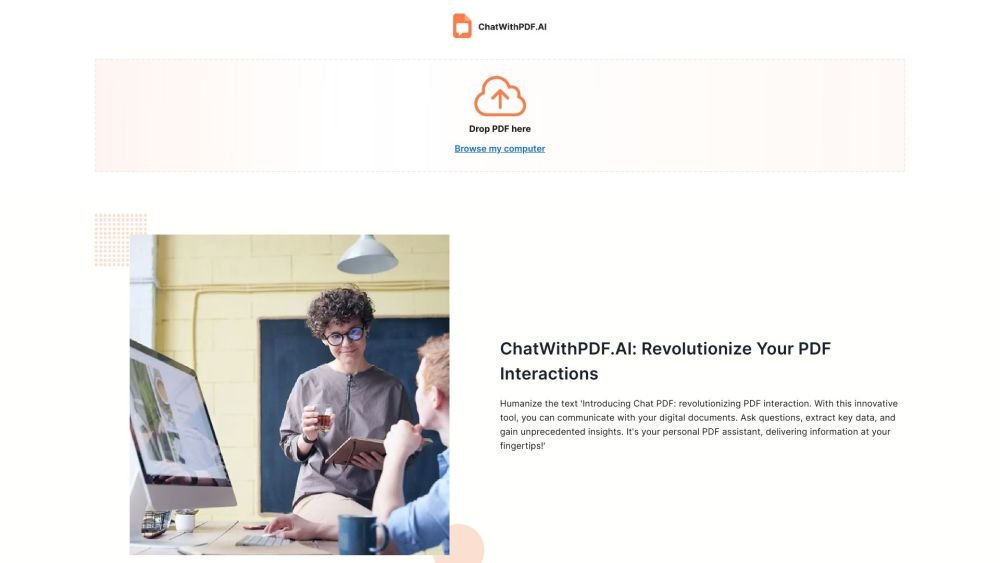
ChatWithPDF.AI is an AI tool that allows users to chat with PDF documents, summarize them, instantly answer questions, and understand research easily. It caters to researchers, professionals, and students, helping them extract valuable insights from PDFs and documents. Paperguide is an all-in-one AI research platform designed for teams and institutions, offering tools from reference management to AI writing.
To use ChatWithPDF, upload your PDF, enter your questions, and receive instant answers based on the document content. Paperguide provides access to various AI tools through its platform, which requires users to sign up and select a subscription plan.
Currently, ChatWithPDF does not impose a daily limit on PDF uploads. Please check the pricing page for further details.
No, your documents are not used to train our AI models. Files are stored on secure AWS servers, and you retain the option to delete them at any time, which permanently removes the data from our servers.
ChatWithPDF prioritizes data security and privacy. Your documents are used solely to generate answers to your queries and are not stored longer than necessary for processing. You always have the option to delete your files.
Yes, ChatWithPDF supports most languages, allowing you to ask questions in your preferred language.
You may cancel your subscription at any time by contacting support at hello@chatwithpdf.ai.
Yes, Paperguide's pricing page confirms that users have the ability to cancel their subscriptions.
Paperguide maintains data security measures, as outlined in the frequently asked questions on their pricing page.
Paperguide maintains a refund policy, as indicated in the frequently asked questions on their pricing page.
Paperguide operates under a fair usage policy, as referenced in the frequently asked questions on their pricing page.
Free plan available.
Use these comparison pages to understand the trade-offs between the models most relevant to ChatWithPDF.AI | Paperguide.
Compare Amazon Nova Pro and Amazon Nova Lite across pricing, context window, capabilities, benchmarks, and API access to choose the better fit for tool-augmented workflows versus tool-augmented workflows.
Compare Amazon Nova Lite and Amazon Nova Micro across pricing, context window, capabilities, benchmarks, and API access to choose the better fit for tool-augmented workflows versus tool-augmented workflows.
Compare Amazon Nova Lite and Mistral Medium 3 across pricing, context window, capabilities, benchmarks, and API access to choose the better fit for tool-augmented workflows versus tool-augmented workflows.
Compare Amazon Nova Lite and Mistral Small 3.1 (25.03) across pricing, context window, capabilities, benchmarks, and API access to choose the better fit for tool-augmented workflows versus cost-efficient scale.

Similar AI tool in the AI Copilot category.
Similar AI tool in the AI Chatbot category.
Similar AI tool in the AI Assistant category.
Similar AI tool in the AI Assistant category.
Similar AI tool in the AI Assistant category.
Similar AI tool in the AI Assistant category.
Similar AI tool in the AI Assistant category.
Similar AI tool in the AI Chatbot category.
Similar AI tool in the AI Chatbot category.
Similar AI tool in the AI Chatbot category.
Similar AI tool in the AI Assistant category.
Similar AI tool in the AI Assistant category.