
Free
$0Free plan available.
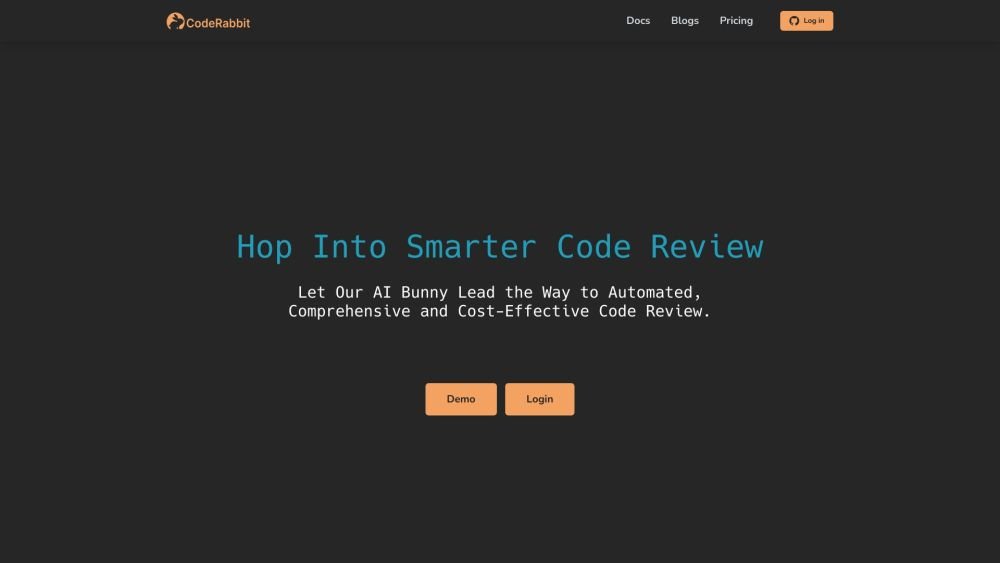
CodeRabbit is an AI-powered code review tool that enhances code quality and reduces manual work. It provides contextual line-by-line feedback, flags critical changes, facilitates bot interaction, and allows committing directly from GitHub. It aims to catch 95%+ of bugs, freeing developers to ship code faster.
CodeRabbit integrates with Git repositories on platforms such as GitHub and GitLab. Once installed, it automatically reviews pull requests and delivers feedback directly within your code review interface.
The Lite plan is an entry-level tier providing fast, essential AI-powered code reviews. The Pro plan offers comprehensive reviews, including a sandboxed environment for each review. It executes linters, performs security analysis, and integrates with issue-tracking systems like Jira and Linear. Additionally, the Pro plan includes customizable reports delivered via Slack, Microsoft Teams, and Discord, plus access to product analytics dashboards.
No, you are only charged for developers who create pull requests. You also have the flexibility to manually assign seats, allowing you to purchase any number of seats and allocate them to specific developers.
There are no limits on the number of pull requests reviewed or the number of repositories on any plan.
Yes, you can reassign seats at any time.
The Pro (Legacy) plan is a grandfathered subscription. Active Pro (Legacy) accounts retain access to the following features in addition to Lite plan capabilities: support for linters and SAST tools, product analytics dashboards, developer activity reports, and integration with Jira and Linear. If a Pro (Legacy) plan is canceled, these features are removed and the plan cannot be reactivated.
CodeRabbit provides comprehensive support, including documentation, tutorials, and access to a dedicated support team to assist with any questions or issues.
Sign up for CodeRabbit using GitHub or GitLab and install it on a public repository to receive free reviews indefinitely. No additional configuration is required.
CodeRabbit utilizes machine learning algorithms to analyze your codebase, detect potential issues, and suggest improvements based on industry best practices and coding standards.
Free plan available.
Use these comparison pages to understand the trade-offs between the models most relevant to CodeRabbit.
Compare Amazon Nova Pro and Amazon Nova Lite across pricing, context window, capabilities, benchmarks, and API access to choose the better fit for tool-augmented workflows versus tool-augmented workflows.
Compare Amazon Nova Lite and Amazon Nova Micro across pricing, context window, capabilities, benchmarks, and API access to choose the better fit for tool-augmented workflows versus tool-augmented workflows.
Compare Amazon Nova Lite and Mistral Medium 3 across pricing, context window, capabilities, benchmarks, and API access to choose the better fit for tool-augmented workflows versus tool-augmented workflows.
Compare Amazon Nova Lite and Mistral Small 3.1 (25.03) across pricing, context window, capabilities, benchmarks, and API access to choose the better fit for tool-augmented workflows versus cost-efficient scale.

Similar AI tool in the AI Copilot category.
Similar AI tool in the AI Chatbot category.
Similar AI tool in the AI Assistant category.
Similar AI tool in the AI Assistant category.
Similar AI tool in the AI Assistant category.
Similar AI tool in the AI API category.
Similar AI tool in the AI Assistant category.
Similar AI tool in the AI Assistant category.
Similar AI tool in the AI Chatbot category.
Similar AI tool in the AI Productivity Tools category.
Similar AI tool in the AI Assistant category.
Similar AI tool in the AI Assistant category.