
Free
$0Free plan available.
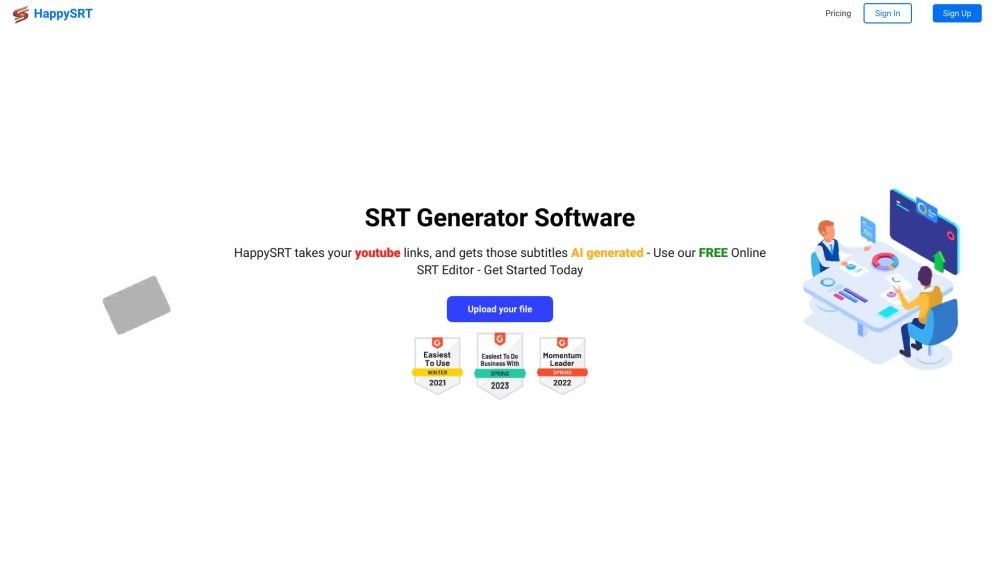
HappySRT is an online platform that uses AI technology to generate SRT (SubRip Subtitle) files for YouTube videos and other media formats like MP4, MOV, MP3, and MPEG. It offers a free online SRT editor and various subscription plans to cater to different user needs, from free users to businesses and industries. HappySRT aims to simplify the process of creating subtitles, making it easy for users to add subtitles to their videos with just a few clicks.
To use HappySRT, paste a YouTube link or upload your video or audio file. The AI will automatically generate an SRT file, which you can then refine using the built-in online editor before downloading.
HappySRT supports MP4, MOV, MP3, and MPEG video and audio files.
Yes, HappySRT offers a free plan that includes access to the online SRT editor and a limited amount of AI usage (3 minutes per month).
While HappySRT uses AI to generate subtitles, accuracy can vary. We recommend reviewing and editing the generated SRT file in the online editor to ensure precision.
Yes, HappySRT allows you to generate subtitles directly by providing a YouTube URL.
Free plan available.
Use these comparison pages to understand the trade-offs between the models most relevant to HappySRT.
Compare Gemini 1.0 Pro Deprecated and Gemini 2.0 Flash across pricing, context window, capabilities, benchmarks, and API access to choose the better fit for long-context workloads versus long-context workloads.
Compare Gemini 1.0 Pro Deprecated and Gemini 2.5 Flash across pricing, context window, capabilities, benchmarks, and API access to choose the better fit for long-context workloads versus long-context workloads.
Compare Gemini 2.0 Flash Lite and Gemini 2.0 Flash across pricing, context window, capabilities, benchmarks, and API access to choose the better fit for long-context workloads versus long-context workloads.
Compare Gemini 2.5 Flash and Gemini 2.0 Flash across pricing, context window, capabilities, benchmarks, and API access to choose the better fit for long-context workloads versus long-context workloads.

Similar AI tool in the AI Transcription category.
Similar AI tool in the AI Copilot category.
Similar AI tool in the AI Summarizer category.
Similar AI tool in the AI Writing Assistants category.
Similar AI tool in the AI Chatbot category.
Similar AI tool in the AI Assistant category.
Similar AI tool in the AI Assistant category.
Similar AI tool in the AI Chatbot category.
Similar AI tool in the Large Language Models (LLMs) category.
Similar AI tool in the AI Assistant category.
Similar AI tool in the AI Writing Assistants category.
Similar AI tool in the AI Assistant category.