
Free
$0Free plan available.
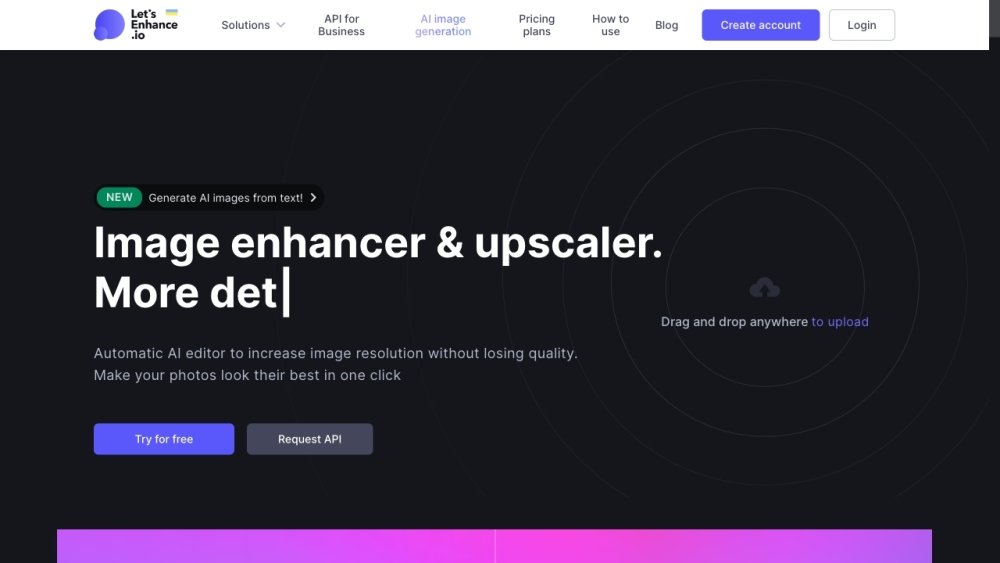
LetsEnhance.io is an AI-powered image enhancer and upscaler that automatically increases image resolution without losing quality. It allows users to enhance, enlarge, and generate images online, improving resolution and quality, fixing blur, pixelation, and low-resolution issues. It offers solutions for printing, background removal, enhancement, enlargement, sharpening, and AI image generation.
To use LetsEnhance, simply drag and drop your image onto the website or upload it directly. The AI will automatically process and enhance the image. For additional control, you can adjust settings such as 'Light AI' to refine colors and lighting, or choose specific enlargement modes like 'Balanced' or 'Gentle'.
Upload your image to LetsEnhance.io and click 'Enhance'. The AI will automatically upscale the image to improve detail and clarity. You can further customize the results by adjusting the enlargement factor and selecting specific enhancement options.
Free users can upscale images up to 64 megapixels. Paid subscribers can upscale up to 256 megapixels, while enterprise plans support up to 500 megapixels.
When you enhance an image using any of the available modes—such as Magic, Balanced, Gentle, or Digital Art—LetsEnhance automatically clears compression artifacts and JPEG noise from the file.
Yes, LetsEnhance.io provides 10 free credits to new users. You can test the platform's capabilities and, if satisfied, choose to purchase a subscription plan or a one-time credit package.
Free plan available.
Use these comparison pages to understand the trade-offs between the models most relevant to LetsEnhance.io.
Compare Amazon Nova Pro and Amazon Nova Lite across pricing, context window, capabilities, benchmarks, and API access to choose the better fit for tool-augmented workflows versus tool-augmented workflows.
Compare Amazon Nova Lite and Amazon Nova Micro across pricing, context window, capabilities, benchmarks, and API access to choose the better fit for tool-augmented workflows versus tool-augmented workflows.
Compare Amazon Nova Lite and Mistral Medium 3 across pricing, context window, capabilities, benchmarks, and API access to choose the better fit for tool-augmented workflows versus tool-augmented workflows.
Compare Amazon Nova Lite and Mistral Small 3.1 (25.03) across pricing, context window, capabilities, benchmarks, and API access to choose the better fit for tool-augmented workflows versus cost-efficient scale.

Similar AI tool in the AI Image Generator category.
Similar AI tool in the AI Chatbot category.
Similar AI tool in the AI Image Generator category.
Similar AI tool in the AI Image Generator category.
Similar AI tool in the AI Assistant category.
Similar AI tool in the AI Image Generator category.
Similar AI tool in the AI Art Generator category.
Similar AI tool in the AI Image Generator category.
Similar AI tool in the AI Chatbot category.
Similar AI tool in the AI Assistant category.
Similar AI tool in the AI Image Generator category.
Similar AI tool in the AI Image Generator category.