
Free
$0Free plan available.
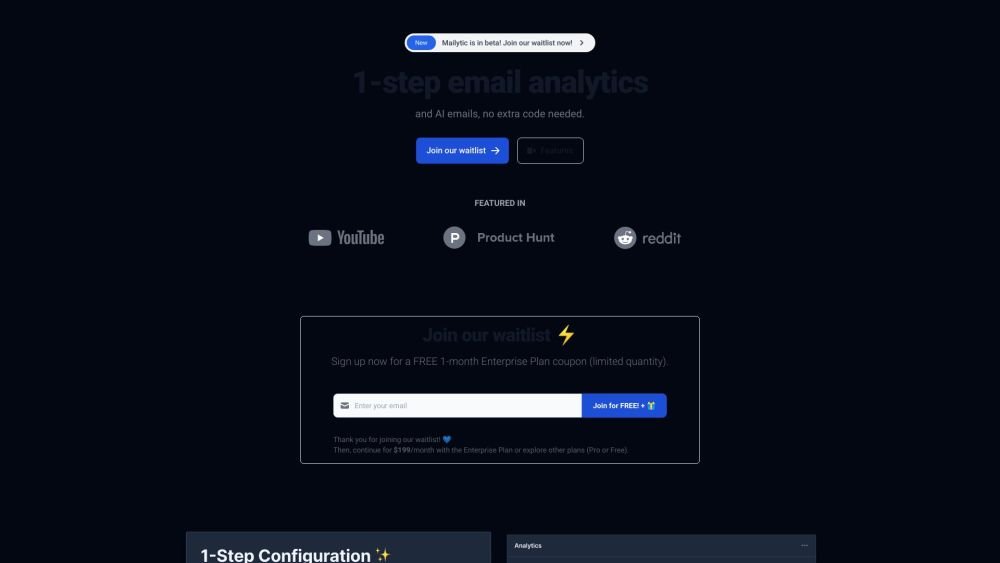
Mailytic is a 1-step configuration email analytics and AI-driven automation platform designed to be minimalist and easy to use for teams. It offers features like email analytics, AI-driven email generation, and customer database management. Mailytic provides conversion rate, open rate, spam, and bounce analytics without extra configuration. It also automates email sequences, scheduling, and provides email templates and recommendations.
To use Mailytic, simply update your SMTP URL to the address provided by Mailytic (e.g., replace "smtp.gmail.com" with "xH8XJk.mailytic.com"). This single step enables the platform's analytics and AI-driven email automation features.
Simply update your SMTP URL to the one provided by Mailytic. For example, change "smtp.gmail.com" to "xH8XJk.mailytic.com".
Mailytic provides tracking for conversion rates, open rates, spam, and bounce metrics without requiring additional configuration.
Mailytic automates cold emails, abandoned cart emails, newsletters, thank-you emails, admin reminders for unopened emails, customer retention emails, and new offer emails.
Mailytic automatically builds a database containing your user information. You can manage this data by importing or exporting it via .csv files or the JSON API.
Free plan available.
Use these comparison pages to understand the trade-offs between the models most relevant to Mailytic.
Compare Amazon Nova Pro and Amazon Nova Lite across pricing, context window, capabilities, benchmarks, and API access to choose the better fit for tool-augmented workflows versus tool-augmented workflows.
Compare Amazon Nova Lite and Amazon Nova Micro across pricing, context window, capabilities, benchmarks, and API access to choose the better fit for tool-augmented workflows versus tool-augmented workflows.
Compare Amazon Nova Lite and Mistral Medium 3 across pricing, context window, capabilities, benchmarks, and API access to choose the better fit for tool-augmented workflows versus tool-augmented workflows.
Compare Amazon Nova Lite and Mistral Small 3.1 (25.03) across pricing, context window, capabilities, benchmarks, and API access to choose the better fit for tool-augmented workflows versus cost-efficient scale.

Similar AI tool in the AI Assistant category.
Similar AI tool in the AI Chatbot category.
Similar AI tool in the AI Chatbot category.
Similar AI tool in the AI Assistant category.
Similar AI tool in the AI Chatbot category.
Similar AI tool in the AI Marketing category.
Similar AI tool in the AI Marketing category.
Similar AI tool in the AI Assistant category.
Similar AI tool in the AI API category.
Similar AI tool in the AI Chatbot category.
Similar AI tool in the AI Chatbot category.
Similar AI tool in the Large Language Models (LLMs) category.